

Any HTML site
How to add Tafsee Popup to Any HTML site: Paste the snippet once, immediately before the closing body tag.
Paste the snippet once, immediately before the closing body tag.
What you need
- Your website added in Tafsee Popup, and its install code. Open Websites and click Show install code.
- Access to the place in Any HTML site where site-wide code goes.
The code looks like this, with your own site key:
<script>
  (function (w, d, s, id) {
    if (d.getElementById(id)) return;
    var js = d.createElement(s); js.id = id; js.async = true;
    js.src = 'https://popup.beta.tafsee.com/embed/v1.js';
    js.dataset.site = 'pk_your_site_key';
    d.head.appendChild(js);
  })(window, document, 'script', 'tafsee-popup');
</script>
Steps
- Open the template that renders every page, usually layout.html or footer.php.
- Paste the snippet immediately before </body>.
- Deploy, then run the install check.
- Back in Tafsee Popup, open Websites and click Check my site.
The same steps are inside the app, next to your install code, on the website's Install and guides tab.
Good to know
- The code goes into the one file all your pages share. If your site has several templates, add it to each, so that no page is left out.
- A site built by hand has no cache to clear, but a CDN in front of it may. Purge it after the change.
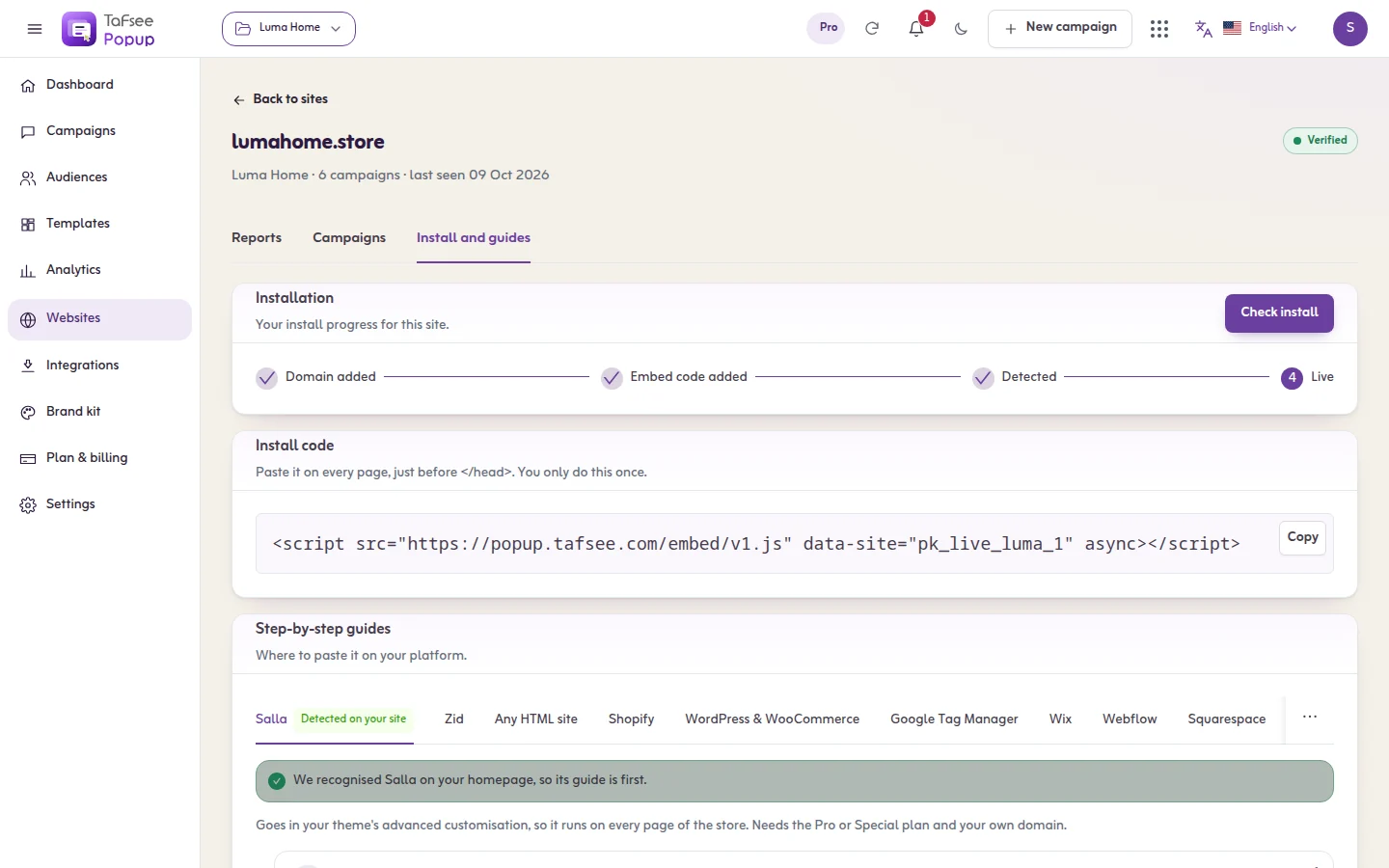
What you should see
The website shows Code installed. Publish a campaign set to As soon as the page opens and open your site in a private window: the popup appears.
If it does not work
- The code is on the home page only: add it to the template the other pages use.
- The page shows the code as text: it was pasted into the visible content. Paste it into the HTML source.
- Make sure the code is on every page, once.
- Add ?tafsee-debug=1 to a page address of your site. The test panel lists every campaign and what it is waiting for.
- More causes and cures: The install check fails.
Related
Last updated: October 12, 2026
