

Quick quiz
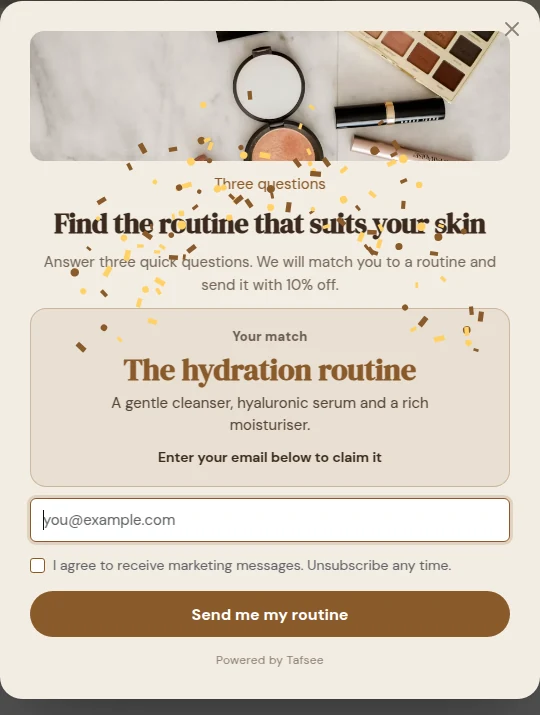
Two to four questions, then a result and a code. Best for: Product finders and gift guides.
Two to four questions, then a result and a code.
Best for
Product finders and gift guides.
How it behaves
See Quiz for questions, answers and results.
Create one
- Click New campaign in the left menu.
- Under Campaign type, pick Quick quiz.
- Click Use this template on a template. The editor opens.
- In Design, change the words, colours and pictures, and check the phone preview.
- In Where & when, choose when it appears, on which pages and for whom.
- In Publish, click Go live.
Tips
- Keep one clear call to action and a short headline.
- Keep the frequency kind: once a week, and never again after a sign-up.
- When it has steady traffic, test a second version of the headline or the offer.
The type of a campaign cannot be changed after it is created. To try another type, start a new campaign.
Related
Last updated: October 12, 2026
