

Guides
From sign-up to results: install the code, create and publish a campaign, decide when it shows, read the numbers, and manage leads, settings and your plan.
Articles in this topic
Open first article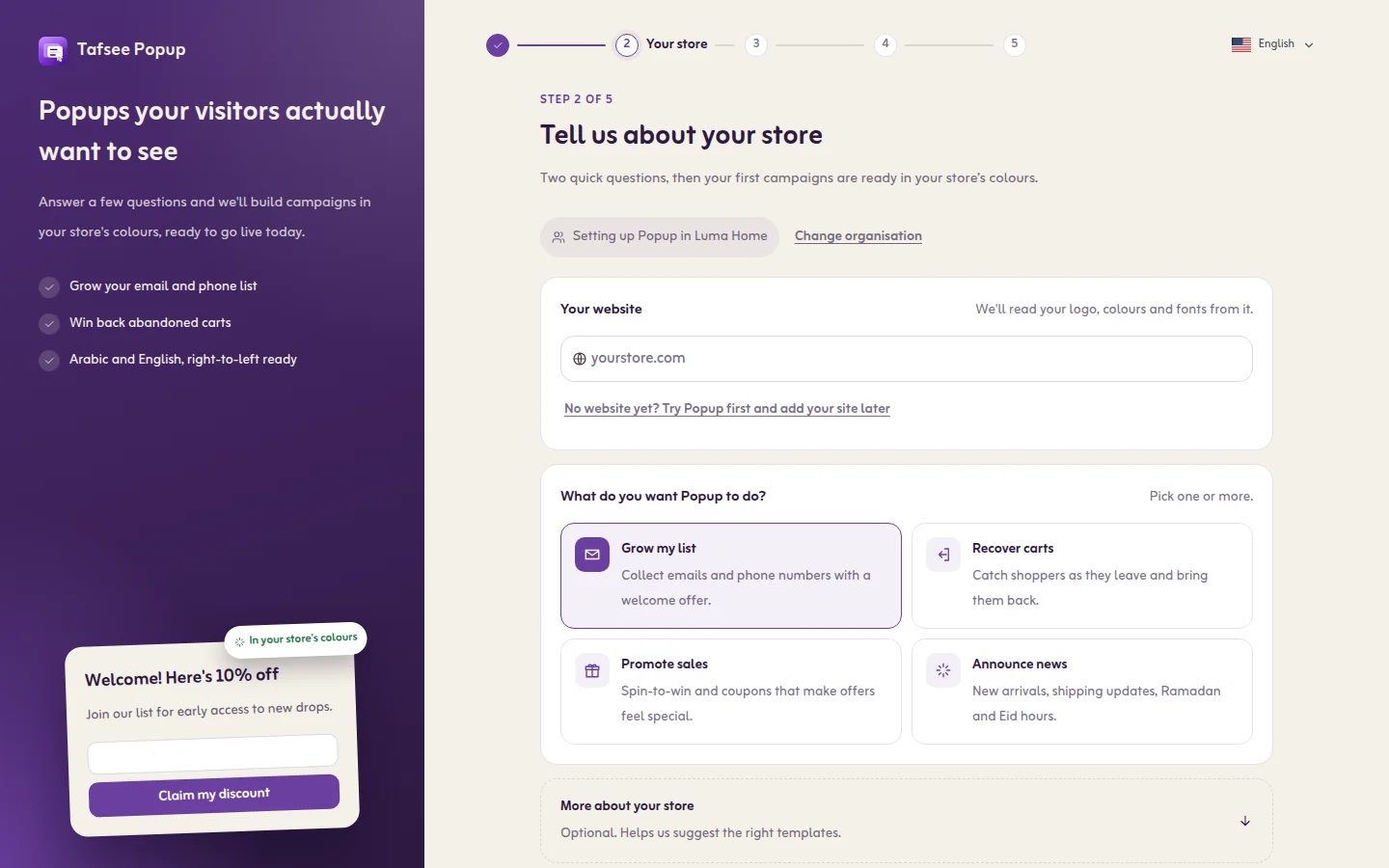
Getting started
From sign-up to your first live popup: create the organisation, add your website, set your brand, install the code and publish.
Read article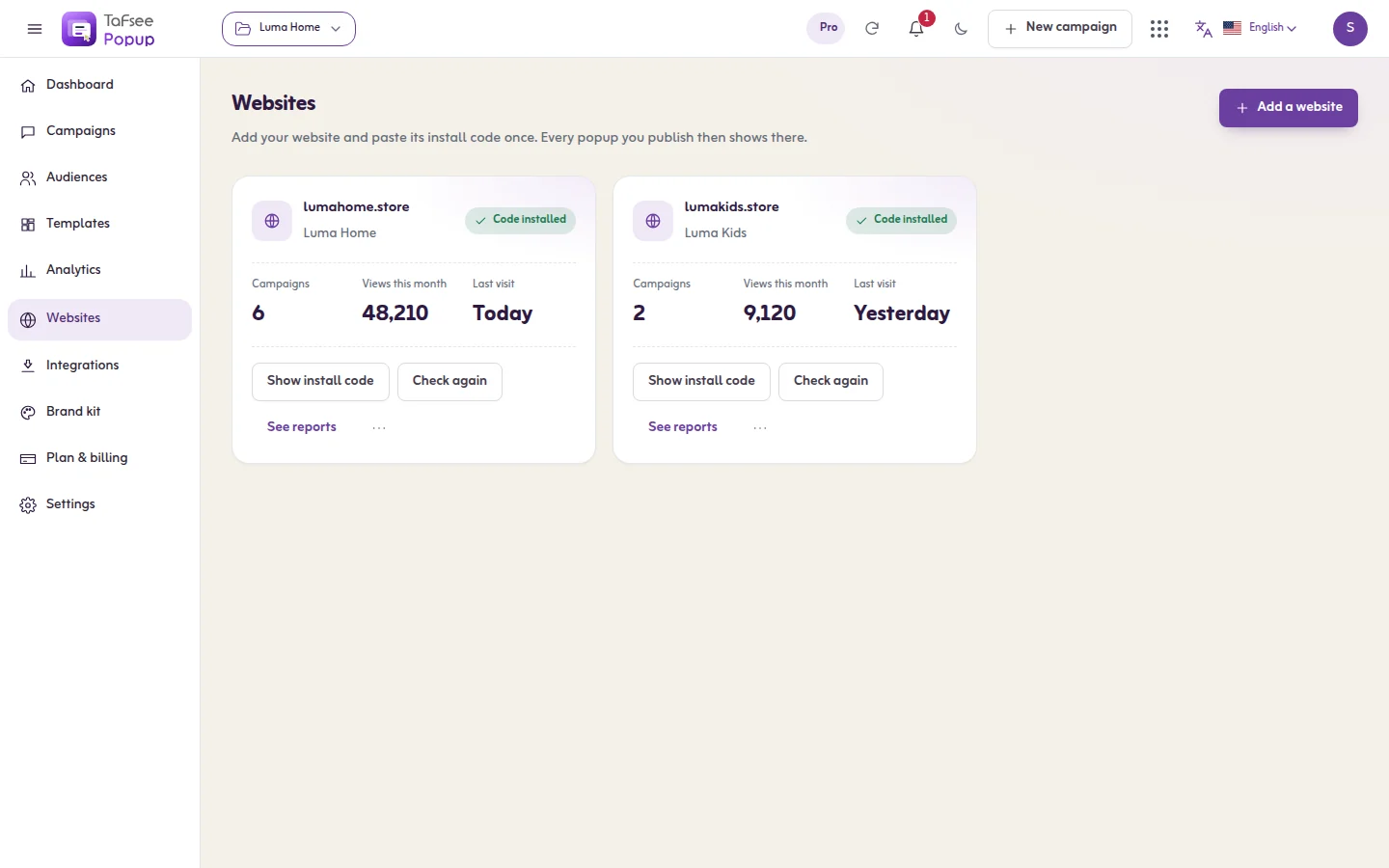
Organisations and websites
How organisations, websites and campaigns fit together, and how to add, check, open and remove a website.
Read article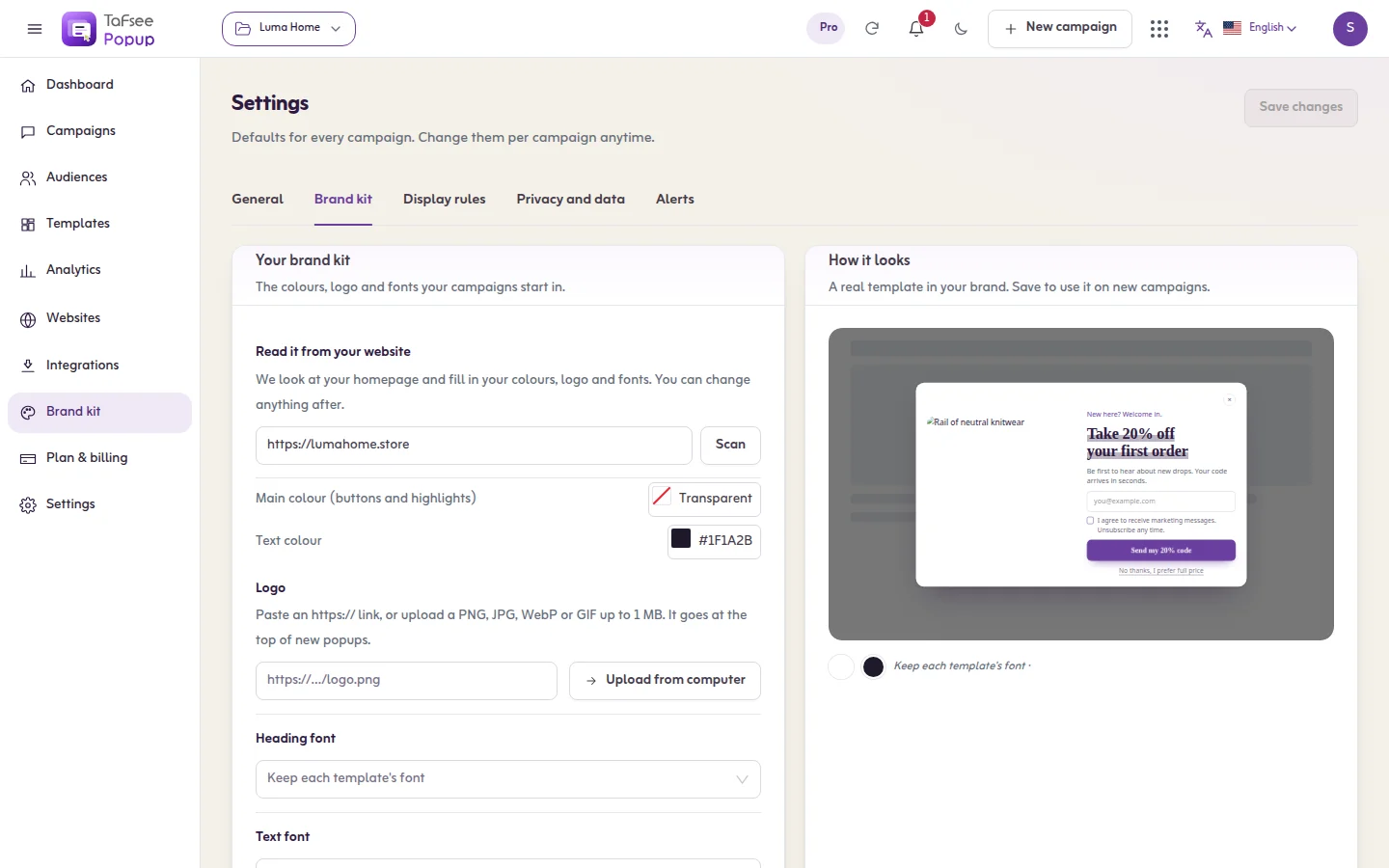
Brand kit
Set the colours, logo and fonts that new campaigns start in, by scanning your website or filling them in by hand.
Read articleInstalling the code
Copy your website's install code from the app and paste it once on every page. One code runs every campaign on that website.
Read article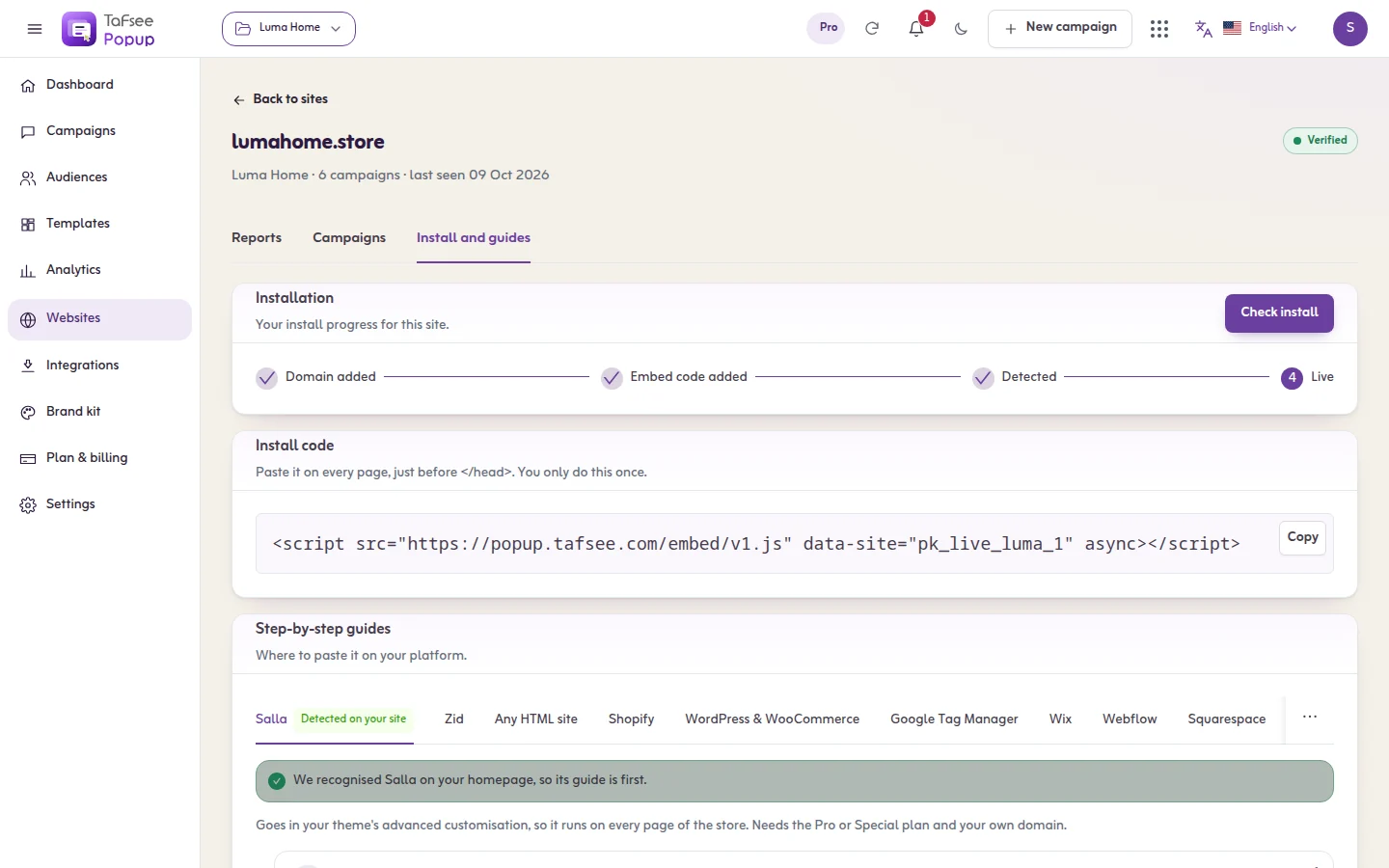
Checking the install
Run the install check, send the code to your developer, see your site as a new visitor, and mark where an inline campaign shows.
Read article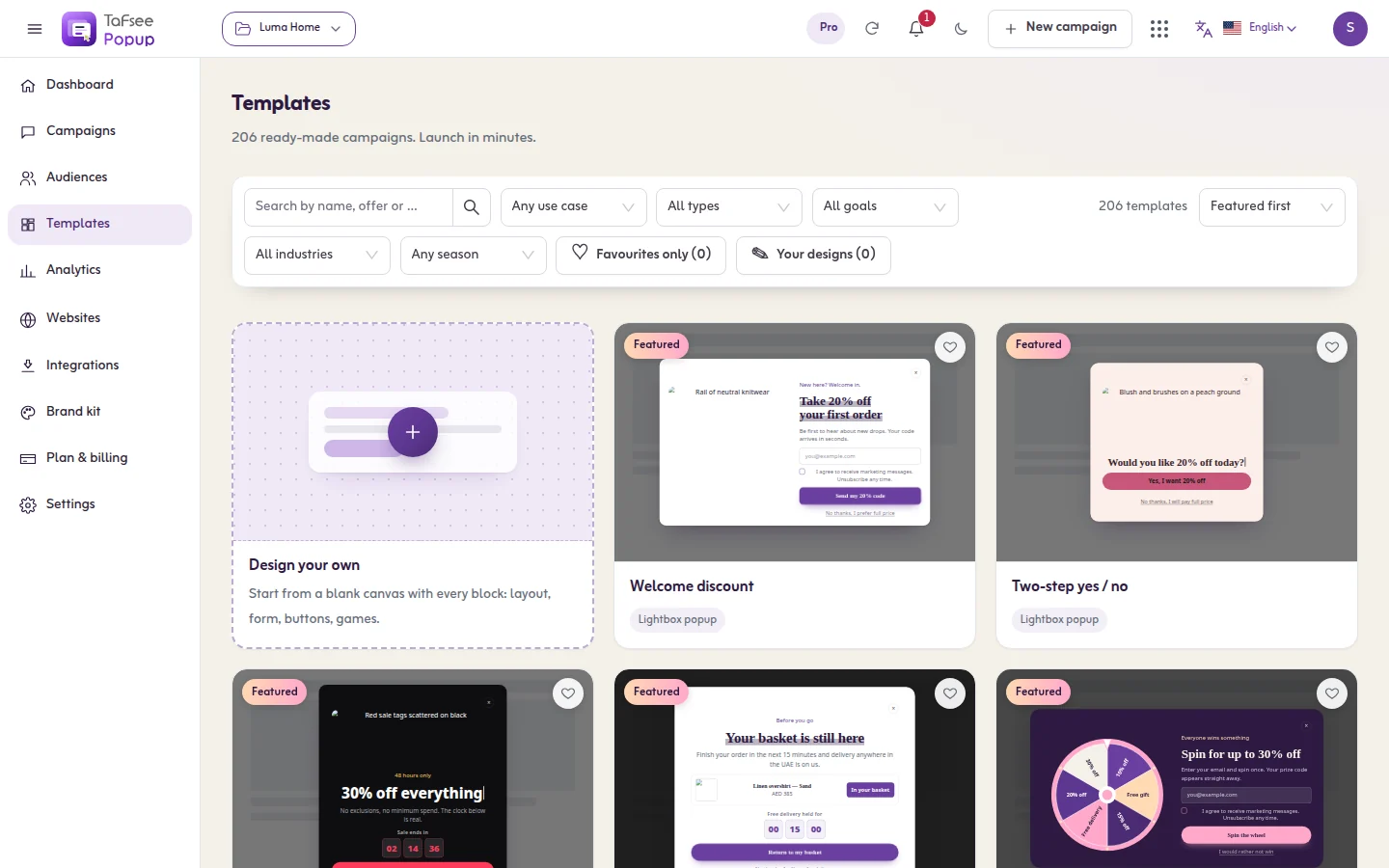
Creating a campaign
Start a campaign on one page: pick a type, filter the templates, preview one, and open it in the editor. Or start from a blank canvas or your own saved design.
Read article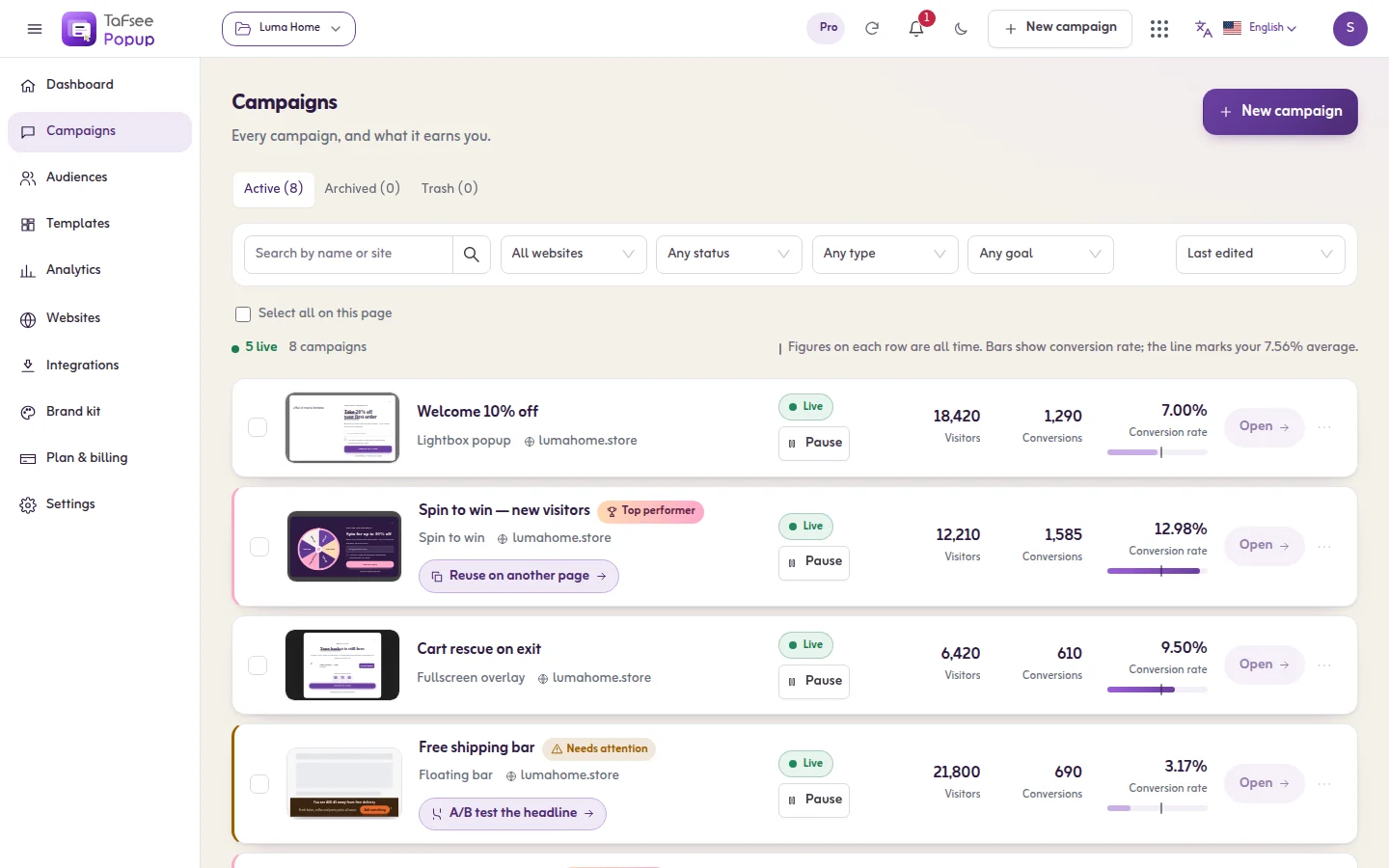
Managing campaigns
Find, filter, start, pause, duplicate, archive and delete campaigns, and read each campaign's page.
Read article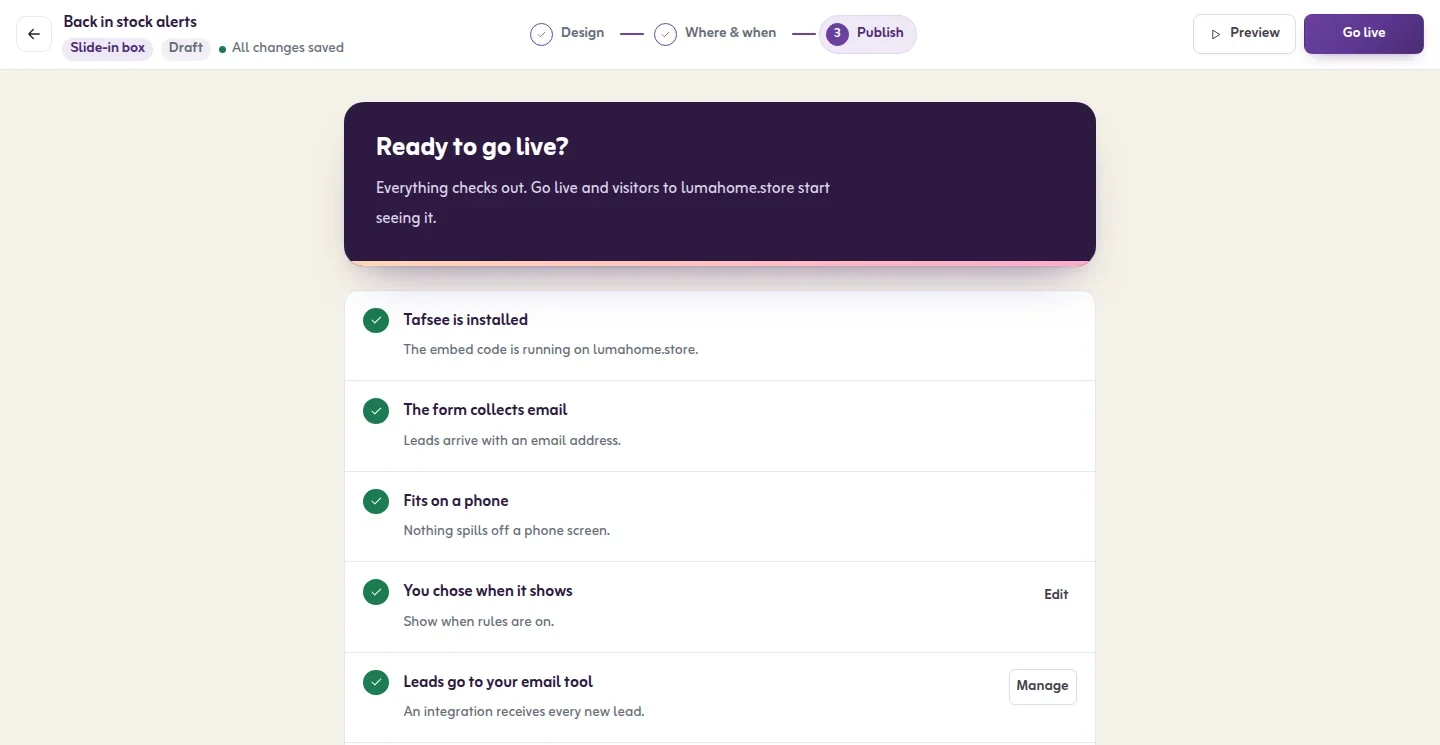
Publishing, pausing and scheduling
Go live from the Publish step, read its checks, publish later edits, pause, schedule dates and hours, and share a campaign by link.
Read article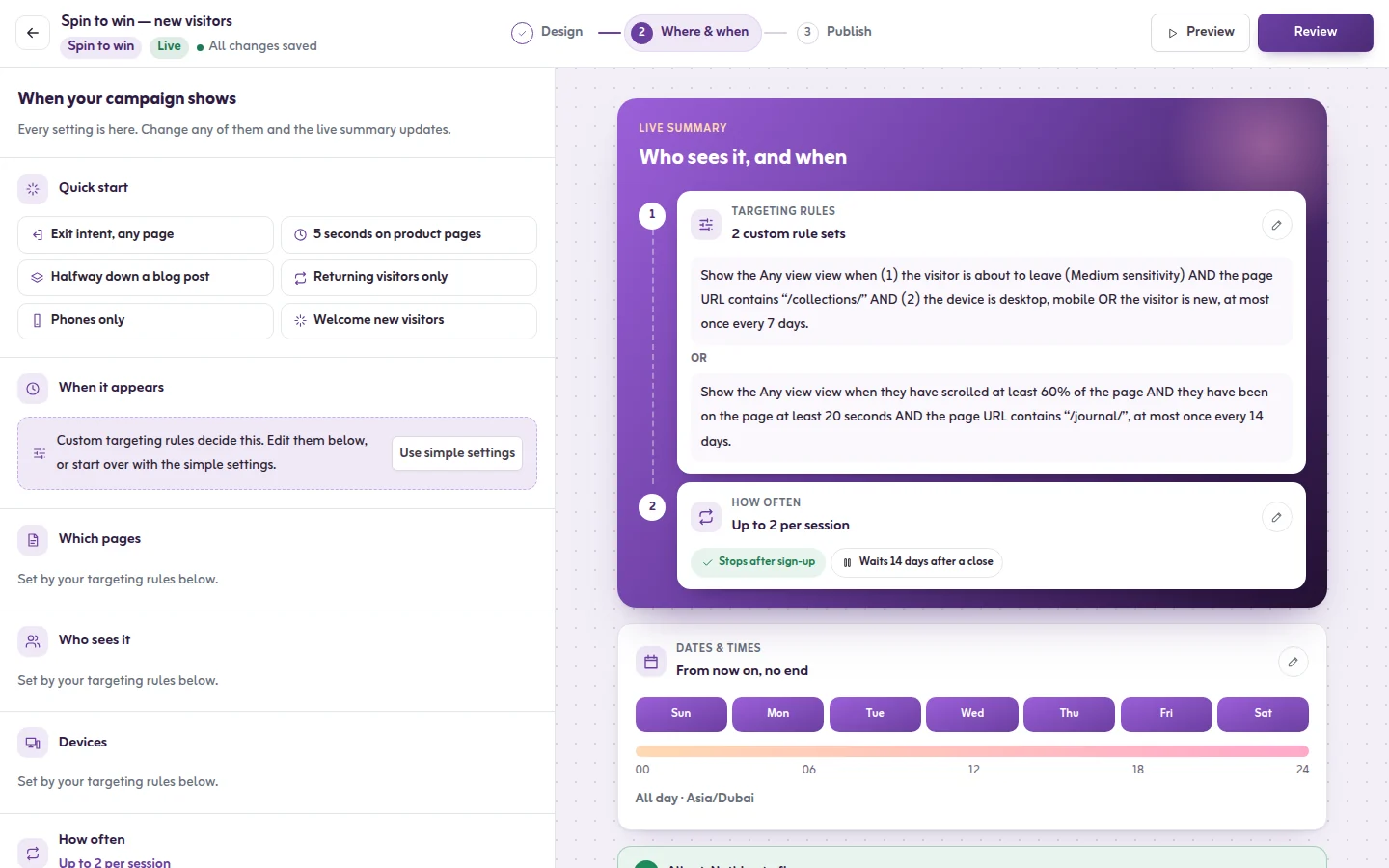
Show when: the three questions
The Where & when step asks three plain questions: when it should appear, who should see it, and how often. This is how each answer works.
Read article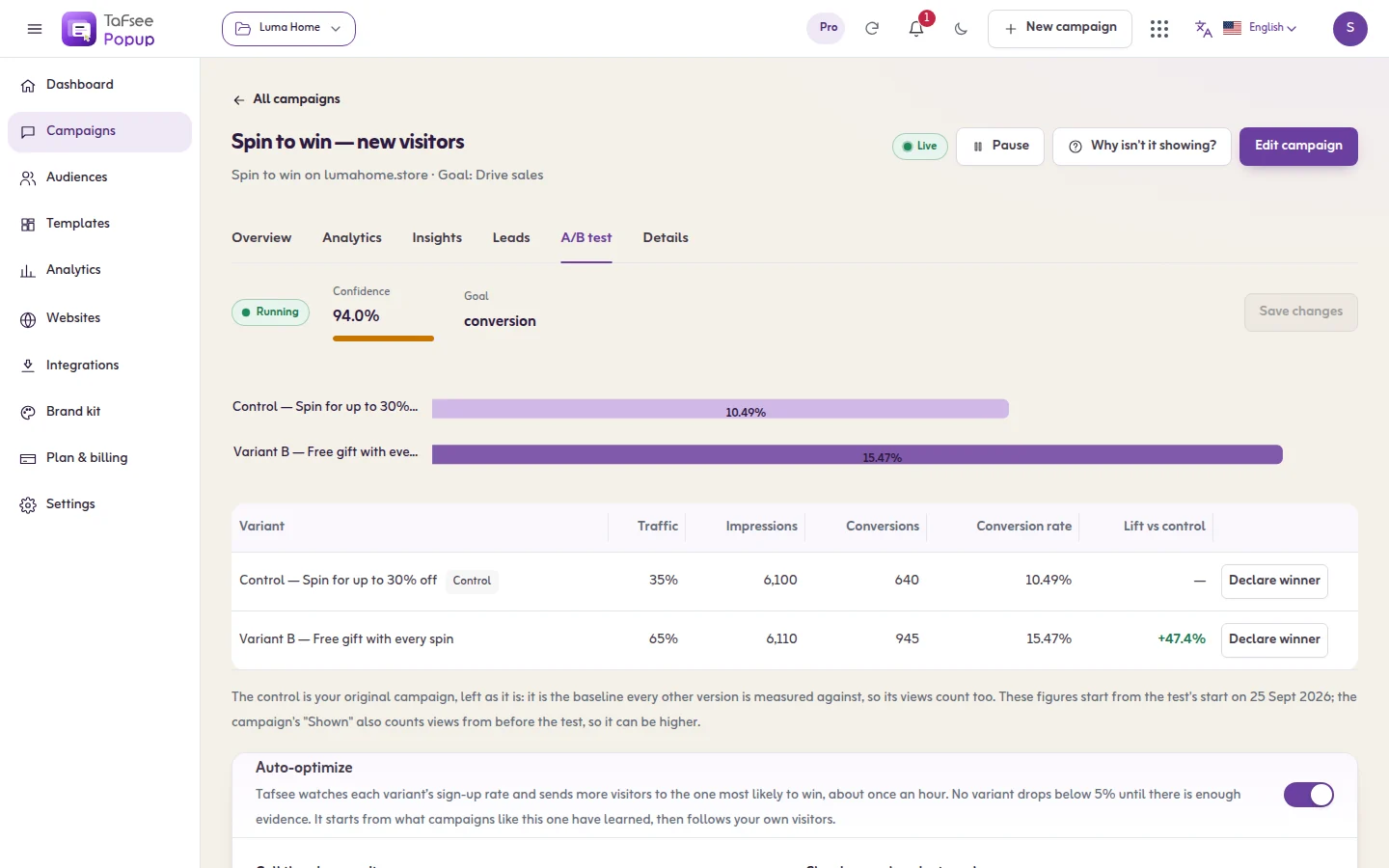
A/B versions
Add a second version of a campaign, split visitors between the versions, read the results and pick a winner yourself or let the optimizer do it.
Read article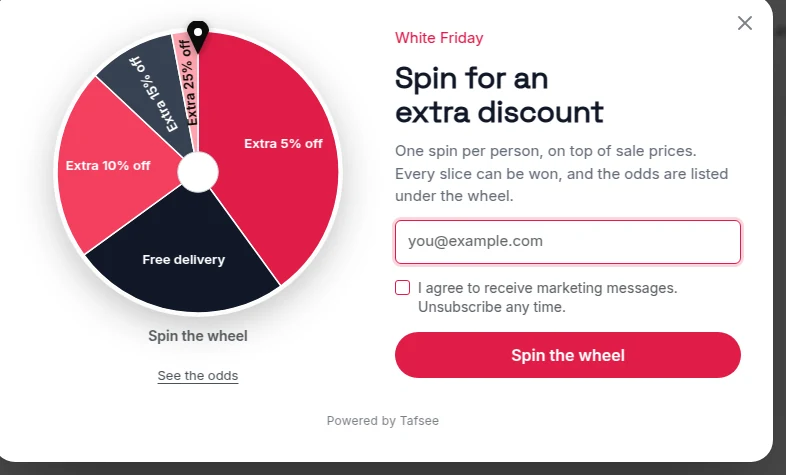
Games: an overview
Spin wheel, scratch card, gift boxes, slot machine and quiz: how prizes, chances, codes and one play per visitor work in all of them.
Read article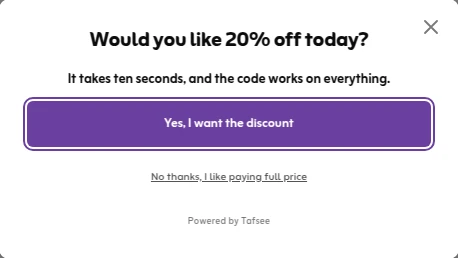
Exit-intent popups
Show your offer at the moment a visitor starts to leave, on computers and on phones, and choose how easily it fires.
Read article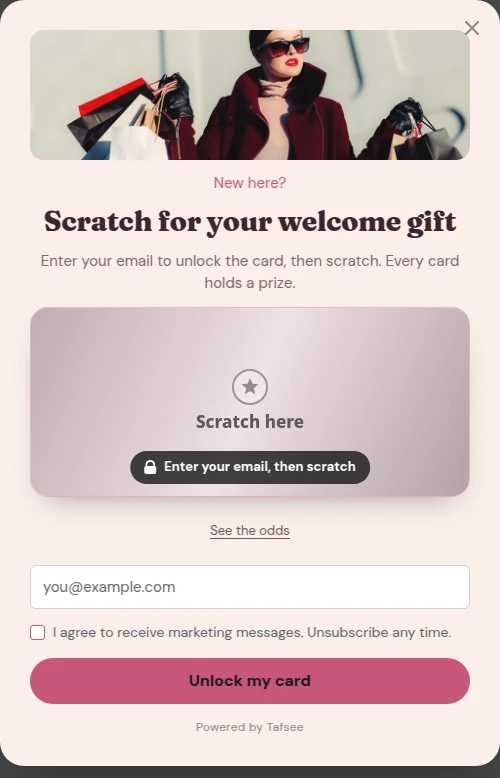
Coupons and discount codes
Give every sign-up the same code, a unique code, or the next code from a list you upload, and set a fallback so no visitor sees an empty coupon.
Read article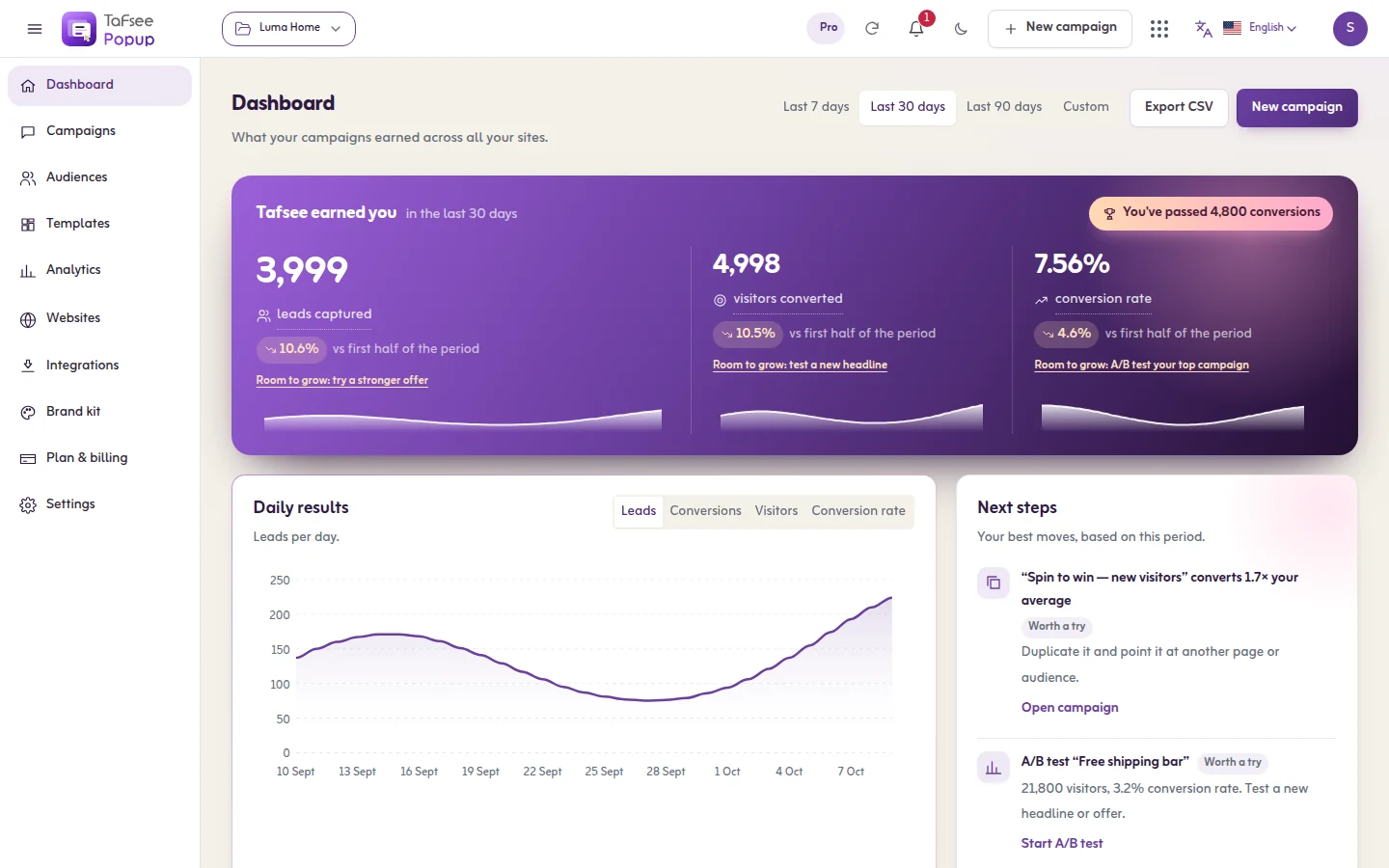
The dashboard
What your popups brought in for the chosen period: leads, conversions and conversion rate, by day and by device, with the next best step.
Read article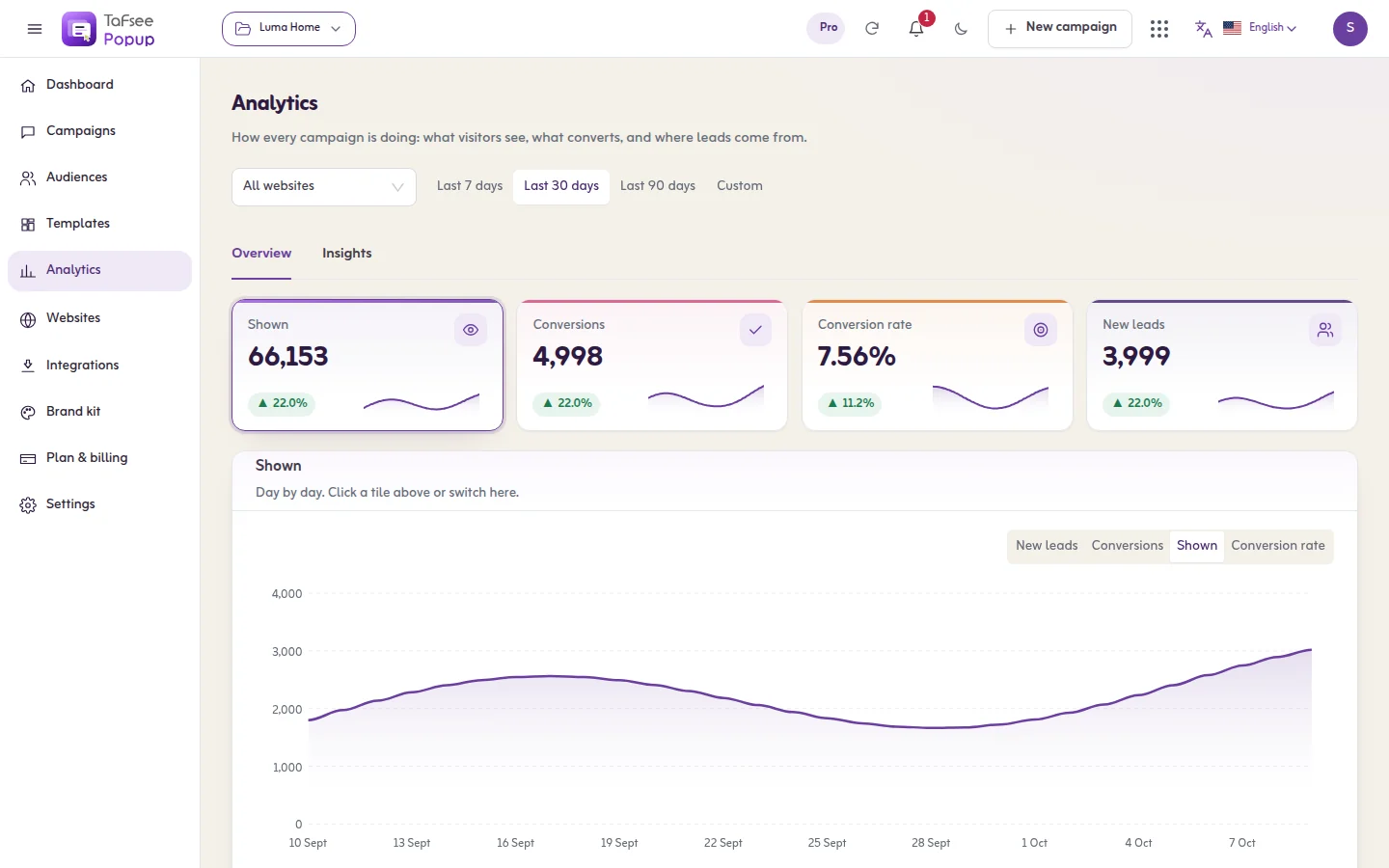
Results and analytics
What each number means and how it is counted: shown, seen, interacted, closed, conversions, conversion rate and new leads, with devices, sources and insights.
Read article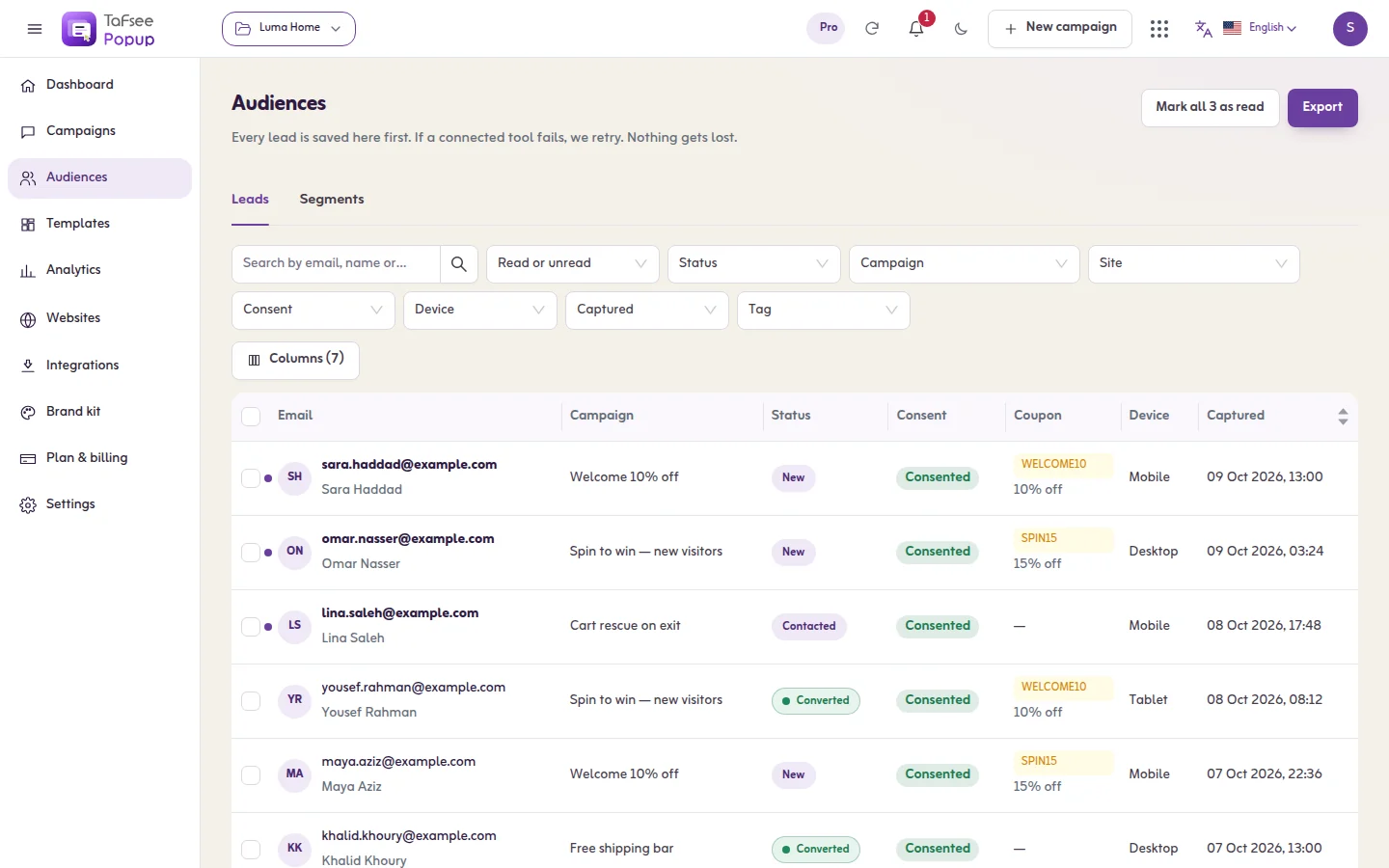
Leads and segments
Every lead in one list: search, filter, read the delivery state, open a lead, export to CSV, and group chosen leads into a segment.
Read articleLead delivery and Send again
How a lead travels from your popup to your tools, what Delivered, Retrying, Failed and Not sent mean, and how to send a failed lead again.
Read article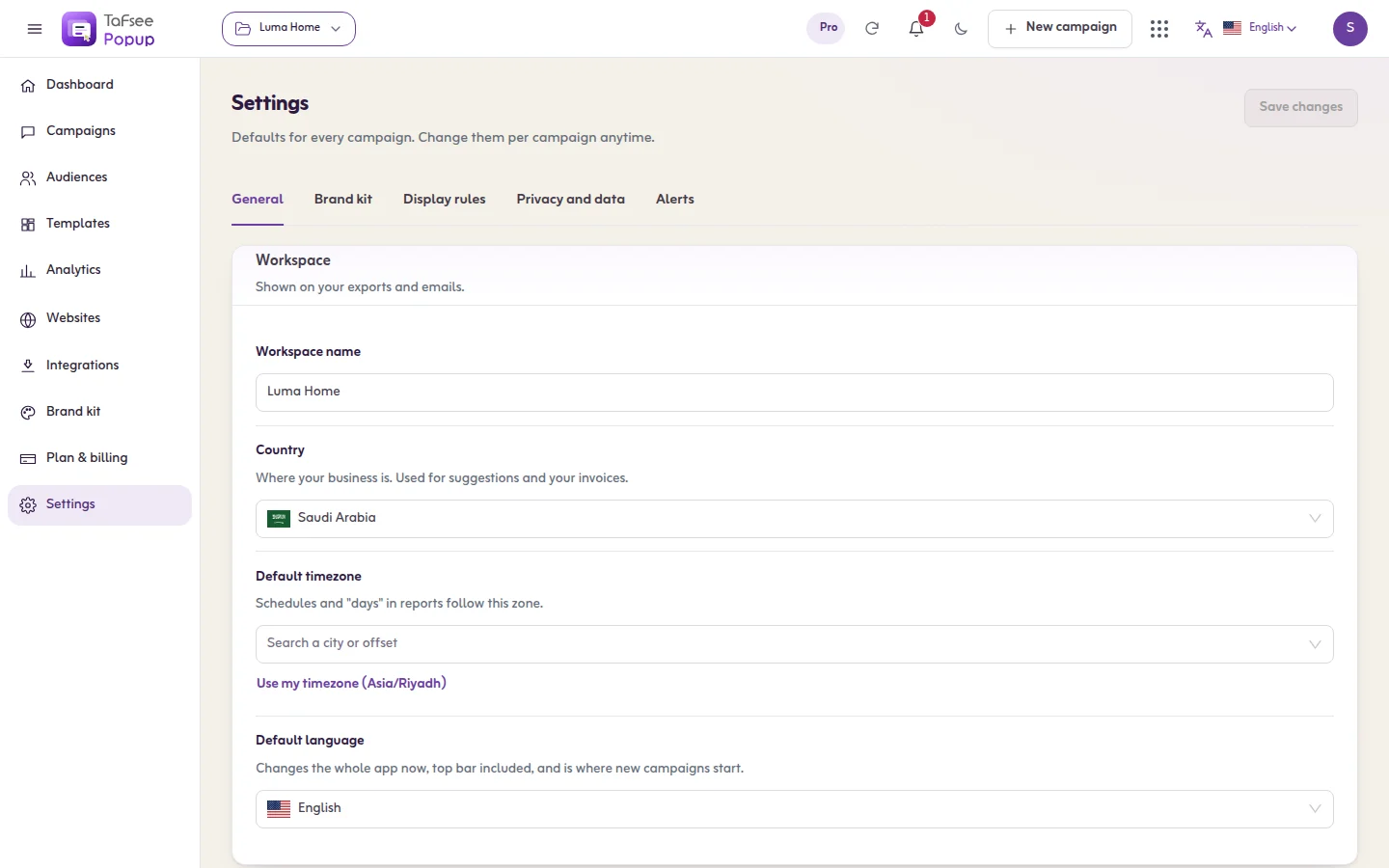
Settings
The four settings tabs: General, Display rules, Privacy and data, and Alerts. They apply to every campaign in the organisation.
Read articleTeam and roles
What each role can do in Tafsee Popup, what a view-only person sees, and how access to Popup relates to your Tafsee organisation.
Read articleLanguages, Arabic and right-to-left
Use the app in six languages, build Arabic campaigns that read right to left, and know which words the popup writes by itself in the visitor's language.
Read article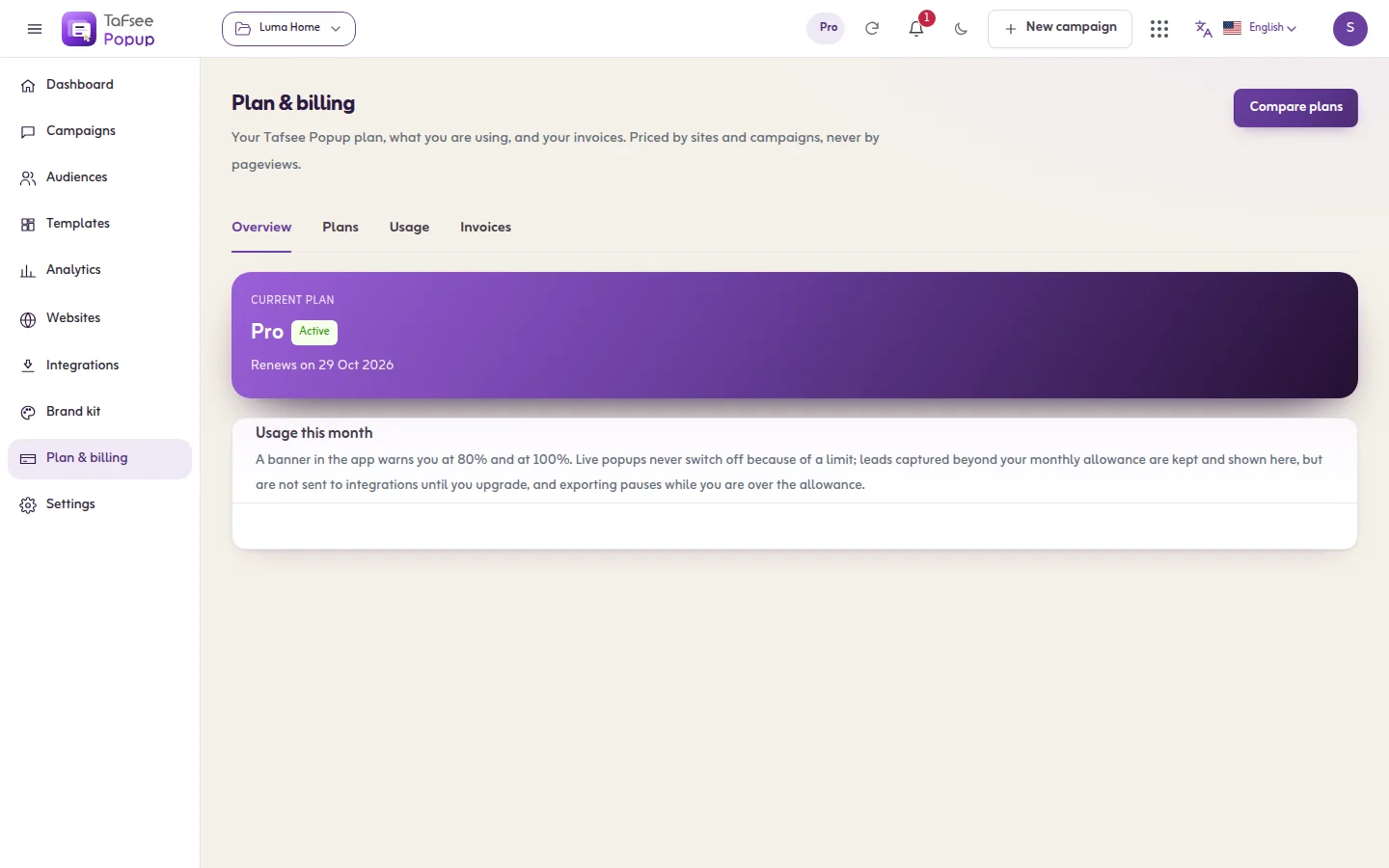
Plan, billing and limits
Where to see your plan and usage, how a free trial and a paid plan start, what happens at a limit, and where your invoices are. Prices are on the pricing page.
Read articlePrivacy and data
What the script keeps in a visitor's browser, what is saved with a lead, the consent and tracking settings, how long leads are kept and how to erase a person.
Read articlePerformance and page speed
How the Tafsee Popup script loads on your pages: one script loaded without blocking the page, with games and the test panel fetched only when needed.
Read articleWhy isn't my popup showing?
The full checklist: the in-app checks, the test panel on your own site, and every cause with its cure, from a draft status to a frequency limit.
Read article

Lead Generation
Tafsee Popup
Popups, spin-to-win wheels, countdown bars and exit-intent offers for any website — in English and native Arabic.