
Plan, billing and limits
Where to see your plan and usage, how a free trial and a paid plan start, what happens at a limit, and where your invoices are. Prices are on the pricing page.
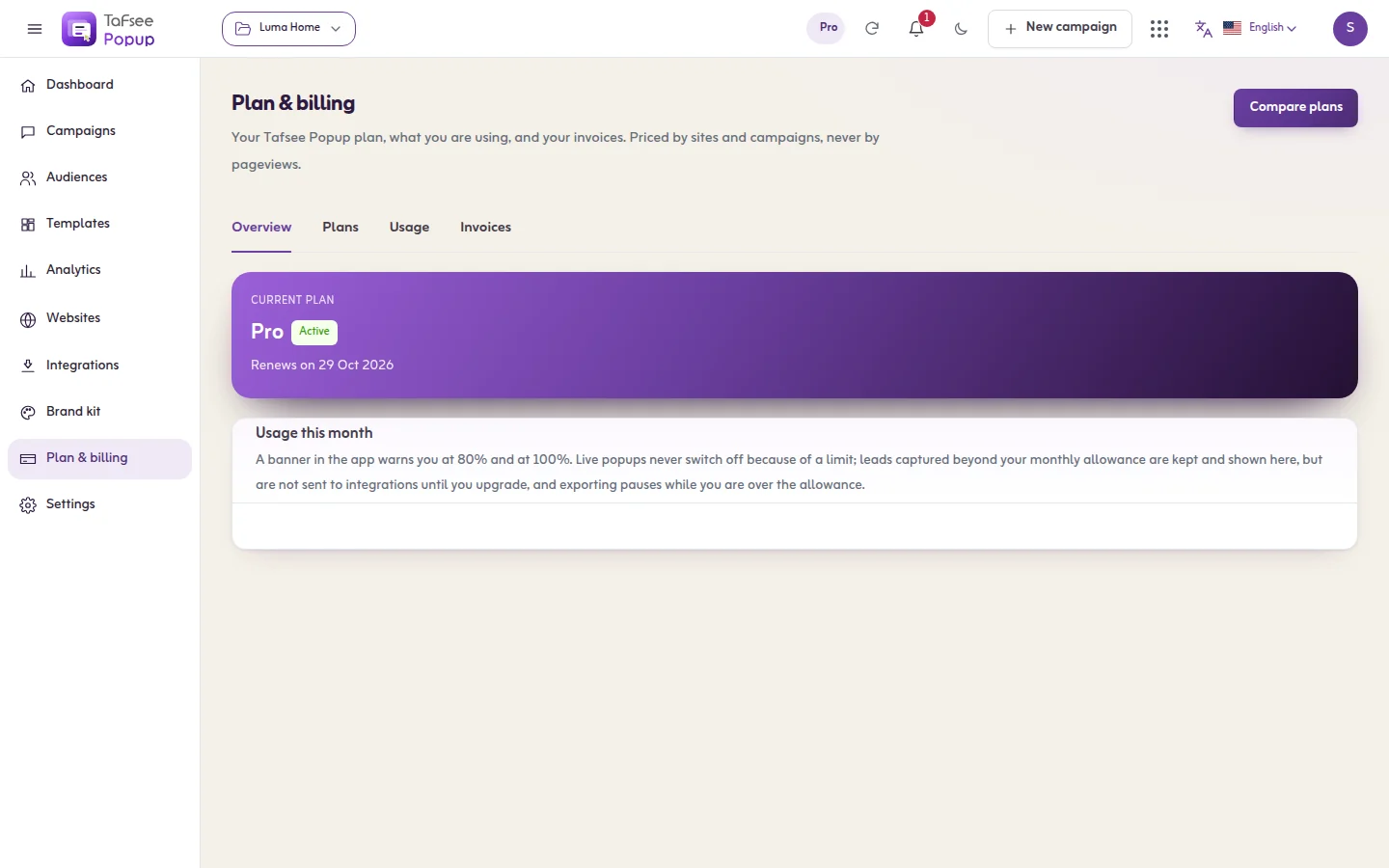
Open Plan & billing from the left menu. It has four tabs: Overview, Plans, Usage and Invoices.
This article has no prices on purpose. Plans, prices and what each plan includes are on the pricing page and on the Plans tab of the app, which always show the current ones.
What you need
- To change the plan: a role that may manage billing. Other people see the page as view only.
How plans are measured
A plan is measured by three things, shown on the Usage tab:
- Websites: Websites where your popups run.
- Live campaigns: Live and scheduled campaigns. At the limit, new ones wait; live ones keep running.
- Leads this month: Every lead is captured and kept. Past the limit, export and CRM sync wait for an upgrade.
Visitors and pageviews are not measured.
The free plan
Free forever. No card needed. Popups on the free plan carry a small "Powered by Tafsee" badge.
Start a free trial of a paid plan
- Open Plans. Choose Monthly or Annual to see each price.
- On the plan you want, click the button that starts the free trial.
- The trial starts at once. The page shows how many days are left and the date it ends.
When a trial ends without a paid plan, you move to the free plan.
Move to a paid plan
Paid plans are set up by our team at the moment; the app does not take a card payment itself.
- On Plans, click the upgrade button on the plan you want.
- A window opens: Our team sets up paid plans for you directly. Message us on WhatsApp or use the contact page and we will get you started, usually the same day.
- Click Chat on WhatsApp or Contact us. The message already names the plan and your organisation.
Move to a smaller plan
Click the downgrade button on the smaller plan and confirm with Schedule the change. You keep your current plan until the renewal date; nothing is charged that day, and you can change your mind before then.
What happens at a limit
- A banner in the app warns you at 80% and at 100%.
- Nothing already running is switched off. Live popups keep showing.
- Live campaigns: at the limit, a new campaign cannot go live until you pause one or upgrade.
- Leads: every lead is still captured and stored. Leads beyond the month's allowance are not sent to your tools and cannot be exported until you upgrade. After the upgrade they are sent automatically.
- Websites: at the limit you cannot add another website.
- Some features belong to higher plans, for example A/B testing, removing the badge, advanced targeting and some CRM tools. The app shows an upgrade card where one applies.
Invoices
The Invoices tab lists every invoice of this organisation with its date, total and status. Click PDF to download a tax invoice as a PDF. A refund has a tax credit note.
If it does not work
- We could not load the plans. Reload the page.
- The buttons are greyed out: your role cannot manage billing.
- A lead is marked as held by your plan: see Lead delivery and Send again.
- You upgraded and the plan has not changed: plans are set up by the team, usually the same day. Contact us if it takes longer.