

When it appears: every trigger
Triggers decide the moment a campaign opens. Four of them are in the simple questions; all of them are in the rule editor. 14 conditions on this page.
Triggers decide the moment a campaign opens. Four of them are in the simple questions; all of them are in the rule editor.
The conditions
- Page load: As soon as the page loads.
- Time on page: After the visitor has spent this long on the page.
- Time on site: Total time on your site this visit.
- Scroll depth: How far down the page the visitor has scrolled.
- Exit intent: Catch visitors as they move to leave. Works on mobile too.
- Inactivity: No scrolling, clicking or typing for this long.
- Pages viewed: Pages the visitor has viewed this visit.
- Click on element: Open the campaign when a visitor clicks an element you choose.
- Element comes into view: A part of the page (reviews, the price, the footer) scrolls into view.
- Adds to cart: Something goes in the cart. Works with Salla, Zid, Shopify and WooCommerce buttons, a dataLayer add_to_cart event, or TafseePopup.track('add_to_cart').
- Comes back to the tab: The visitor switched to another tab (often to compare prices) and came back after at least this long.
- Copies text: The visitor copies something from the page, such as a product name or a price.
- Smart timing: Opens at the moment your visitors have signed up best: learned from this site’s own visitors, then from stores like yours, until then after 8 seconds or 40% scroll.
- JavaScript event: A custom event sent by your site’s code.
Where to find them
- Open a campaign in the editor and go to Where & when.
- The common choices are in the three questions. For the rest, open Targeting rules and click Edit rules.
- Click Add condition, search or browse the list, and pick the condition. They are grouped as When, Who and Where.
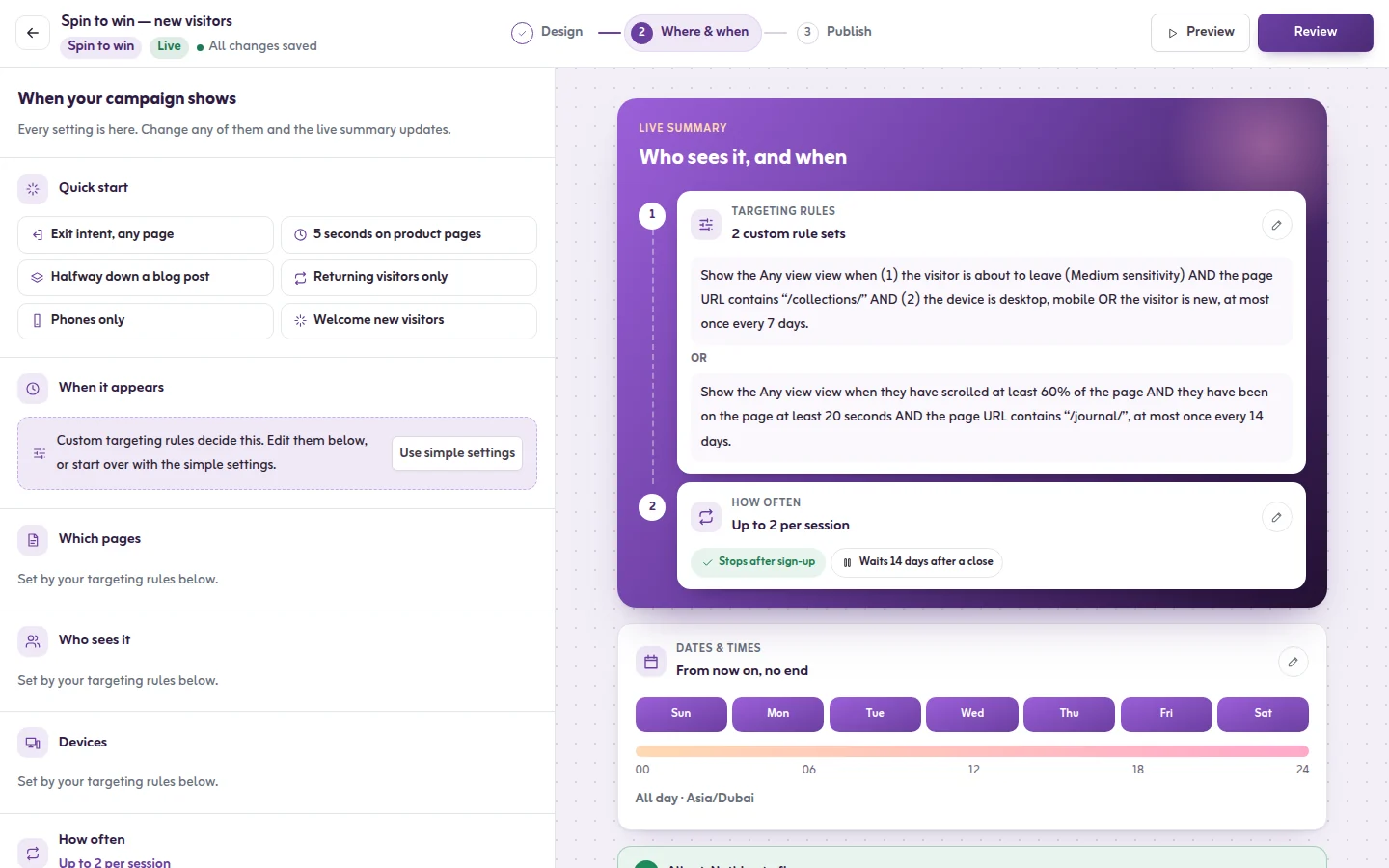
- Read the summary: it says in one sentence when the campaign will show.
Good to know
- A trigger fires once per page view. After the visitor closes the campaign, the same trigger does not open it again on that page.
- Click on element opens the campaign on every click, whatever the frequency setting. Give a button or link an id and put that id in the rule, for example #offer-link.
- Adds to cart recognises the add-to-cart buttons of Salla, Zid, Shopify and WooCommerce, a dataLayer add_to_cart event, and a call from your site's code. See JavaScript API.
- Smart timing needs no number. It starts at 8 seconds or 40% of the page and adjusts as visitors sign up. The Insights page shows the moment it uses now.
- JavaScript event waits for an event your developer sends. See Page events and HTML hooks.
- After the rules match, you can add a wait under Wait after the rules match in the rule's actions.
Tips from the app
- Time on page: 5 to 10 seconds suits most stores. 0 seconds opens it at once.
- Scroll depth: 50% on articles and long product pages reaches people who are really reading.
- Exit intent: Best for a last offer: it only interrupts visitors who were leaving anyway. See Exit-intent popups.
- Page load: Best for bars and small corner messages. A full popup at once can feel abrupt.
- Inactivity: 30 seconds or more catches visitors who stopped to think.
- Pages viewed: From the third page on, a visitor is clearly interested.
Related
Last updated: October 12, 2026
