
Installing the code
Copy your website's install code from the app and paste it once on every page. One code runs every campaign on that website.
Each website you add in Tafsee Popup has its own install code. You paste it once. After that you publish, pause and change campaigns from the app, with no more code.
What you need
- The website added under Websites. See Organisations and websites.
- Access to your site's theme, template or its site-wide custom code box.
Steps
- Open Websites and click Show install code on your website.
- Copy the code. It looks like this, with your own site key in place of pk_your_site_key:
<script>
  (function (w, d, s, id) {
    if (d.getElementById(id)) return;
    var js = d.createElement(s); js.id = id; js.async = true;
    js.src = 'https://popup.beta.tafsee.com/embed/v1.js';
    js.dataset.site = 'pk_your_site_key';
    d.head.appendChild(js);
  })(window, document, 'script', 'tafsee-popup');
</script>- Paste it once so that it is on every page of your site. The best place is the template that all pages share, just before the closing </body> tag, or your platform's site-wide custom code box.
- Save and publish your site.
- Back in the app, click Check my site.
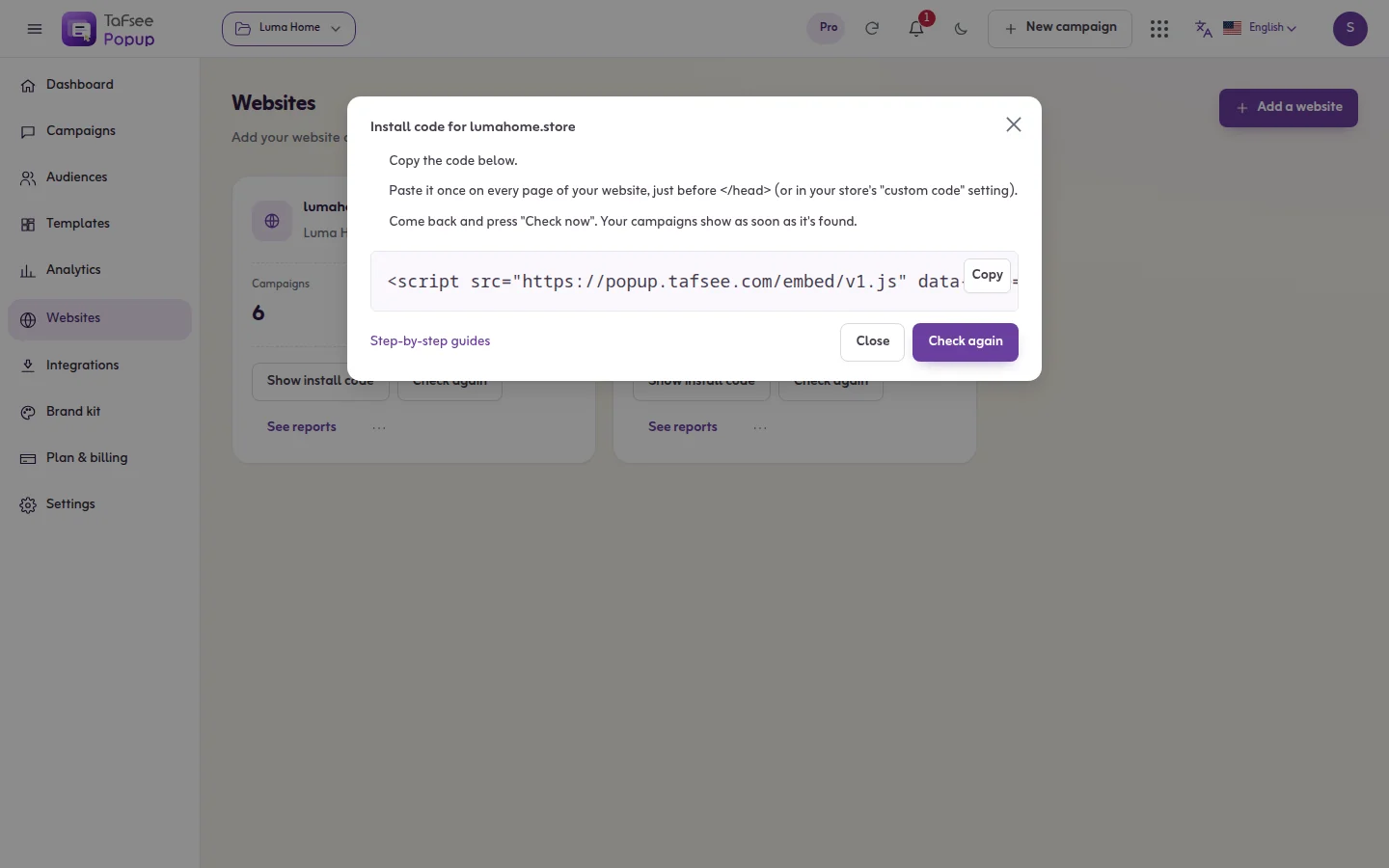
The app's own screens say "before </head>" in some places and "before </body>" in others. Both work: the code loads the script without holding the page up. What matters is that it is on every page, once.
Your platform
The app recognises some platforms from your homepage and puts the matching guide first. Step-by-step articles:
- Any HTML site
- Salla
- Zid
- Shopify
- WordPress and WooCommerce
- Google Tag Manager
- Webflow, Wix, Squarespace, BigCommerce, Magento and Adobe Commerce, Next.js
A box that takes JavaScript only
Some platforms (Salla, for example) have a box for plain JavaScript. For these the app shows The same code, without the <script> tags. Paste that version.
Someone else installs it
Click Send to my developer under the code. See Checking the install.
What you should see
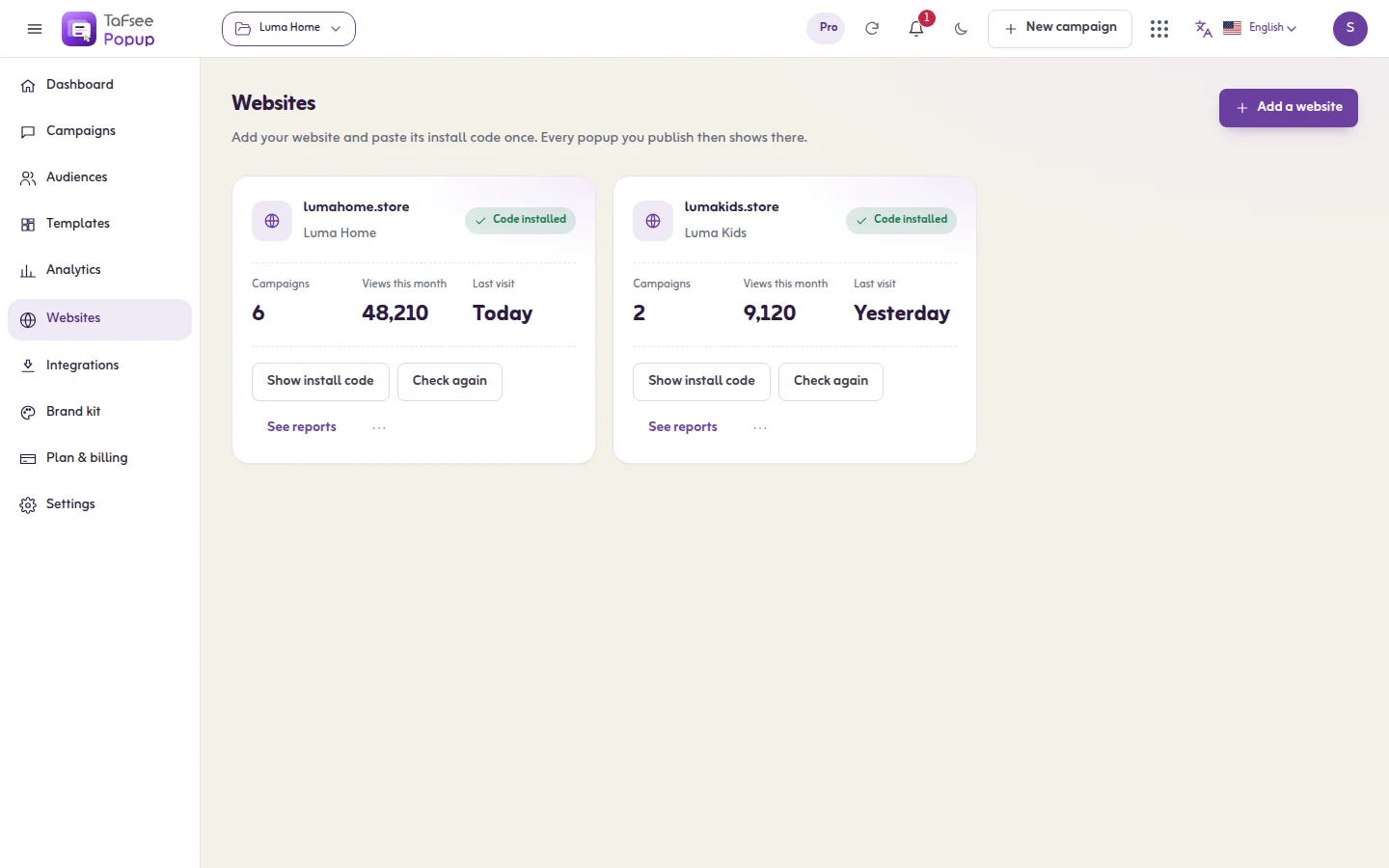
The website's card changes from Needs the install code to Code installed. Live campaigns start showing to visitors.
If it does not work
- The check says the code was not found: see The install check fails.
- The code is there but no popup shows: see Why isn't my popup showing?.