

Tafsee Popup docs
Everything you need to launch your first campaign
Step-by-step guides with real screens: set up, install on your platform, build campaigns, connect your tools.
Start here
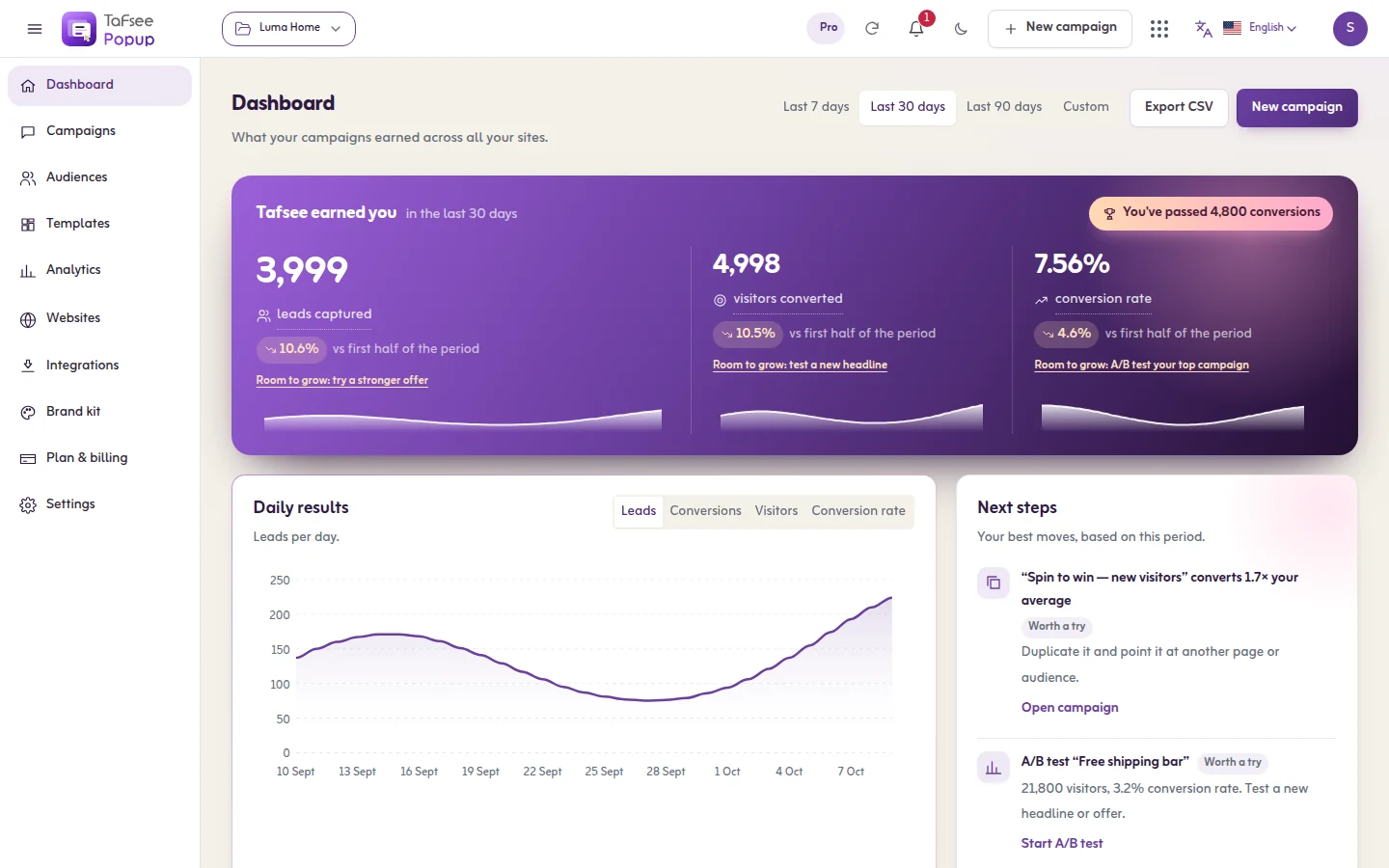 1
1Getting started
From sign-up to your first live popup: create the organisation, add your website, set your brand, install the code and publish.
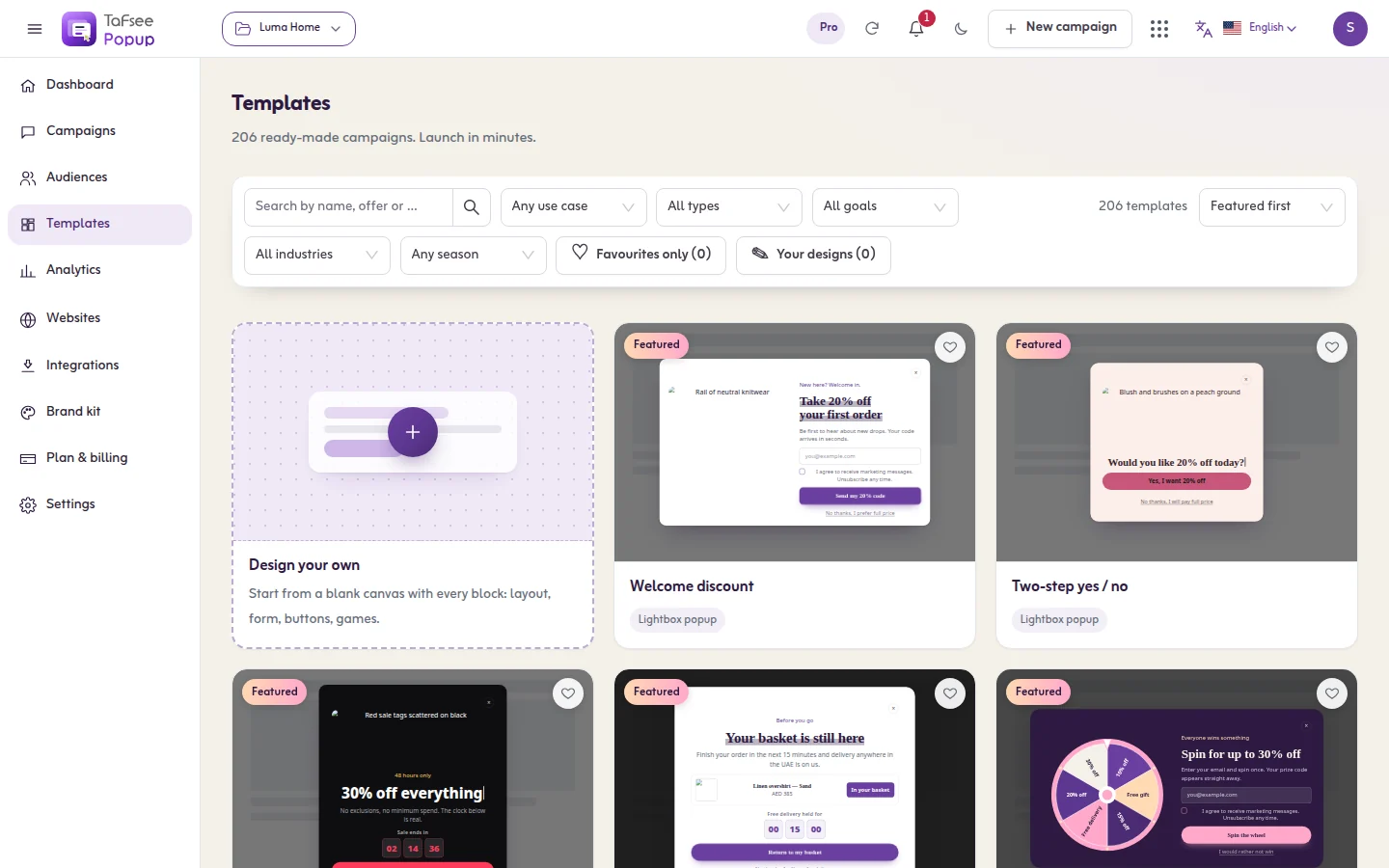 2
2Creating a campaign
Start a campaign on one page: pick a type, filter the templates, preview one, and open it in the editor. Or start from a blank canvas or your own saved design.
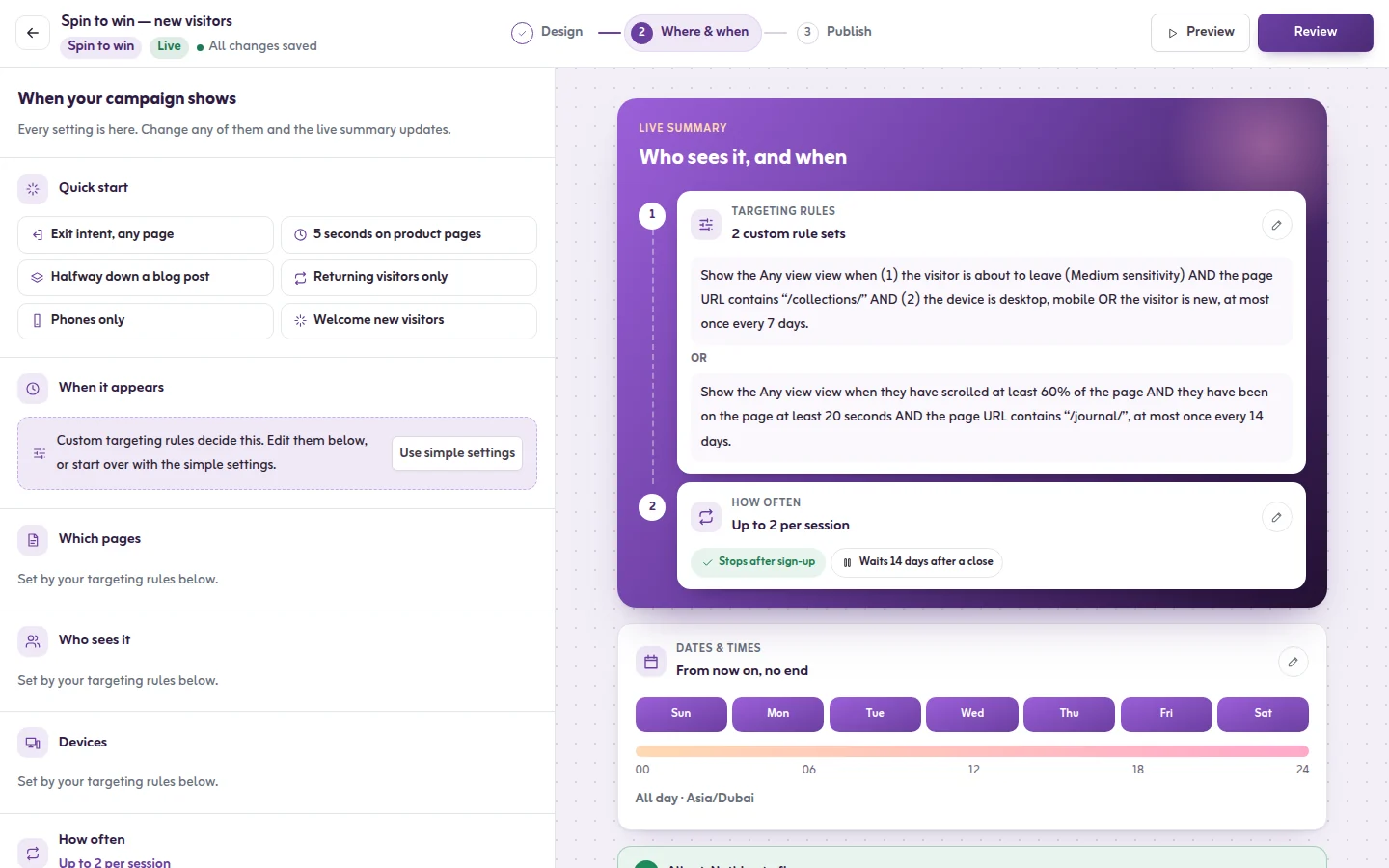 3
3Show when: the three questions
The Where & when step asks three plain questions: when it should appear, who should see it, and how often. This is how each answer works.
Browse by topic
Guides
Everything inside the app, step by step: setting up, installing the code, creating and publishing a campaign, the three Show when questions, A/B versions, results, leads and delivery, settings, languages, plan and privacy.
24 articles
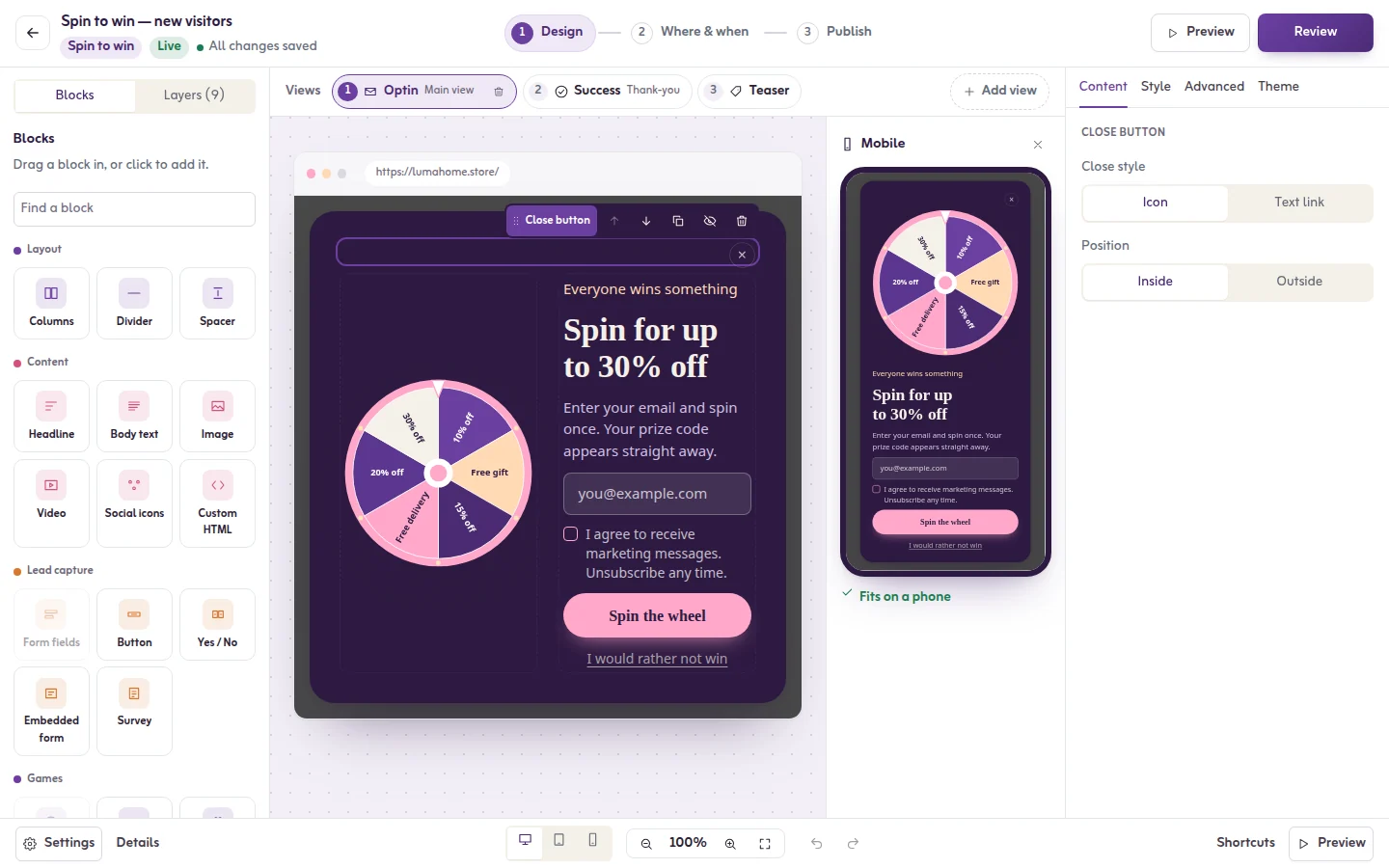
The editor
The design step in depth: typing on the popup, every block, pictures and uploads, colours, fonts and themes, background, size and position, phone settings, the pages of a popup, forms and consent, the countdown and each game.
20 articles
Campaign types
All 16 formats, from lightbox popups, floating bars and slide-ins to fullscreen, inline, content lockers and games like spin-to-win, scratch cards and quizzes, with what each one is best for.
16 articles
Display rules
Every condition for when a campaign appears and to whom: exit intent, scroll, time, clicks, add to cart, pages and URLs, new or returning visitors, devices, countries, traffic source and schedules, with worked examples, frequency and priority.
10 articles
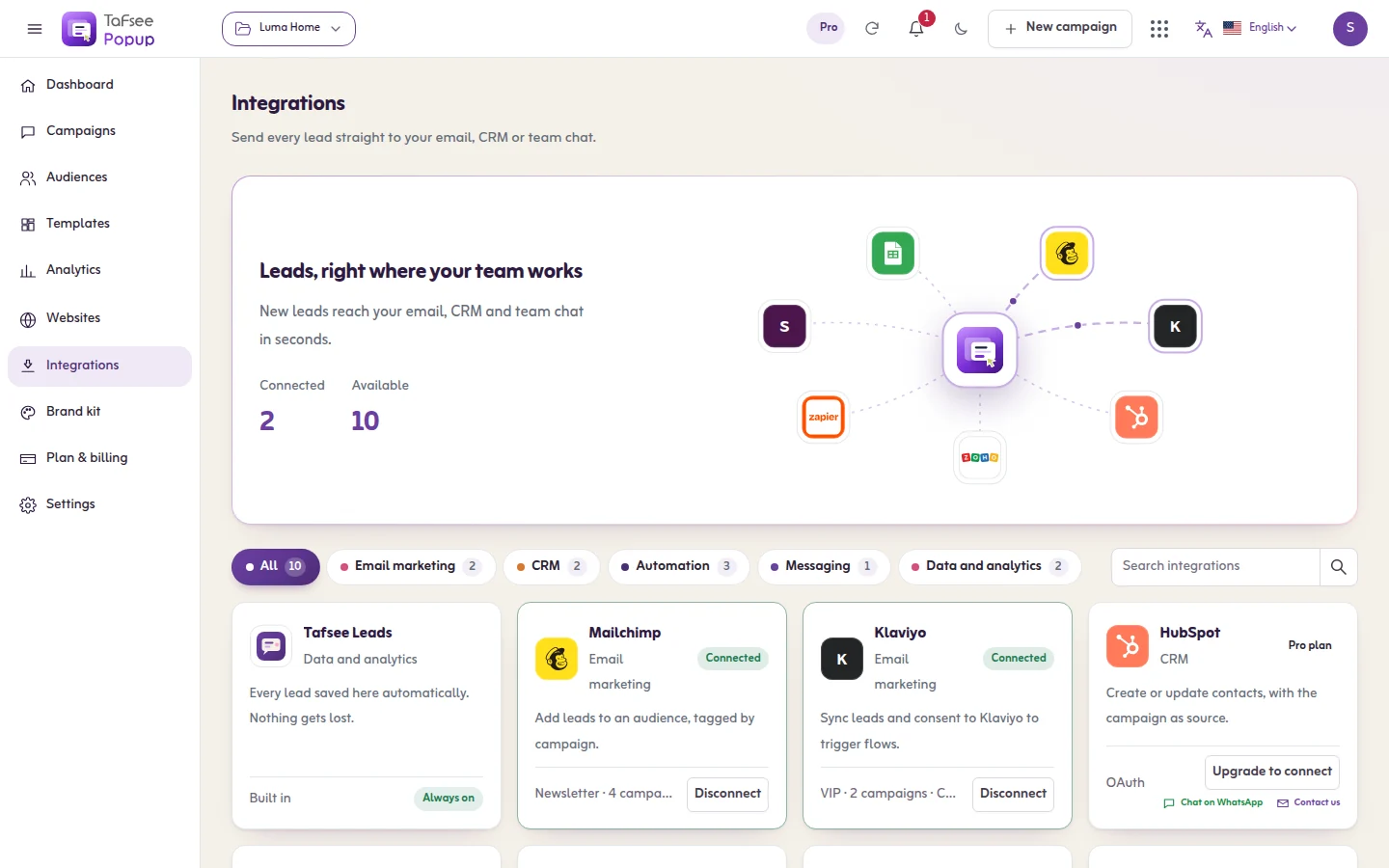
Platforms and integrations
Install the code on Salla, Zid, Shopify, WordPress, Wix and the other platforms, and send each lead to your e-mail tool, CRM, team chat, Google Sheets or automation tool: one article per tool, with its common errors and their cures.
36 articles
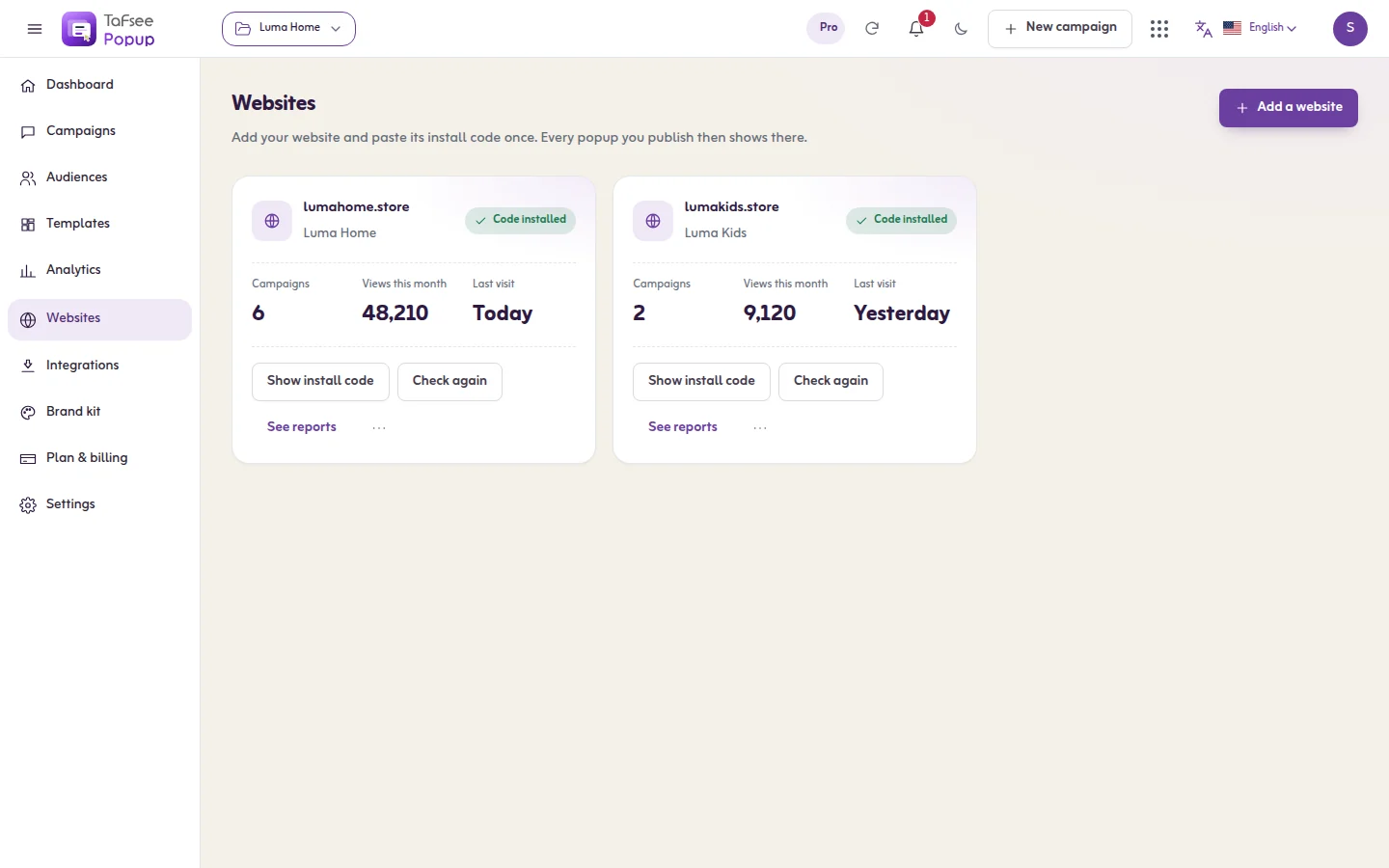
Developers
For developers: control campaigns from your own code with the JavaScript API, understand the site key and the install check, listen for page events, and receive each lead on a webhook.
4 articles
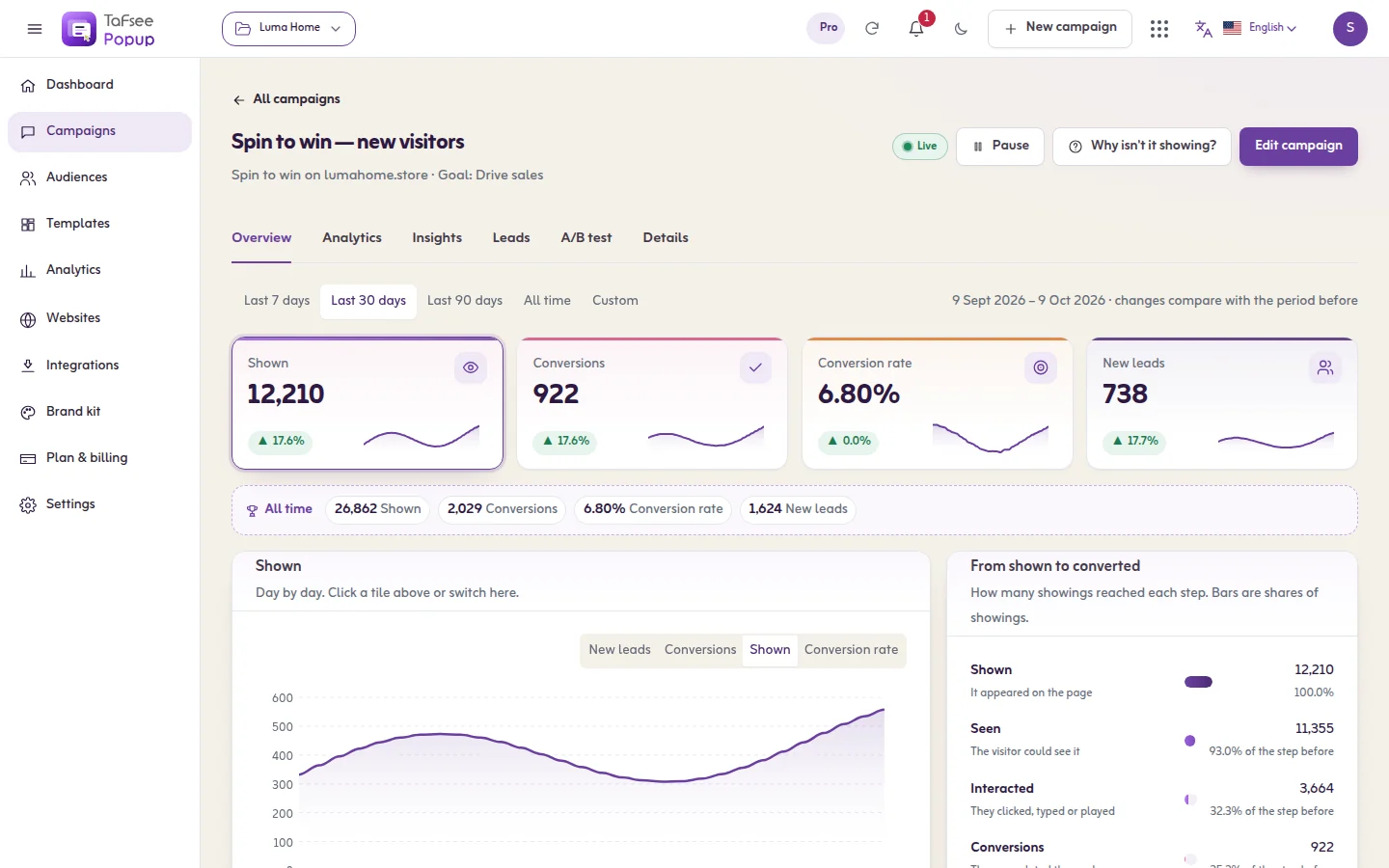
Troubleshooting and FAQ
Cures, not theory: the popup does not show, leads do not reach a tool, the install check fails, it shows too often or not again, styles and other dialogs, cookies and resets. With an FAQ and a glossary.
8 articles

Lead Generation
Tafsee Popup
Popups, spin-to-win wheels, countdown bars and exit-intent offers for any website — in English and native Arabic.