

Scratch card
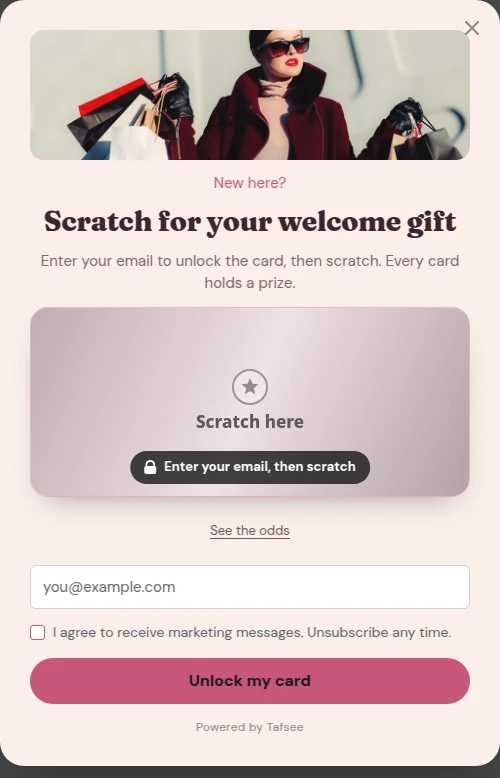
A prize hidden under a foil the visitor scratches: set the prizes and their chances, the foil's colour and words, and the card's height.
Visitors scratch a foil to reveal a prize. Set each prize and its chance. Works with your own, unique or uploaded codes. One play per visitor.
What you need
- A campaign of the type Scratch card, or the Scratch card block added to another campaign.
Steps
- Click the card on the popup.
- Under Prizes, set each prize: its name, its weight and its code. Click Add a prize for more.
- Set Foil colour and Text on the foil, the words on the foil before it is scratched.
- Set Card height.
- Choose under When visitors play whether visitors give their e-mail first or play first.
How it plays
The visitor rubs the foil with a finger or the mouse and the prize appears. The prize follows the chances you set. One play per visitor.
If it does not work
- The same prize shows after a reload: that is the one-play rule.
- No code appears with "play first": the code is shown after the e-mail arrives.
Related
Last updated: October 12, 2026
