

Reports
Read arrivals, stock, holds, dispatch and delivery reports by date, warehouse and more.
Reports turn what your team records every day into numbers you can act on. Open Reports in the sidebar and choose one of five reports.
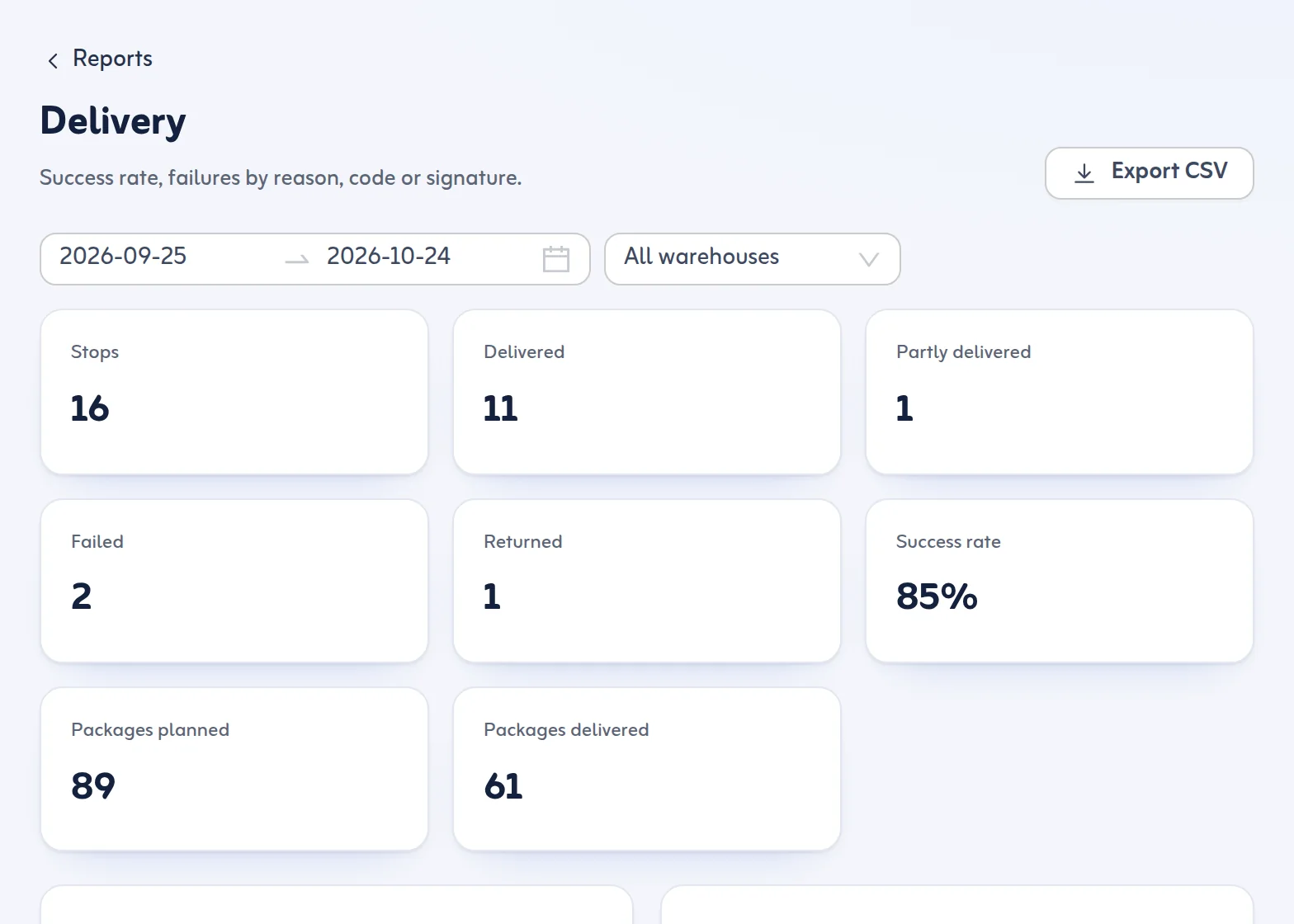
The five reports
- Arrivals: what came in, by day, method, sender and customer.
- Stock: what is stored, by warehouse, rack, customer and age.
- Holds: holds placed and released, how long they last (average hours on hold) and by type.
- Dispatch: trips, lots and packages by driver and vehicle.
- Delivery: success rate, failures by reason, and which proof was used: code or signature.
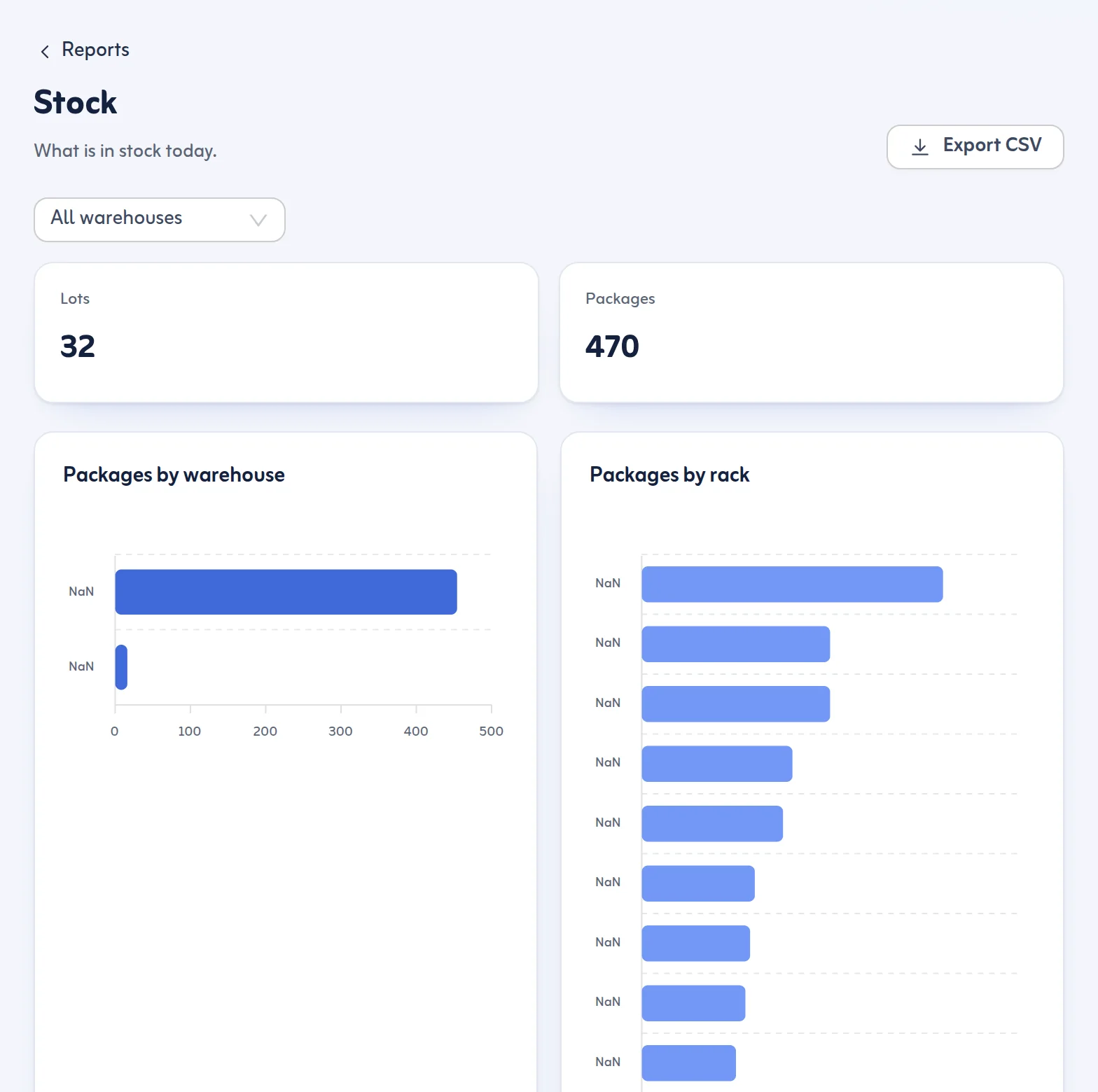
Use a report
- Open Reports and press the report you want.
- Choose the date range and, if you have more than one warehouse, the warehouse.
- Read the bars and numbers. For example, By age under Stock shows how many days goods have been in storage, and Failures by reason under Delivery shows why deliveries failed.
- Press Export CSV to download the same numbers for a spreadsheet.
If nothing is in the period you see Nothing in this period; choose other dates or another warehouse.
Tips
- Check Stock by age every week to find lots that have waited too long.
- Use Failures by reason to fix the most common cause, such as missing phone numbers or pins.
- Hold times show where goods wait longest: customs, documents or payment.
CSV export depends on your plan. If it is not on your plan the app tells you.
See also Plan and billing and the Reports feature.
Last updated: October 24, 2026
