

Load the van and start the trip
Scan every package onto the van, start the trip from the office, and let the driver accept the boxes.
Loading is the moment a box leaves the warehouse's care and enters the driver's. The app records it twice: the office releases the boxes, and the driver accepts them.
Load and start
- Open the trip in Delivery Trips.
- Under Load the van, press the scan box (Scan a package onto the van) and scan each package. The screen shows how many are scanned, for example 5 of 8.
- A package that does not belong to the trip, or is on hold, is refused with the reason.
- If a package cannot go, press Take off (or Take off all missing) and give a reason. It stays in the warehouse.
- When everything is loaded, press Start trip and confirm. The driver's phone gets the package list and the customers are told.
- The driver opens the app and presses Accept on the boxes. Until then the trip shows Waiting for the driver to accept the boxes.
Rules
- The trip starts only when every package is scanned, or the missing ones are taken off.
- The driver cannot finish any stop before accepting the boxes.
- The Handover section shows who released the boxes and who accepted them, with the time.
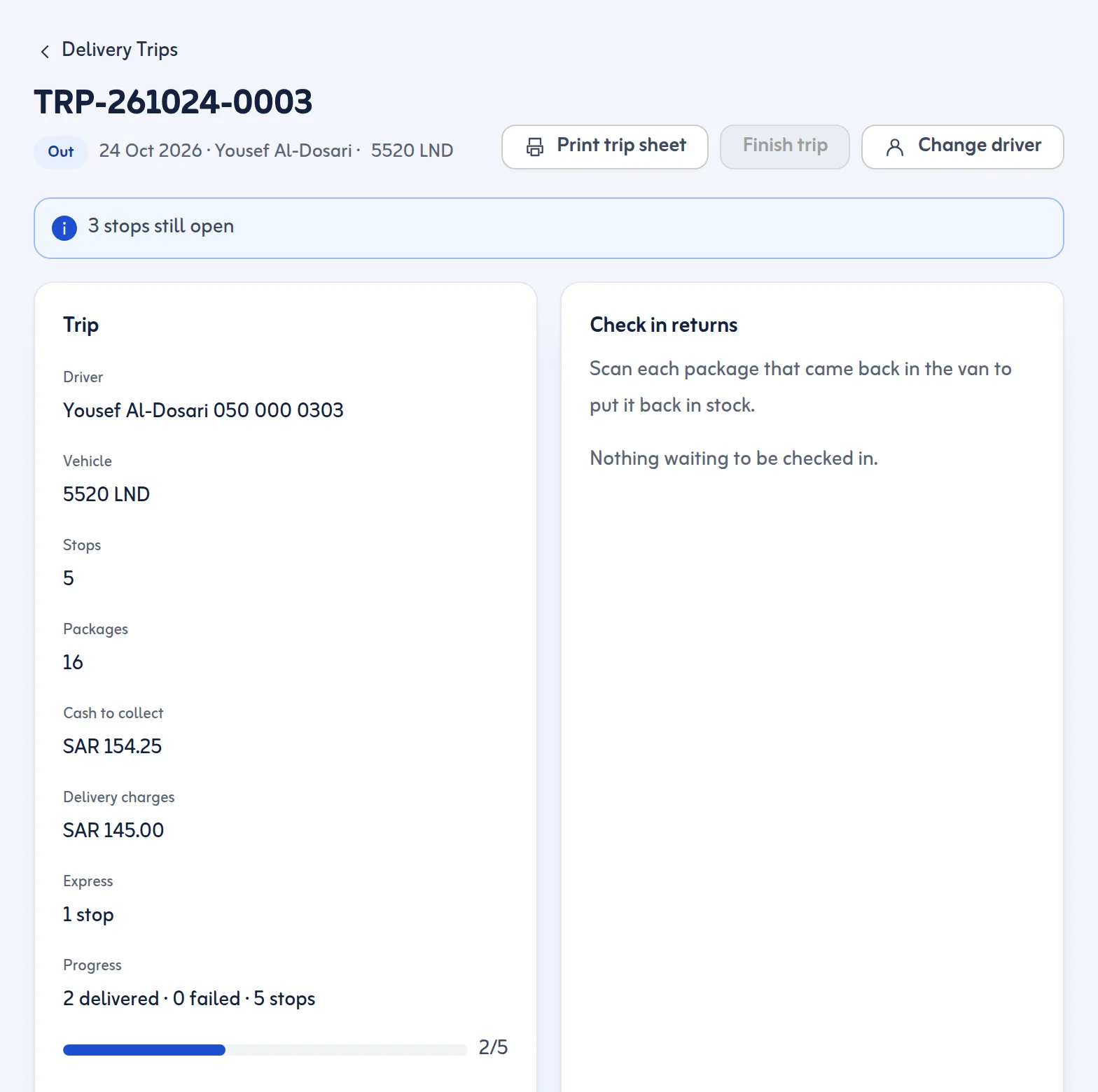
- Before the trip starts you can Move to another day for a stop, add Cash to collect for a stop, or Cancel trip.
- If the driver changes on the road, press Change driver. The new driver must accept the boxes again.
At the end
Press Finish trip when all stops are done. Packages that came back are checked in by scanning under Check in returns. After the trip shows every box handed over and where it ended up. Print trip sheet prints the stops, packages and cash.
A package is always in exactly one state, so nothing can be both on the van and in stock.
Next: track deliveries. The driver side is in Accept and deliver.
Last updated: October 24, 2026
