

Create your workspace
Sign up, name your organisation and finish the one set-up screen so you can receive your first shipment.
Setting up Tafsee Logistics takes a few minutes and one screen. You do not need a card, and you can change every answer later in Settings.
Sign up and name your organisation
- Open the Tafsee Logistics app and sign up (or sign in if you already have a Tafsee account).
- On the welcome screen, type your Organisation name and press Create and continue.
Fill in the set-up screen
The screen opens with Welcome to Tafsee Logistics and a section called Set up your business. Country and currency are fixed: Saudi Arabia and Saudi riyal (SAR).
- Type your Business name.
- Choose the city in Where is your business based?
- Optionally add the Warehouse or business address. You can pin it on the map later in Settings.
- Optionally add your Business phone. Customers see it on their tracking page.
- Choose the Customer notification language: Arabic or English.
- Press Set Up My Workspace.
A first warehouse is created for you even if you left the address empty.
The set-up screen can be changed any time from Settings, so a wrong answer is never a problem.
What you see next
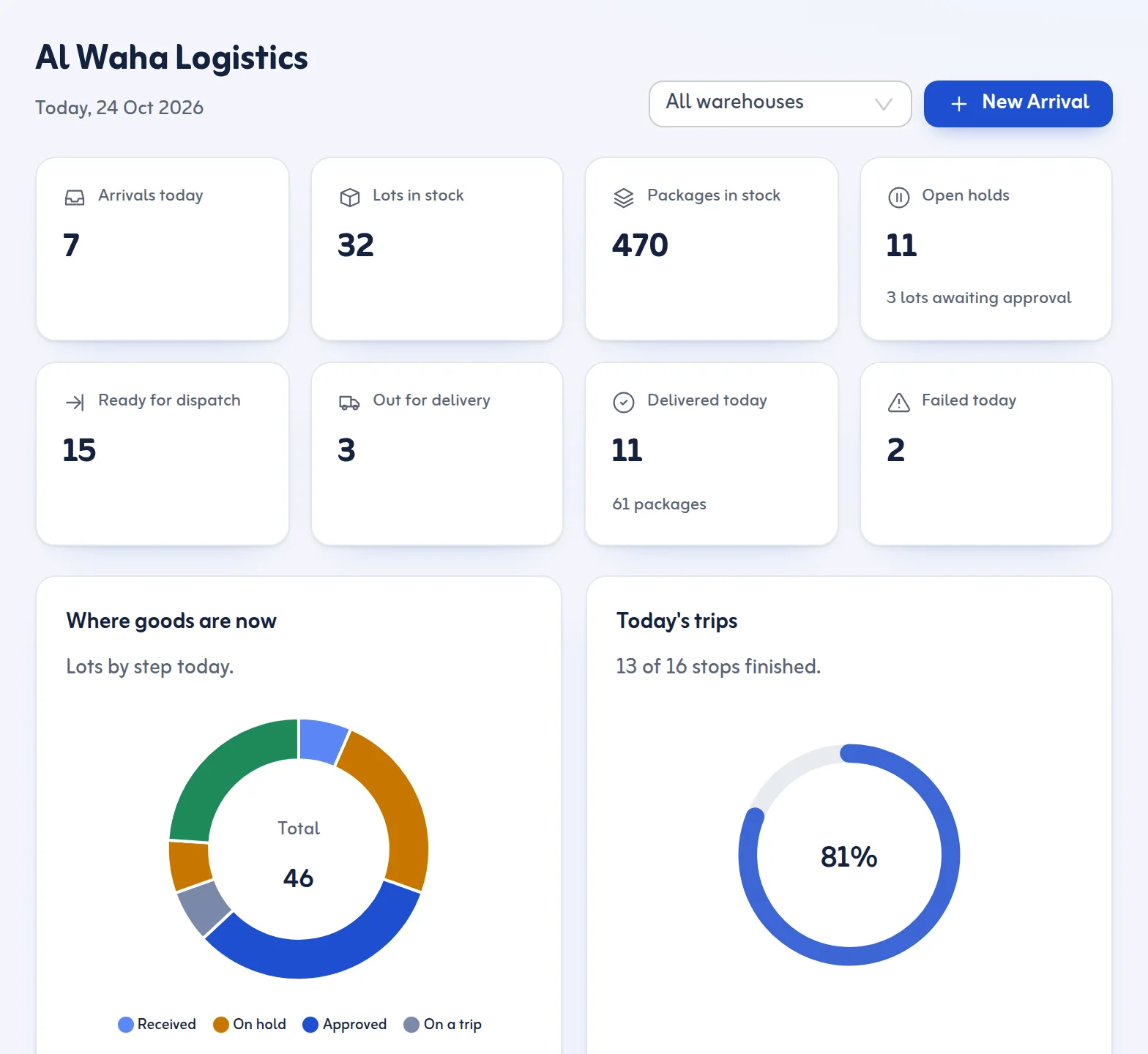
You land on the Dashboard with a short Getting started card. Press Receive your first shipment to record your first arrival. Do not worry if you have nothing to enter yet: you can add your team and warehouse racks first.
Next steps
- Look around: Tour of the app.
- Add racks: Warehouses, zones and racks.
- Record goods: Record a new arrival or read about the New Arrival feature.
