
API keys and webhooks
Make an API key for your store or system, and send order events to your own address.
Only people whose role has Manage API keys and webhooks see this tab.
Make an API key
- Open Settings › API & webhooks.
- Press New API key, give it a name and press Make key.
- Copy the key now and press I have saved it. It is not shown again.
Press Revoke to stop a key at once. The developer details are in the developer guide.
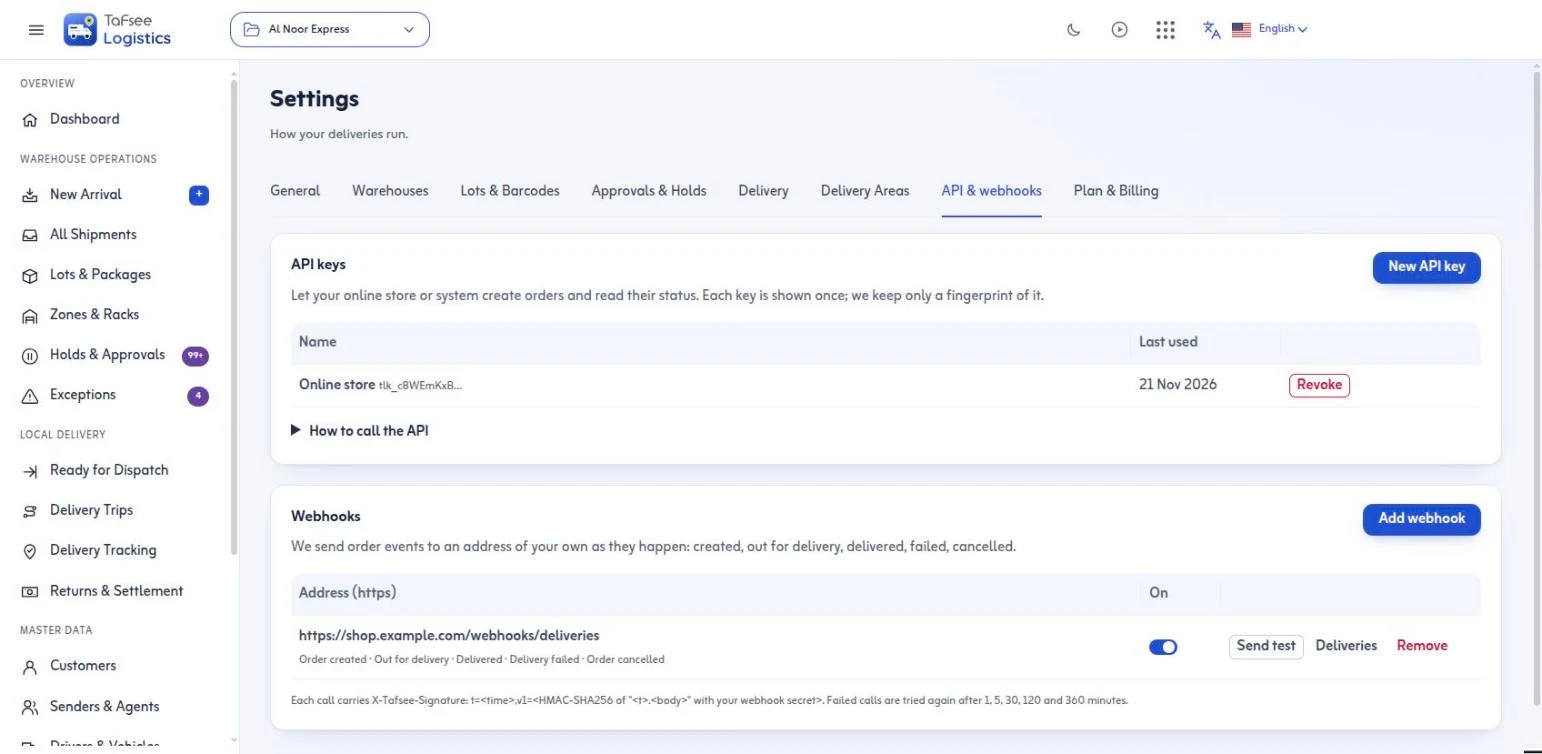
Add a webhook
- Press Add webhook.
- Enter an https Address of your own and pick the Events.
- Press Add, then copy the signing secret it shows once.
Press Send test to check your address answers, and Deliveries to read every call and its result. Switch a webhook off and on with its switch.
Last updated: November 21, 2026