

The daily problems of a distributor
A distributor's warehouse handles larger quantities than a courier, and fewer but bigger deliveries to shops, restaurants and businesses. Mistakes cost more per delivery: a missing carton, a van loaded beyond its limit, a stop that was forgotten, a customer who says the goods were never received, or cash that does not add up at night.
How the workflow in Tafsee Logistics handles it
1. Receive in bulk and label
Record each arrival with the sender, the customer and the number of packages, up to 999 in one arrival, with weight in kg and volume in CBM if you have them. The app creates a lot number and a barcode for each package. See New Arrival and barcodes and labels.
2. Keep stock organised
Warehouses are divided into zones and racks, and a rack can have a capacity in packages that warns when exceeded. Scan a rack to count it and see what is missing or unexpected. The Stock report shows stock by warehouse, rack, customer and age. See warehouse inventory.
3. Dispatch what is ready
Ready for Dispatch lists only approved lots with no hold, grouped by customer, city or district, with the packages, weight and CBM of your selection. Suggested trips group lots by district.
4. Plan the trip against the van
A delivery trip has a date, driver, vehicle and stops. Vehicle capacity is set in packages, kg and m³. The app warns above 90 % and blocks above 100 % unless a reason is given. A driver or vehicle cannot be on two trips out at once, and an expired licence, registration or insurance blocks the trip.
5. Load by scan
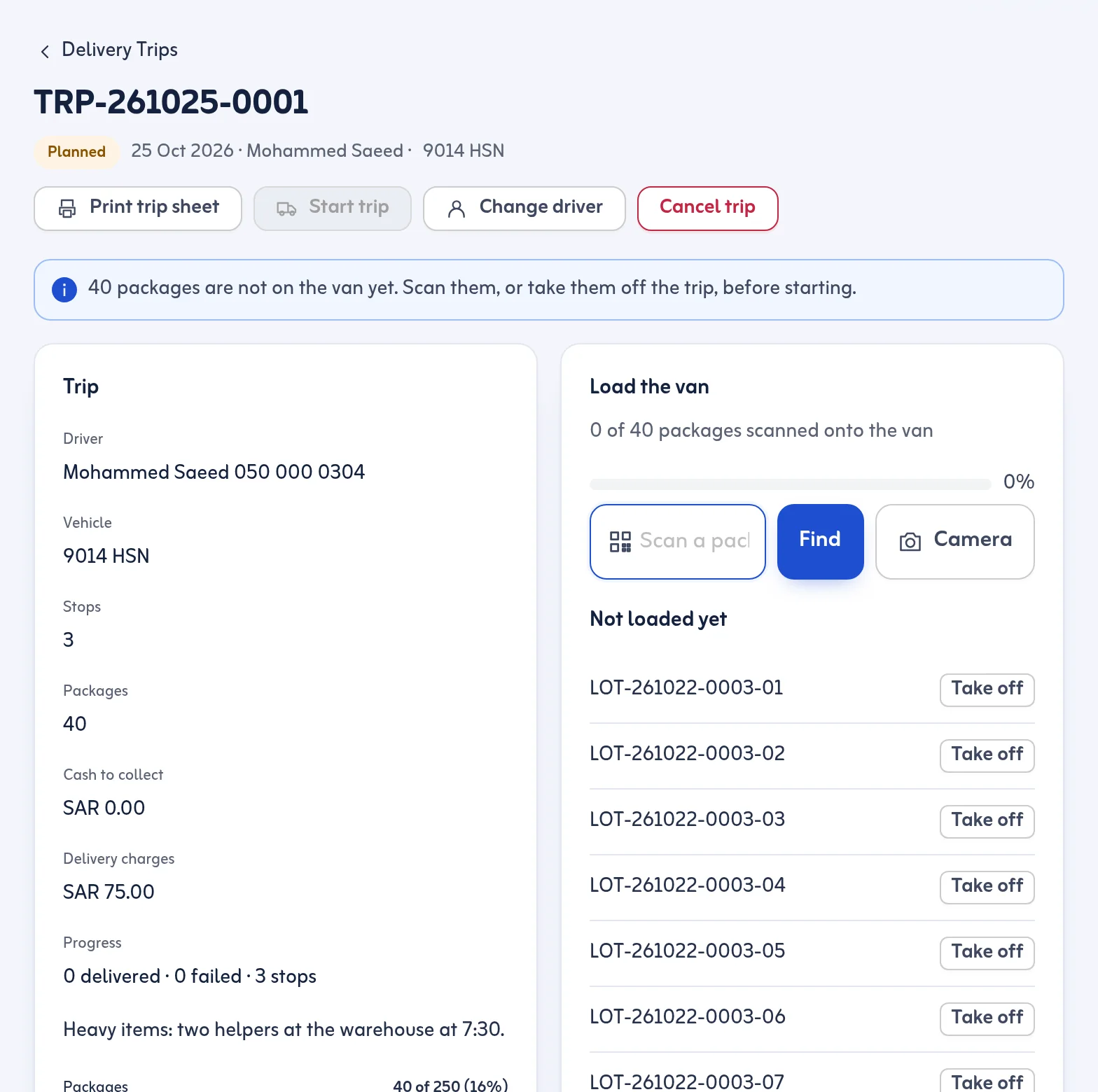
Each package is scanned onto the van, and the trip starts only when every package is scanned or the missing ones are taken off. The driver accepts the boxes in the driver app before any stop is finished. Change driver on the road and the new driver accepts again.
6. Partial deliveries and proof
At a stop the driver ticks or scans the packages handed over, and the rest go back to the warehouse. Proof is the customer's 4-digit code or signature, with an optional or required photo. A received-by name is recorded. See proof of delivery.
7. Cash and returns
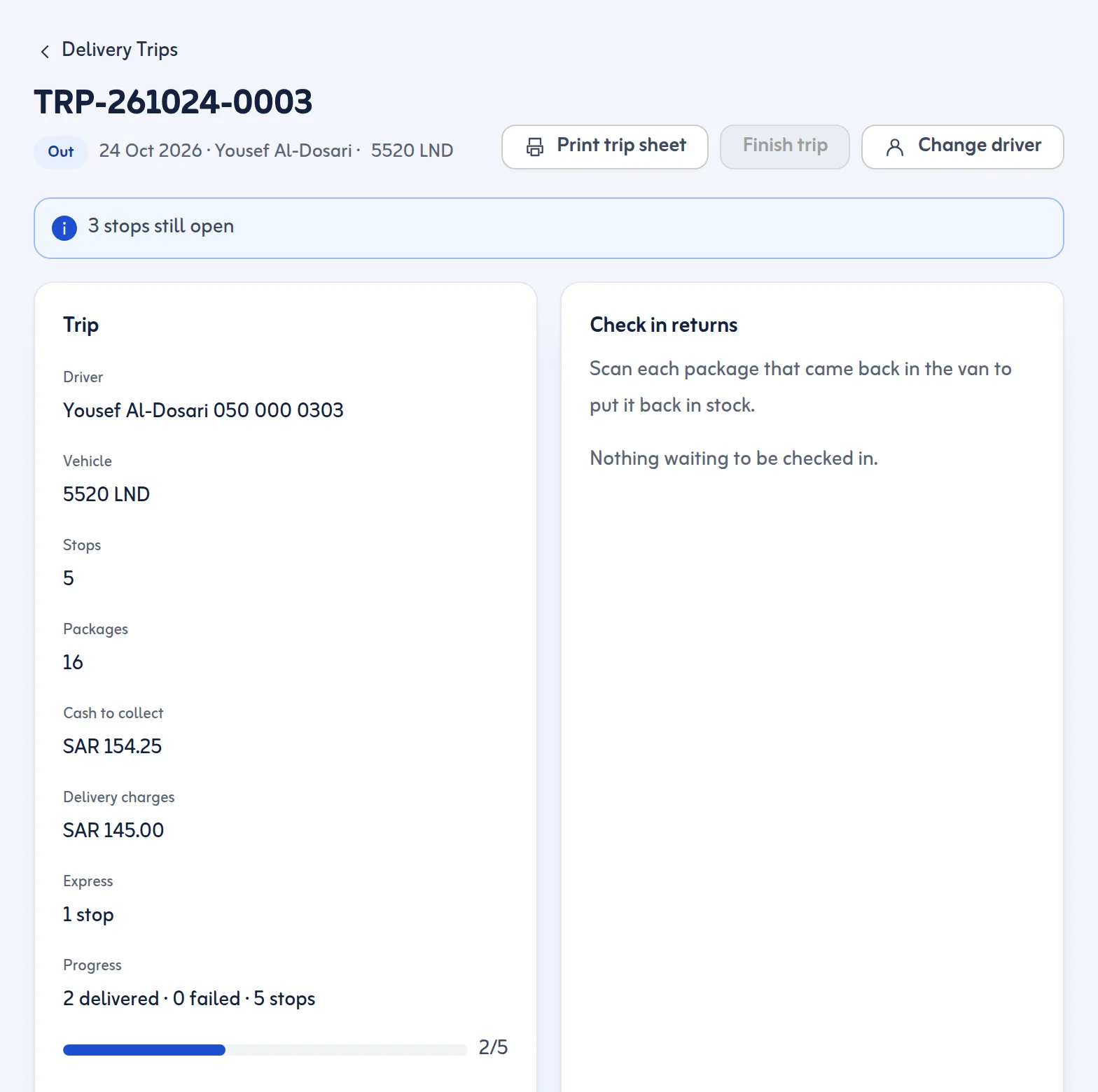
Set the cash to collect per stop; the driver records what was collected and the office records the handover per driver and trip. Failed and partly delivered stops go to Returns & Settlement.
Reports
The Dispatch report shows trips, lots and packages by driver and vehicle. The Delivery report shows success rate, failures by reason and which proof was used. See reports.
What it does not do
It does not do invoices, accounting or sales orders. It is the warehouse and delivery record. See the 3PL page if you also store goods for other businesses, and the pricing page.
It is distribution company software for the warehouse-to-shop part of the work: receiving, storing, loading and proving delivery.
