
The daily problems of a bonded warehouse
In a bonded warehouse, holding goods is the job. Goods arrive before the customs procedure is finished, so they wait. Meanwhile customers call, agents push, and somebody asks whether a lot can go. The risks are goods that leave too early, goods that wait for weeks unnoticed, and arguments about when something was released and who said so.
This page describes how the workflow in Tafsee Logistics supports that routine. It is a warehouse record, not a customs system. Confirm customs rules and licensing with ZATCA or your clearance agent.
How the workflow handles it
1. Record each arrival with its owner
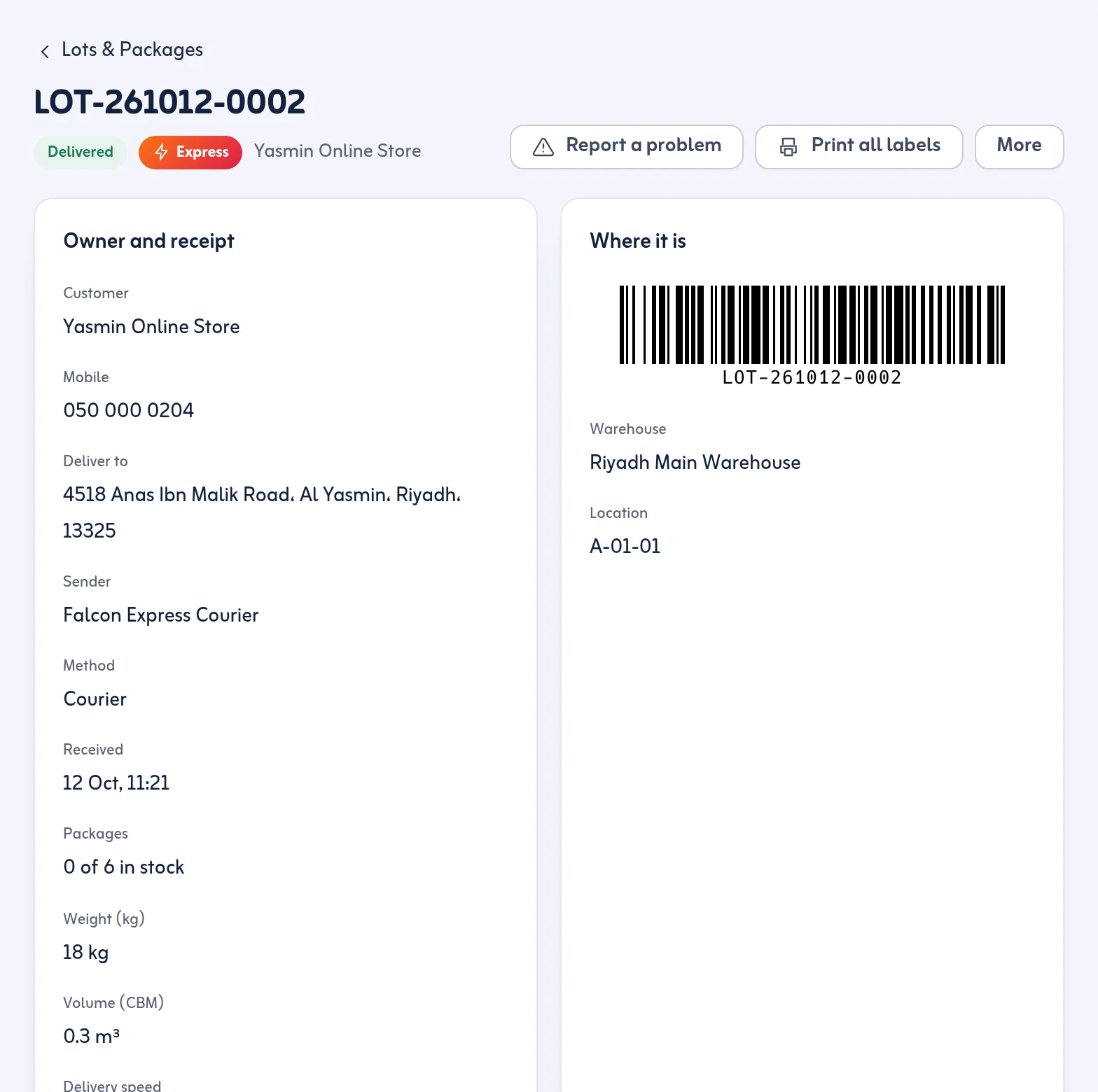
Every new arrival is recorded with the sender, the customer who owns the goods, how it arrived, the number of packages and the warehouse, plus container number, bill of lading or air waybill if you have them. The app creates a lot number and one barcode for each package.
2. Hold it on arrival
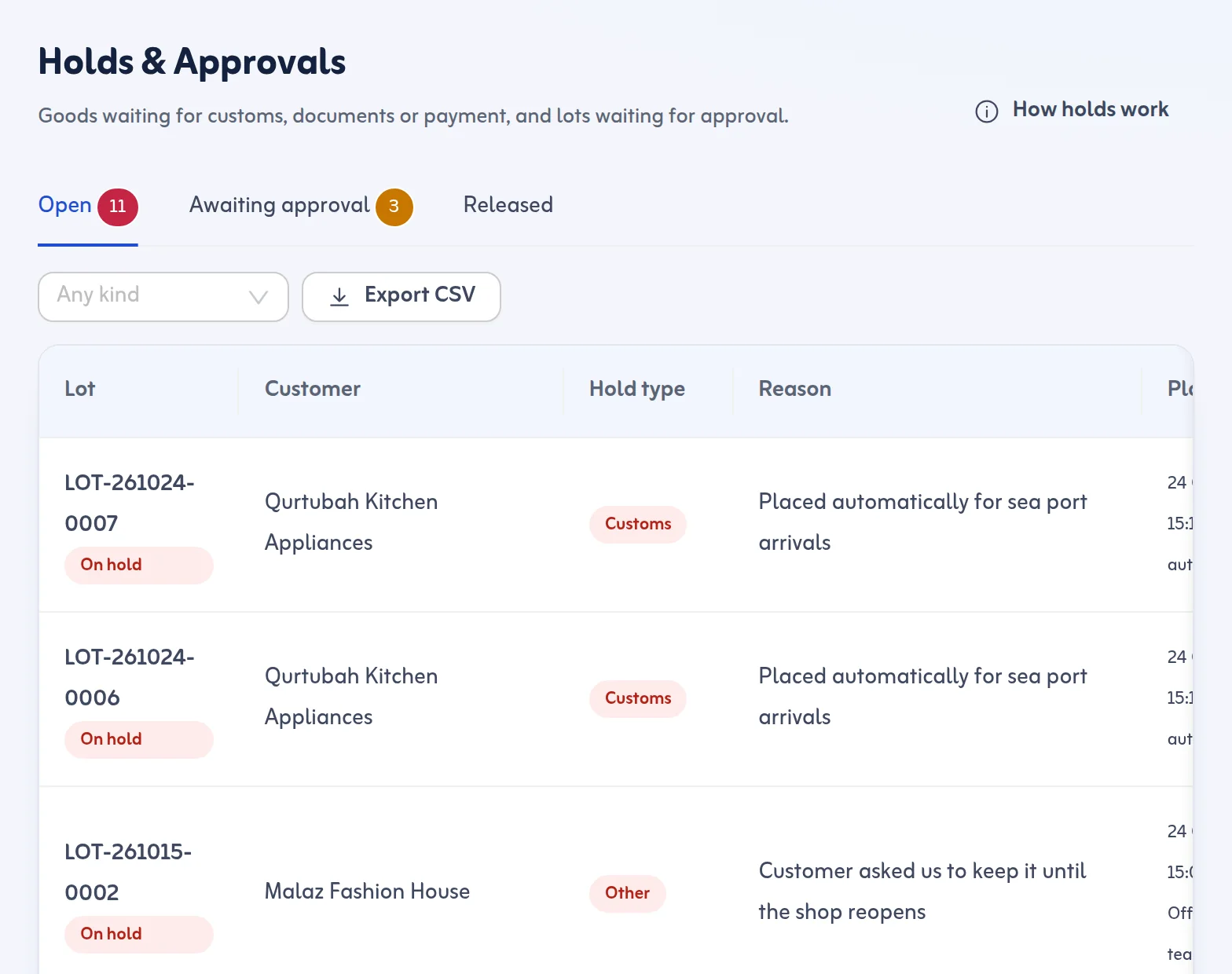
You can switch on New lots need approval, and set automatic holds per arrival method, for example a customs hold for sea and air arrivals. New lots then appear in Holds & Approvals instead of in stock that can go out.
3. Several holds on one lot
A lot can carry a customs hold and a documents hold and a payment hold at once. Holds and approvals lists them in tabs: Open, Awaiting approval and Released. Each hold needs a reason when placed.
4. Release with a note
Releasing a hold needs a note, and the app records who and when. Only owners, admins and dispatchers can release. Approval of one or many lots at once is refused while a hold is open. If a hold is placed on a lot that was already approved, it comes back out of Ready for Dispatch.
5. Keep the goods findable
Each lot shows its rack and its days in storage. In zones and racks you can see what each rack holds, move a lot by scanning the rack code, and count a rack by scanning its packages. Only goods physically in the warehouse are counted.
6. Watch what is getting old
The dashboard's Needs attention list shows holds older than N days and approved lots not dispatched after N days; you set N in Settings. The Holds report shows holds placed and released, the average hours on hold and holds by type.
7. Deliver after release
Cleared lots appear in Ready for Dispatch. You plan a delivery trip, and the driver finishes each stop with the customer's code or signature. A delivery hold can even be added to a lot that is already on a trip, and then the driver cannot hand it over.
What it does not do
Tafsee Logistics does not connect to customs systems, file declarations or calculate duties. It does not do accounting or invoices. Plan features such as cash handover and document reminders depend on your plan; see the pricing page.
For background, read what a bonded warehouse is or the help article on holds and approvals.
Used this way, Tafsee Logistics is a bonded warehouse management system for the records: holds, releases, approvals and who did what.