

Plan the trip
Start from Ready for Dispatch with the lots you picked. Choose the date, the driver and the vehicle. Lots for the same customer and address share one stop. Before you save, the checks run: the load against the vehicle's capacity in packages, kilograms and cubic metres (a warning above 90 %, and above 100 % only with a written reason), the driver's licence expiry, the vehicle's registration and insurance, the driver's shift that day, and whether the driver or vehicle is already out on another trip.
Put the stops in order
Move stops up and down by hand, or press Optimise order to put them in the shortest order from the warehouse. The trip shows the result in plain terms, such as about 38 km instead of 52 km. Express and urgent stops stay first and time windows are kept; stops without a map pin are not counted, and the trip says how many. Route optimisation is included on the Growth and Business plans.
Load, hand over, accept
At the loading bay, scan each package onto the van. The trip shows how many are loaded and which are missing; it can start only when everything is on the van or the missing packages are taken off. When the office starts the trip, the handover is recorded, and the driver accepts the boxes in the driver app before any stop can be finished, so custody is always clear. If the driver changes on the road, the new driver accepts the boxes again.
On the road and after
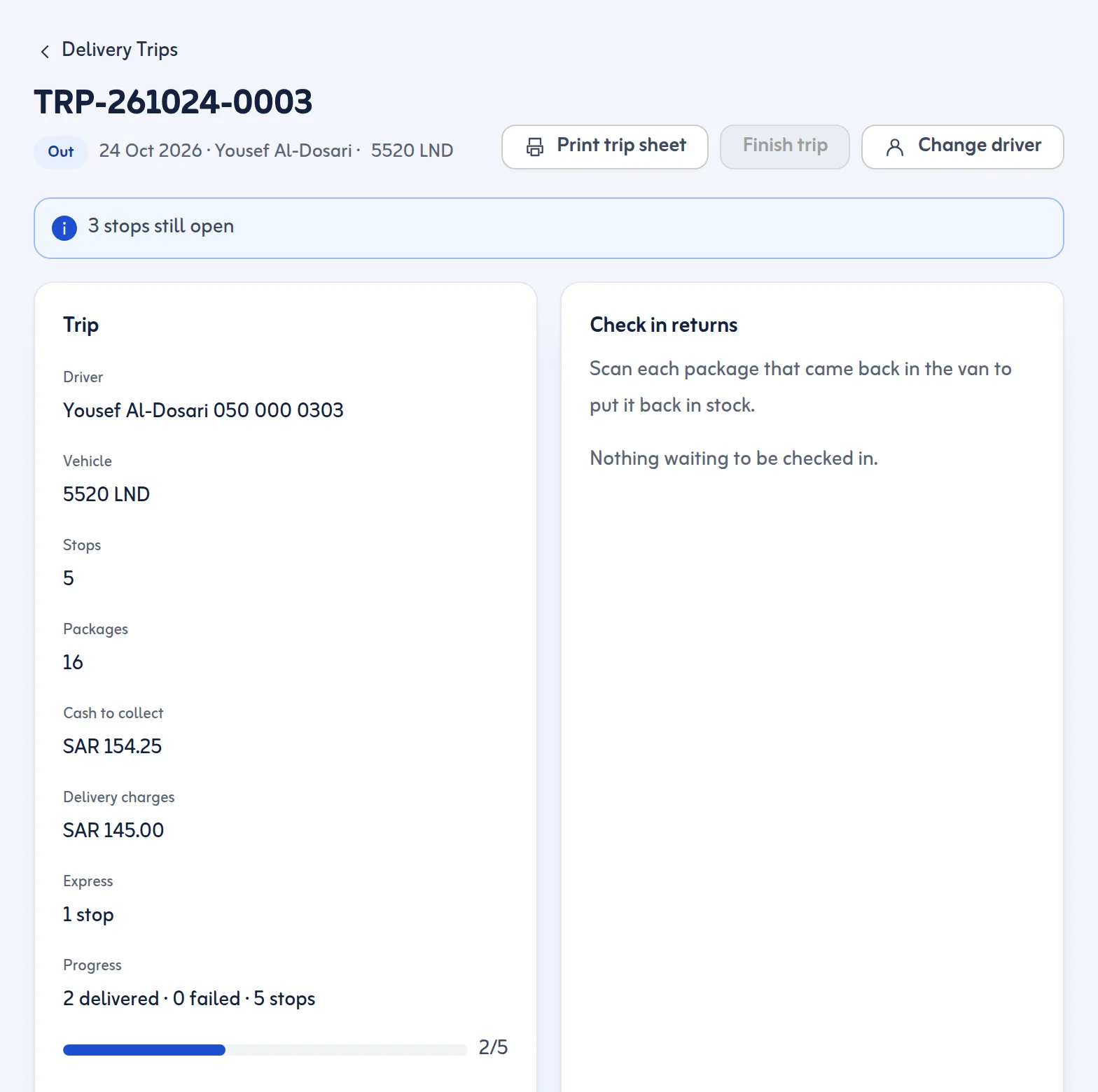
Each stop shows the packages, the cash to collect and, once done, the proof. A stop can be moved to another day before the trip starts. When the trip is finished, After the trip shows every box handed over and where it ended up: delivered, still in the van or checked back in. Print the trip sheet with stops, packages and cash totals whenever a paper copy helps.
A delivery management system and route planner in one
Tafsee Logistics is delivery management software and a delivery management system in the same screens. The trip planner is your delivery route planner and multi stop route planner, so you do not need separate route planning software, and it is local delivery software built around Saudi districts. It was made as last mile delivery software for Saudi Arabia, so delivery management software Riyadh teams use works the same in every Saudi city.
Vehicle capacity planning: delivery by delivery
Every trip checks packages, kilograms and cubic metres against the vehicle before it leaves. Most route optimization software Saudi Arabia teams try needs a maps account; Optimise order here needs none (Growth and Business plans).
A route planner for multiple stops, on the web
Your office plans in the browser and the driver works in the driver app, which opens on any phone without a store download. If you were looking for a delivery app for Saudi Arabia (a delivery app for KSA teams that deliver their own goods), this is it: route optimisation software, a route planner for multiple stops and the driver's stop list in one product. It is not a marketplace app that finds drivers or customers for you.
Same day delivery in Saudi Arabia: Express and Immediate
Each lot carries a delivery speed: Standard, Express or, when you switch it on in Settings, Immediate. Express lots come first in suggested trips, and Express and urgent stops stay at the top when you optimise a trip's order. Plan a trip dated today and it can leave as soon as the van is loaded. You set the delivery charge for each service per stop. Tafsee Logistics does not promise a delivery time on your behalf: same day delivery is a service you offer, and the software helps you plan it.
