

The daily problems of a 3PL warehouse
A 3PL warehouse stores and delivers for several customers at once. Their goods sit side by side, their rules differ and they all want to know where their goods are. When records are loose, the same questions repeat every day: how many of customer A's packages are in the warehouse, which of customer B's have been here for weeks, and was this delivery really made.
A 3PL also has to keep customers apart. A lot that is mixed up or shelved without a note is a lost lot, and it is also a customer you may lose.
How the workflow in Tafsee Logistics handles it
1. Every arrival belongs to a customer
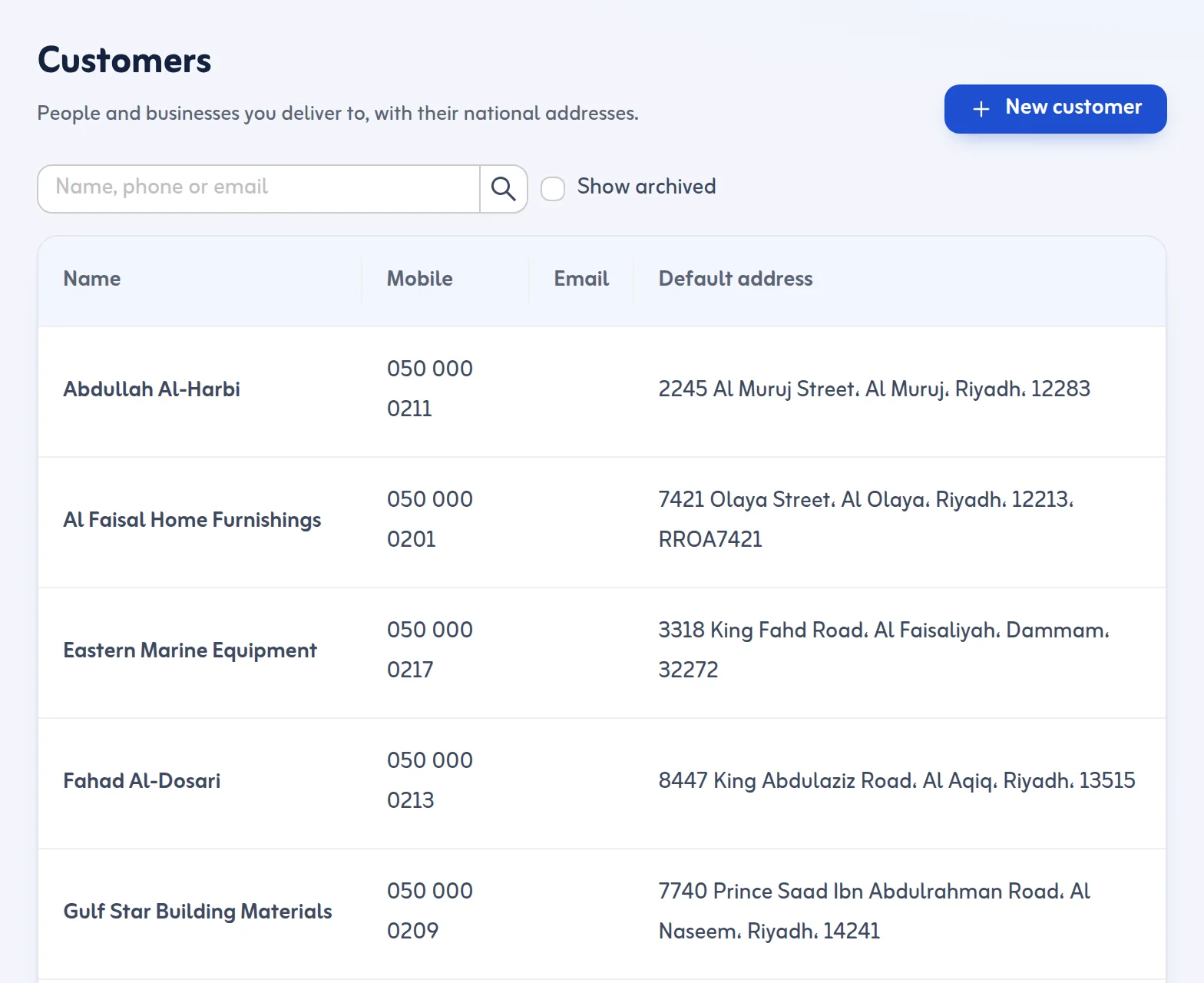
In New Arrival you choose the sender or source and the customer who owns the goods, creating either one on the spot. The customer record holds their Saudi phone, email, optional CR and VAT numbers and several delivery addresses. Each lot shows its owner on every list.
2. Labels and barcodes at package level
The app creates a lot number and one Code 128 barcode for each package. Scan any package, with a USB or Bluetooth scanner or the phone camera where the browser supports it, and its lot opens at once with the owner, each package, the rack, holds and timeline. See lots and packages.
3. Racks, zones and counts
Warehouses have zones such as A, COLD or YARD, and racks with codes like A-01-02. You can set a rack capacity in packages. Going past it warns but never blocks. Stock count mode lets you scan a rack's packages and see what is missing or unexpected. See zones and racks.
4. Know what has been sitting
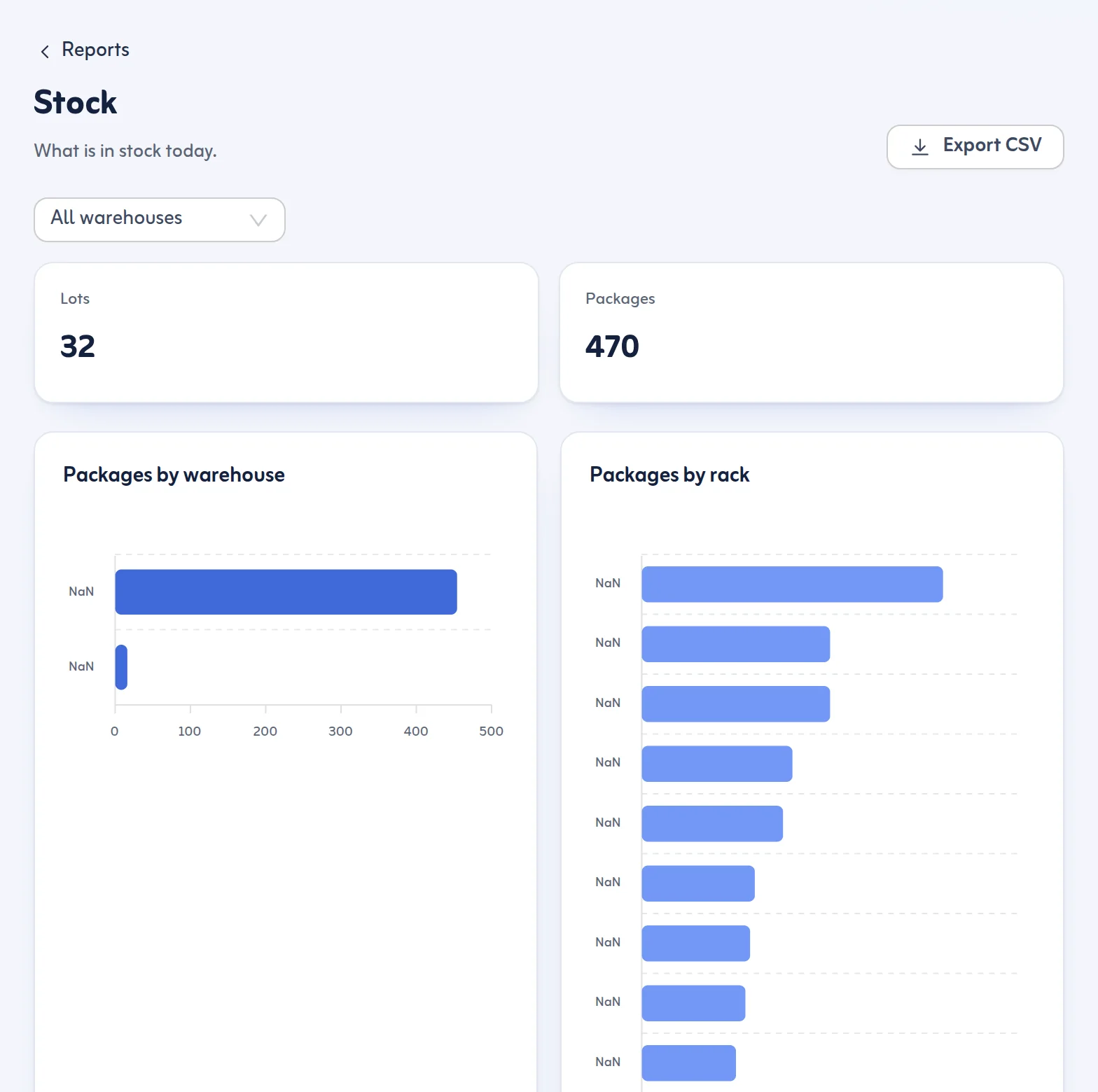
Each lot shows its age in storage in days, and you can filter lots older than N days. The Stock report breaks down stock by warehouse, rack, customer and age, and it can be exported to CSV on plans that include export.
5. Approvals and holds
If a customer's goods need approval or must wait for payment or documents, holds and approvals keep them from leaving. You can also set a hold type of payment and release it with a note.
6. Deliver to your customers' buyers
Approved lots go to Ready for Dispatch, are grouped by district and planned into delivery trips with a driver and vehicle. Drivers use the driver app on their phones and finish each stop with a code or signature. Customers get a tracking page, and the sender or agent can follow their goods through a sender tracking link. Delivery services with a charge per stop (Standard, Express, Immediate) can be set up in Settings.
Your team
Invite owners, admins, dispatchers and drivers by email. Drivers see only the driver app and only owners and admins see plans and charges. Every action is recorded with who and when.
What it does not do
Tafsee Logistics does not do invoicing or accounting, so storage and handling invoices are made in your own accounting system. It has no connection to other systems today.
Read what a WMS is for the basics, or see the pricing page and the 14-day trial.
For 3PL software in Saudi Arabia that customers can read in Arabic, the same records also give each owner a sender link to follow their goods.
