

The daily problems of a courier company
A courier handles many small deliveries a day. Parcels come in from senders, agents and shops, get sorted, loaded and driven out. The problems repeat: parcels that cannot be found at the depot, drivers who start the day not knowing their route, cash that does not match at night, customers who were not home and no clear record of what happens to those parcels next.
Tafsee Logistics follows the parcel from the depot door to the customer's door. It does not connect to other courier companies or marketplaces; it is the system for your own depot and drivers.
How the workflow in Tafsee Logistics handles it
1. Receive parcels at the depot
Each arrival is recorded with the sender, the customer and the number of packages, and the app creates one barcode per package. Arrival methods include courier, agent drop-off and walk-in. Scanning a barcode later finds the parcel at once.
2. See what is ready
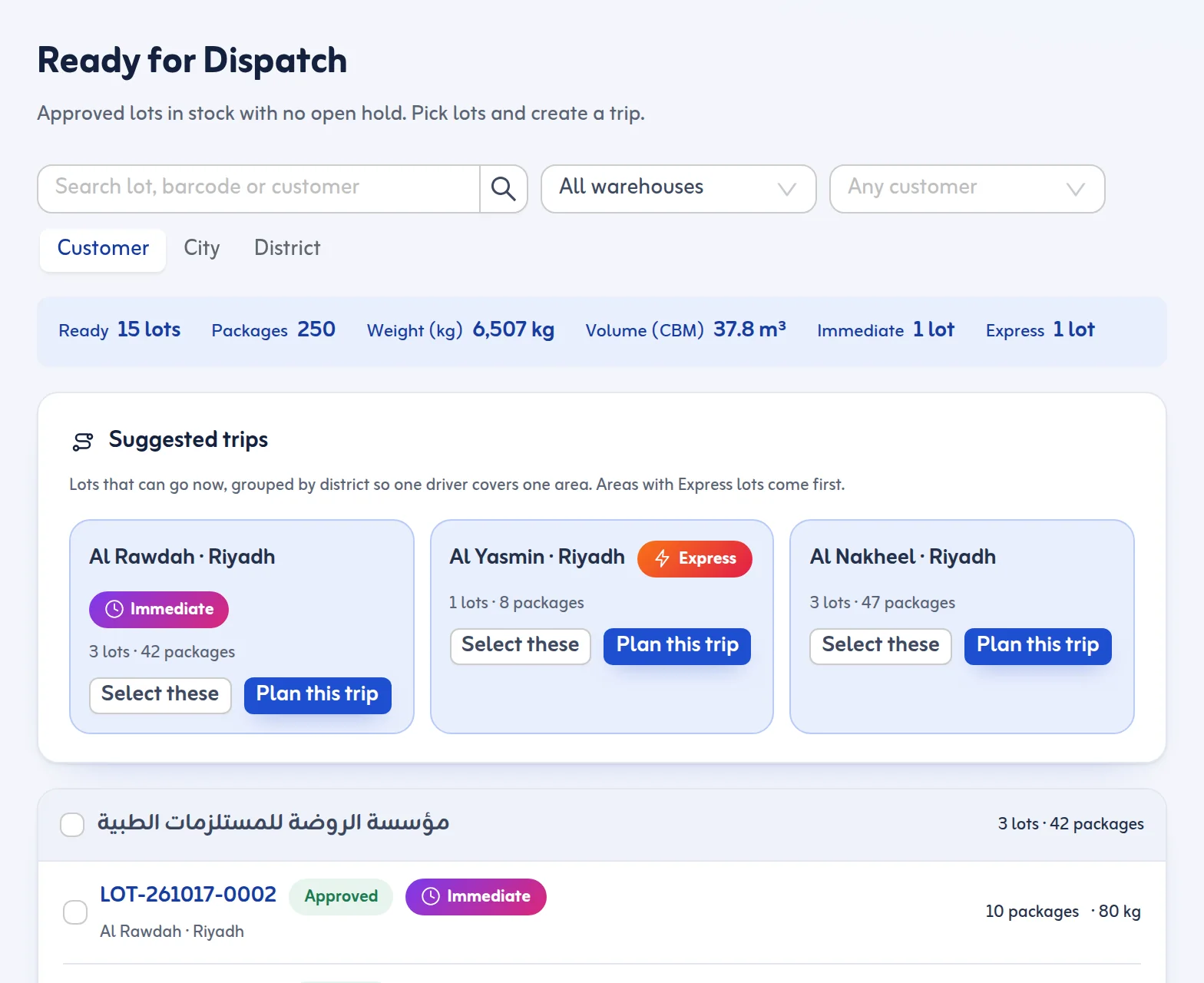
Ready for Dispatch shows only approved lots with no open hold, grouped by customer, city or district, with the packages, weight and CBM of your selection. It flags missing addresses and phone numbers so a driver does not leave without them.
3. Plan the trip
Suggested trips group lots by district so one driver covers one area. A delivery trip has a date, a driver, a vehicle and stops, one per customer address. The app checks the load against the vehicle's packages, kilograms and cubic metres: a warning above 90 % and a block above 100 % unless a reason is given. It also checks that the driver and vehicle are not already out, that the driving licence is valid and that the driver is on shift. Optimise order puts stops in the shortest order from the warehouse.
4. Load by scan and start
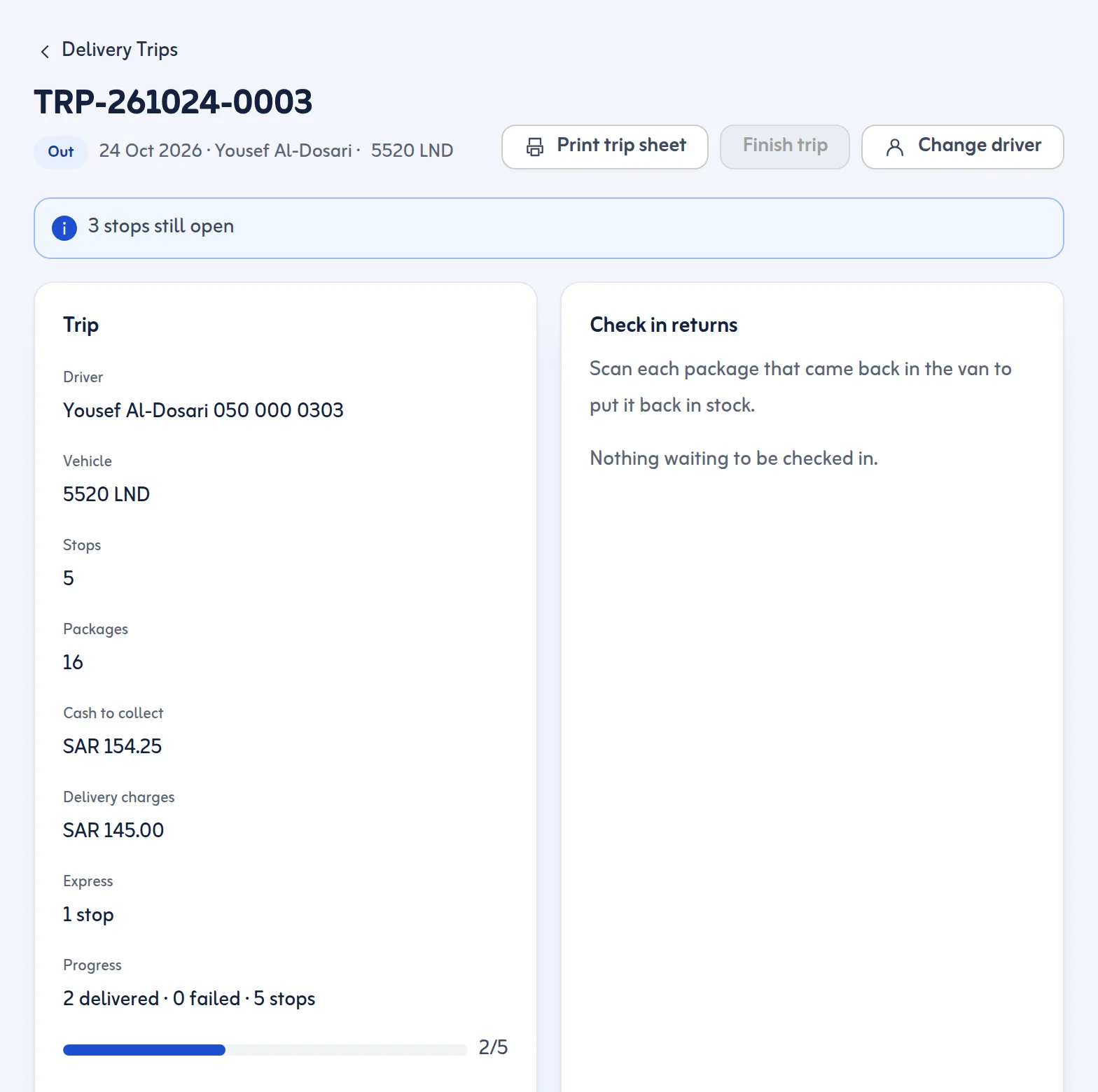
Each package is scanned onto the van. The trip starts when every package is scanned or the missing ones are taken off. The office starts the trip, and the driver accepts the boxes in the driver app before any stop can be finished.
5. Deliver and prove it
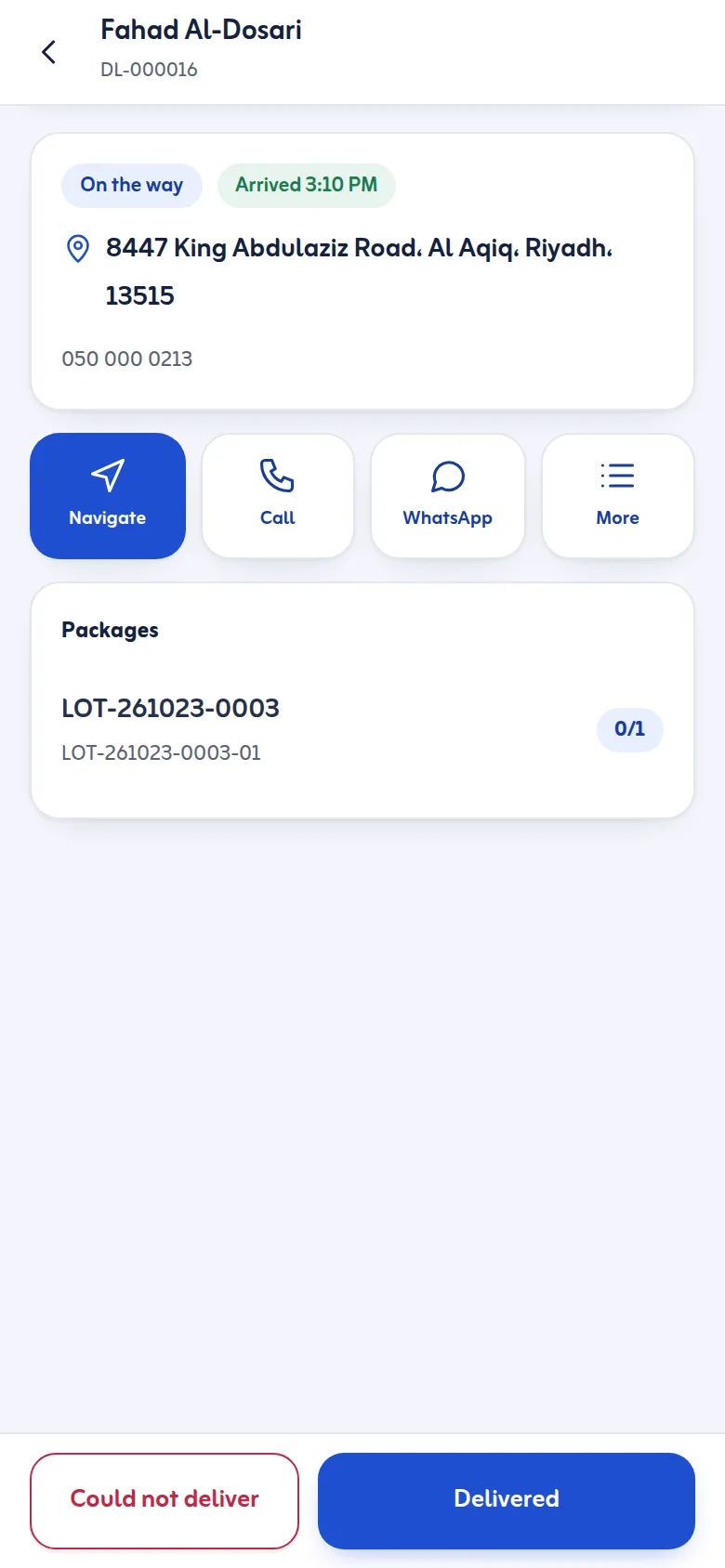
The driver sees the day's stops in order, can call or message the customer, open navigation in the phone's maps app and scan packages at handover. A stop is finished with the customer's code or signature, plus a photo if required. For partial deliveries the driver ticks the packages handed over and the rest return to the warehouse. See proof of delivery.
6. Count the cash
Set cash to collect per stop before the trip starts. After the trip the cash handover tab shows what each driver should hand over against what was counted. A difference needs a note. See cash on delivery.
7. Settle failures
Failed and partly delivered stops stay in Returns & Settlement until you retry, return to stock or return to the sender. You set the maximum attempts before return, from 1 to 9.
Customers and the office
Customers get a tracking page for their delivery. While the order is on the way it shows the expected arrival time, how many stops come before theirs and, when the driver's phone has shared its location in the last 30 minutes, the driver as a dot on a map. It is not continuous GPS fleet tracking. The office sees every delivery, driver and proof in Delivery Tracking.
See also last mile delivery and the pricing page.
Courier software for Saudi Arabia
As courier company software it is parcel management software from pickup to proof: courier software for Saudi Arabia that knows national addresses, Saudi plates and cash on delivery.
