
Build the map of your warehouse once
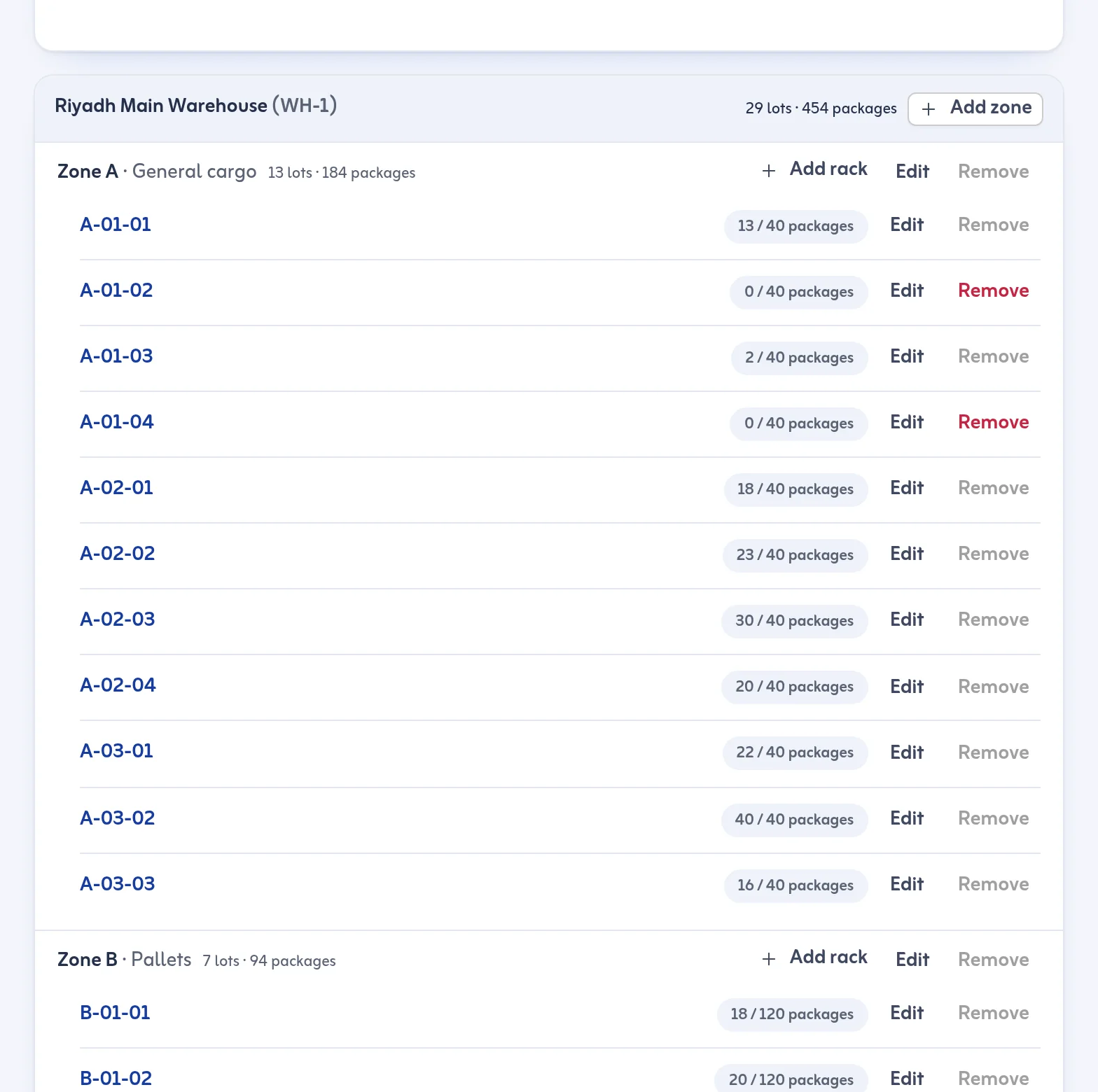
Add a zone with a short code and a name, for example A, COLD ("Cold room") or YARD. Inside each zone add racks or bins with codes that are unique in that warehouse, such as A-01-02 for aisle A, bay 01, level 02. A capacity in packages is optional: going past it shows a warning when goods are moved in, but it never blocks the move, because the person on the floor knows best.
See what each rack holds
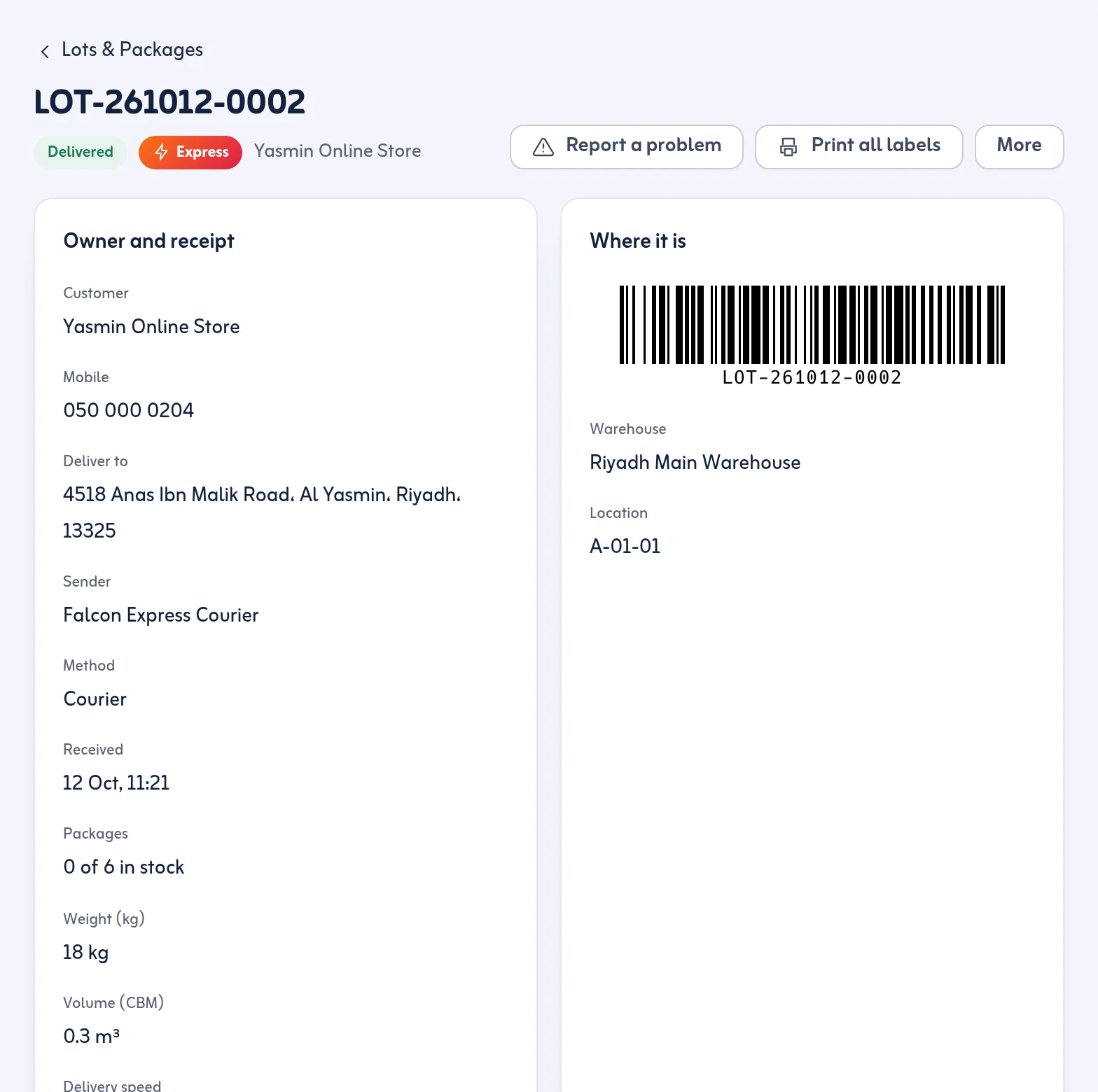
Every rack shows the lots and packages on it and how long they have been there, with a bar for how full it is against its capacity. Open a lot from there, or move it to another rack by scanning the new rack's code. Every move is recorded on the lot's timeline with who moved it and when.
Rules that keep the map honest
- A rack belongs to one zone of one warehouse.
- A zone or rack that holds goods cannot be removed until they are moved; empty ones can.
- New arrivals can be put straight onto a rack in the New Arrival form, or later.
The same racks are used by stock counts and by the stock report, so a count, a move and a report all speak about the same places.
Warehouse zones and rack and bin management
Warehouse zones group the floor by purpose (general cargo, pallets, cold room, yard); rack and bin management gives every shelf position a code. Together they tell anyone where to walk.