
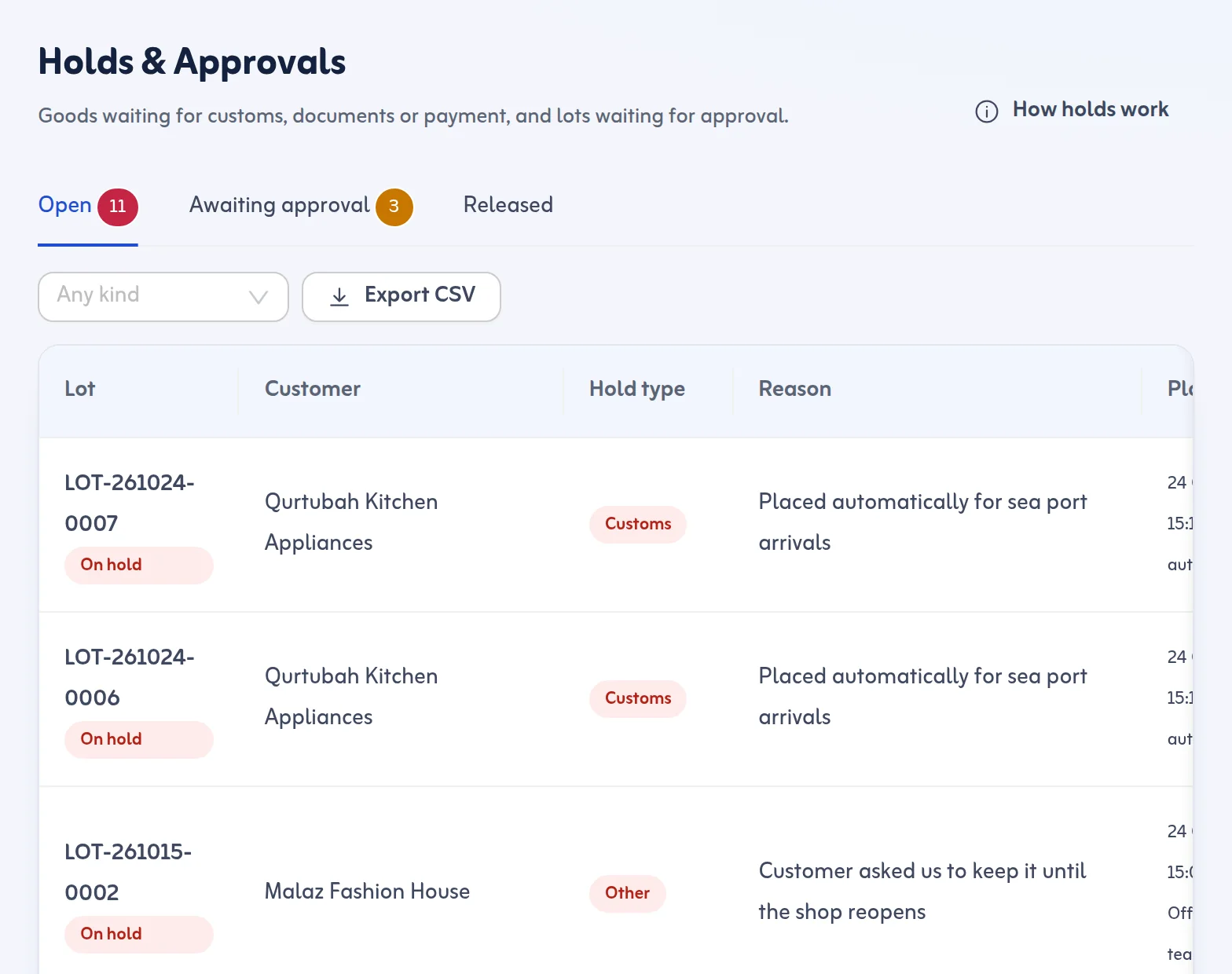
Holds: why the goods must wait
Place a hold on a lot from its page and choose the type: customs, documents, payment, delivery or other, with a reason such as "waiting for the customs release". A lot can carry several holds at once. Holds can also be placed automatically on every new lot that arrives a certain way, for example a customs hold on everything by sea or air, set in Settings.
Releasing: with a note, by the right people
Only owners, admins and dispatchers can release a hold, and a release always needs a note, for example "customs cleared, reference 12345". The lot's timeline keeps who placed the hold and when, and who released it and when, so questions from a customer or an auditor have an answer.
Approval: the gate to dispatch
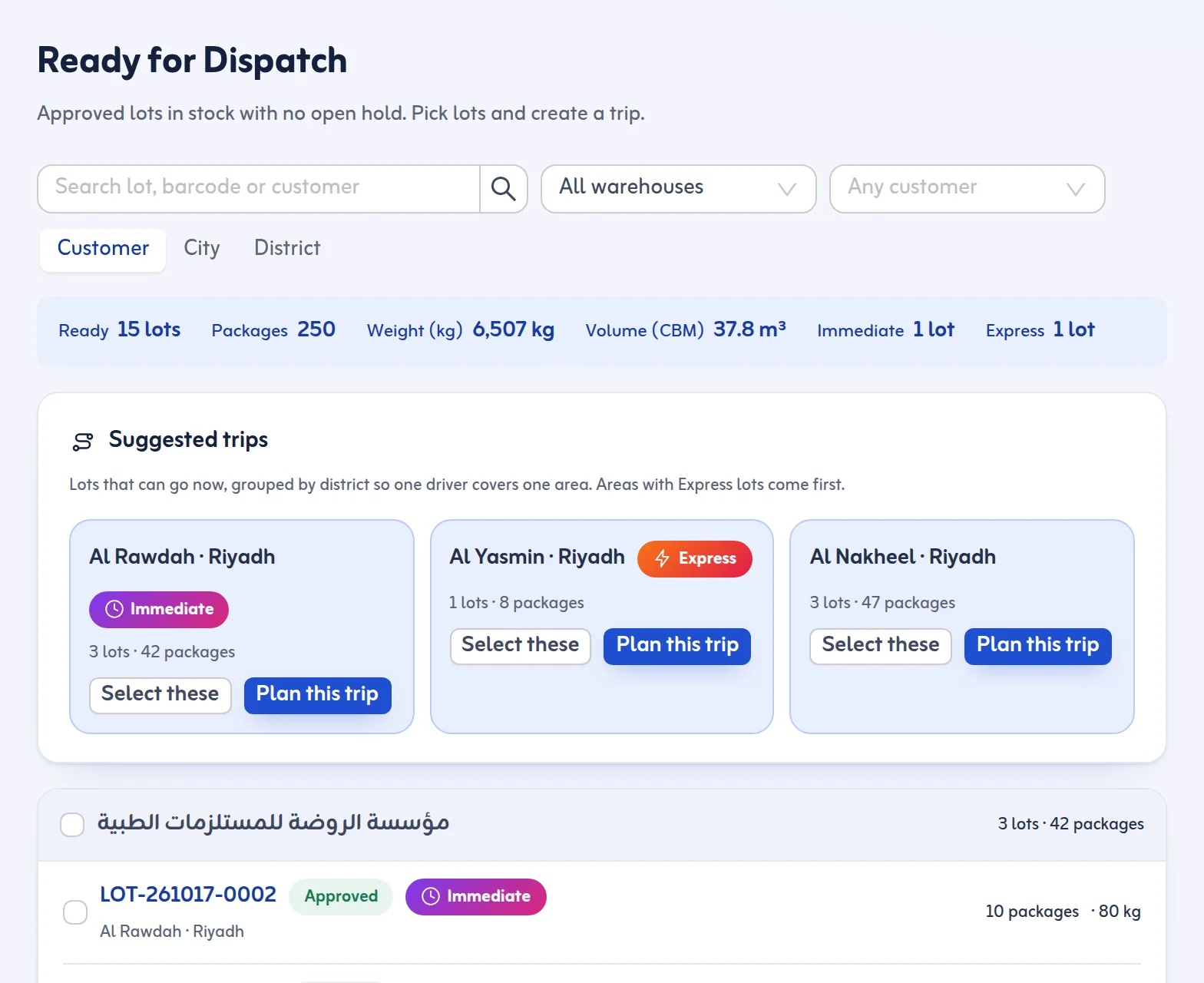
With "New lots need approval" switched on in Settings, every new lot waits in the Awaiting approval tab. Approve lots one by one or select many and approve them together. Approval is refused, with a clear message, while a hold is still open. Only an approved lot with no open hold appears in Ready for Dispatch.
Holds after approval
- Placing a hold on an approved lot that is not yet loaded takes it back out of Ready for Dispatch.
- A lot already on a trip can get a delivery hold: the driver app then shows "Do not hand over" for it.
- Holds older than the number of days you choose appear under Needs attention on the dashboard, and the holds report shows the average hours on hold by type.
Keeping goods on hold until payment is the same tool: a payment hold, released with a note when the money arrives.