

Popup triggers decide the moment a popup opens, and that moment decides whether it feels helpful or rude. The short answer: show a popup after the visitor has had a reason to care and before they leave, show it once, and stop when they sign up. The rest of this guide explains which trigger fits which job, how often to show it, and what Google says about popups and search.
Three questions before you choose a trigger
- When should it open? The trigger.
- Where, and for whom? Pages, new or returning visitors, devices.
- How often? Frequency, and what happens after a close or a sign-up.
Most popup problems are an unanswered third question. A reasonable offer shown on every page view is the popup people complain about.
The main popup triggers and when to use each
Time delay popup
Opens after the visitor has spent a set time on the page. Five to ten seconds suits most stores; zero seconds opens it at once, which is rarely what you want for a full popup. Use it for a welcome offer on pages where people do not scroll much.
Scroll triggered popup
Opens when the visitor has scrolled a set share of the page. Around 50% on articles and long product pages reaches people who are really reading. It is the better choice on phones, where a time delay can fire while the page is still loading in someone's hand.
Exit intent
Opens when the visitor moves to leave. Best for a last offer on the cart or a product page, because it only interrupts people who were going anyway. It is weaker on phones; see exit popups on desktop and mobile.
Click
Opens when the visitor clicks a button or link you choose, such as 'Get the size guide'. Nobody is interrupted, because they asked for it. A click always opens the campaign, whatever the frequency setting.
Add to cart, and the quieter ones
- Adds to cart: the moment for free delivery or a bundle. It recognises the add-to-cart buttons of Salla, Zid, Shopify and WooCommerce.
- Inactivity: no scrolling, clicking or typing for a while. Thirty seconds or more catches visitors who stopped to think.
- Element comes into view: opens when the reviews or the price scroll into view.
- Comes back to the tab: the visitor went to compare prices and returned.
- Pages viewed: from the third page on, a visitor is clearly interested.
- Page load: best kept for bars and small corner messages.
Smart timing
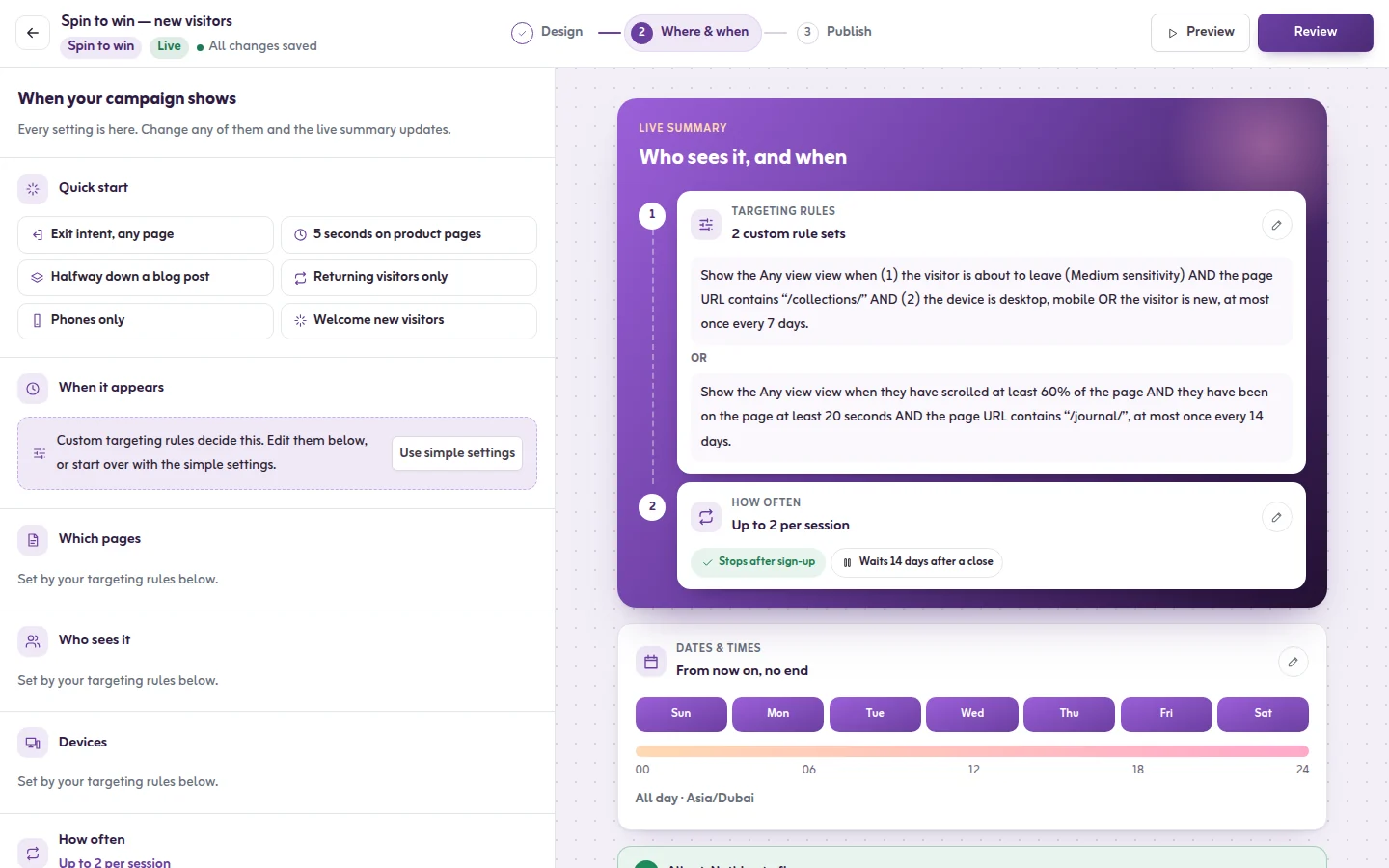
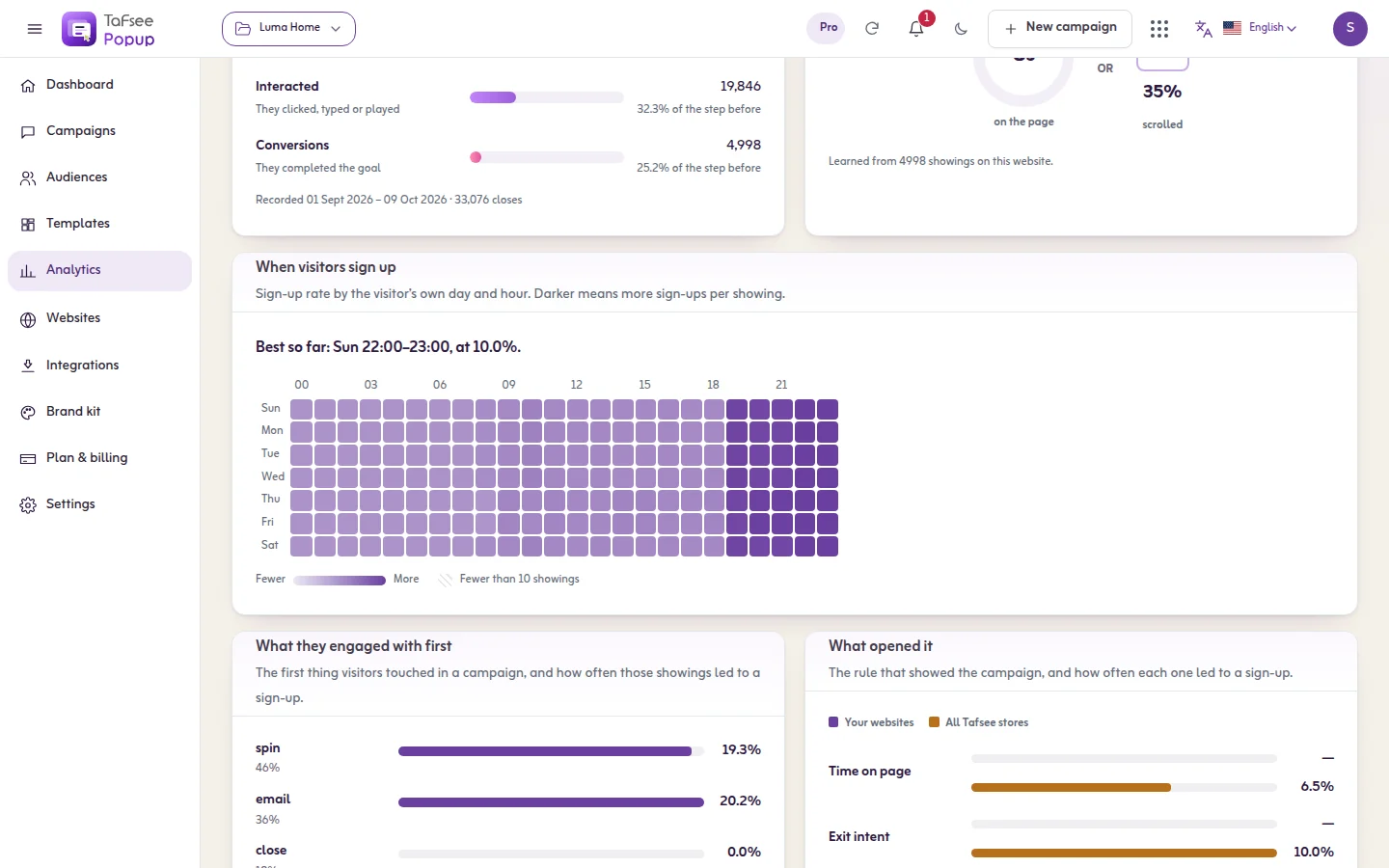
If you would rather not pick a number, Smart timing starts at 8 seconds or 40% scroll and then adjusts to the moment your own visitors have signed up best. The Insights page shows the moment it is using now.
Popup best practices for frequency
- Once a week is a sound default for one visitor.
- Stop once they sign up. Asking a subscriber to subscribe is the fastest way to look careless.
- Wait after a close. Give visitors who closed it a break of several days.
- One popup at a time. A bar and a popup can share a page; two popups should not. Set a gap between two popups for the whole site.
- Match the page. Cart offers on the cart, guides on the blog, nothing on the order confirmation page.
The full list of settings is in the frequency article.
Are popups bad for SEO?
Not by themselves, but the wrong kind can be. Here is what Google's own Search Central documentation on interstitials and dialogs says, without the folklore around it:
- It describes intrusive interstitials (overlays that cover the whole page) and dialogs (overlays that cover part of it) that obstruct the visitor's view of the content, usually for promotion.
- It says these can frustrate users and erode their trust, and that they make it harder for Google to understand your content, which may lead to poor search performance.
- It recommends using banners that take a small part of the screen instead of full-page interstitials, and says not to obscure the entire page.
- It advises against redirecting visitors to a separate page to collect consent or input.
- Interstitials you are legally required to show, such as an age gate, are treated differently, and the page explains how to add them so the content can still be indexed.
On the phrase 'Google popup penalty': that documentation does not use the word penalty. It speaks of poor search performance. Google's page experience documentation lists avoiding intrusive interstitials among its self-check questions and says there is no single page experience signal. Google publishes no safe number of seconds and no safe share of the screen, so anyone quoting one is guessing.
Our reading, as store owners and not as Google: do not cover the content the moment someone arrives, least of all on a phone. Use a bar or a small slide-in for arrival messages, keep full popups for after the visitor has engaged or for a click, and make closing easy. That is also simply better manners.
How to set triggers in Tafsee Popup
- Open the campaign and go to Where & when. The card When should it appear? has the four common triggers: as soon as the page opens, after a few seconds, after they scroll, and when they're about to leave.
- Click Add another trigger for a second moment. The campaign opens on whichever happens first.
- For the rest, open Targeting rules and click Edit rules. All 39 display rules are there, grouped as When, Who and Where. See every trigger.
- Open How often should one visitor see it? and choose the frequency. If the app warns that the popup shows too often, click Use safe settings.
- Read the summary: one sentence that says exactly when the campaign will show.
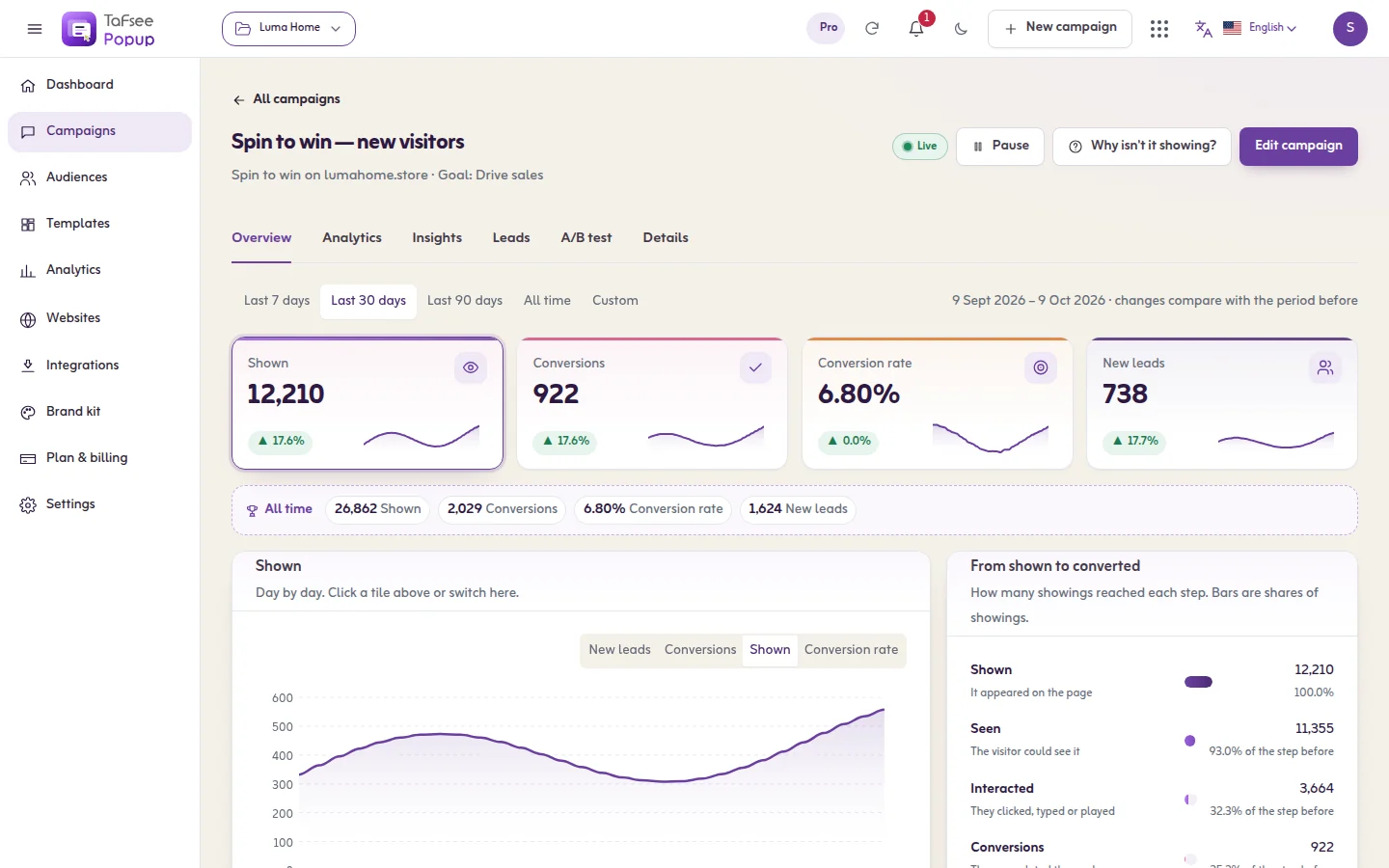
If a campaign does not appear when you expect, the Why isn't it showing? button lists the reason; see troubleshooting. Every trigger is included on every plan, the Free plan too (pricing). For ideas on what to put in the popup, see popup examples and ideas.
Frequently asked questions
Five to ten seconds suits most stores, long enough for the visitor to see the page. There is no universal best number, so check the Insights tab, which shows how long visitors had been on the page when they signed up.
Google's documentation says interstitials and dialogs that obstruct the content can frustrate users and make the content harder for Google to understand, which may lead to poor search performance. It recommends small banners over full-page interstitials. A popup that appears after the visitor has engaged, and closes easily, is a different thing from one that covers the page on arrival.
Google's page about interstitials and dialogs does not use the word penalty. It says intrusive ones may lead to poor search performance, and it publishes no safe delay in seconds and no safe screen size. Treat any exact figure you read elsewhere as an opinion.
Yes. In Tafsee Popup click Add another trigger, for example a few seconds and exit intent. The campaign opens on whichever happens first, and only once on that page.
