

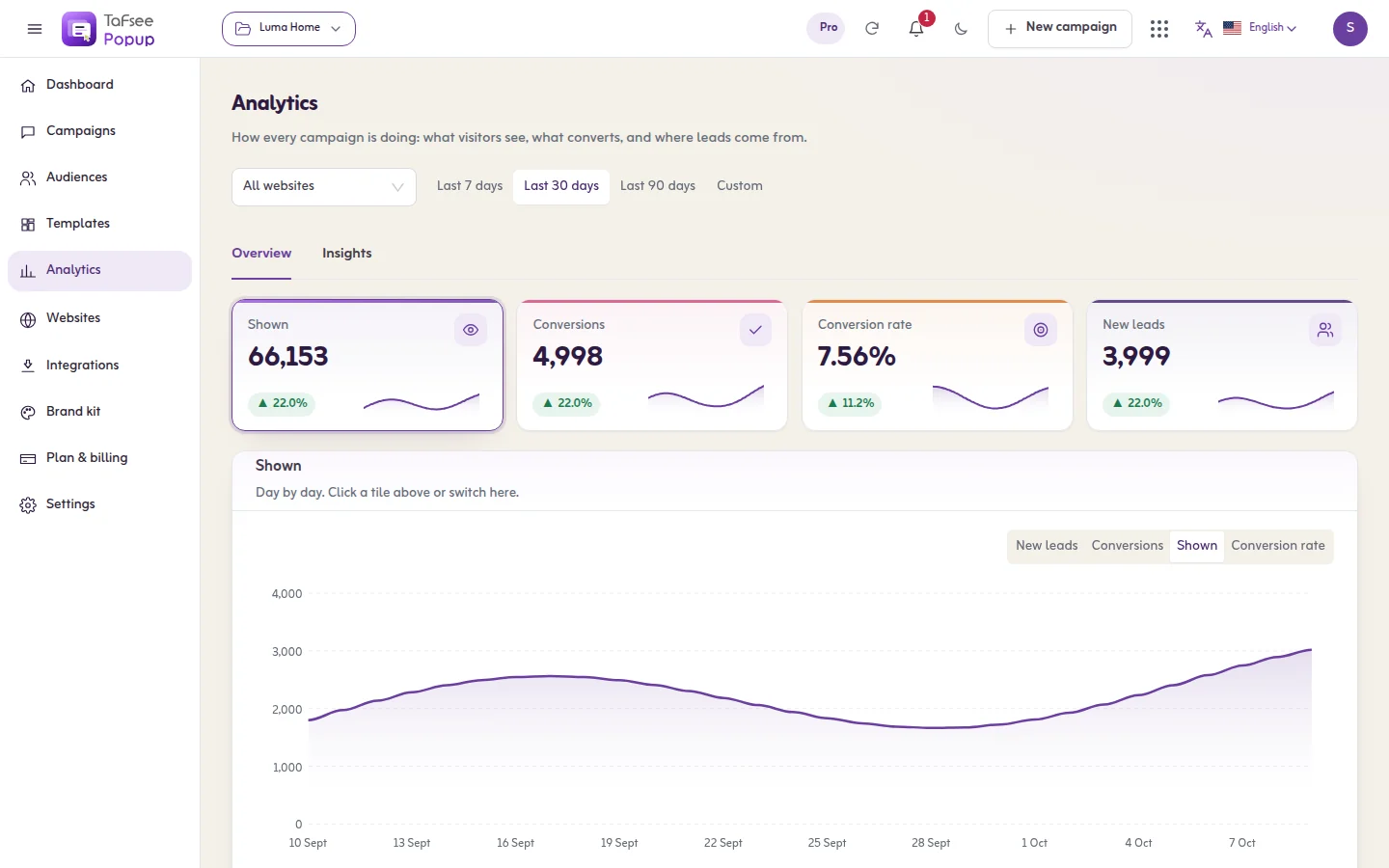
A/B testing popups means showing two versions of the same popup to different visitors and keeping the one that gets more sign-ups. Running the test is the easy part. Choosing what to test is where most stores go wrong: they start with button colours, which rarely change anything. This guide gives you an order to work in, from the changes that usually move a popup conversion rate the most to the ones that barely matter.
Popup A/B testing in one minute
You keep your current popup as the control, copy it, change one thing in the copy, and split your visitors between the two. Each visitor keeps seeing the same version. After enough showings you compare sign-up rates and keep the better one.
One change per test is the rule that matters. Change the headline and the offer together and you will not know which one did the work. How long to wait and when a result can be trusted is a separate subject, covered in when an A/B test winner is real.
What is a good popup conversion rate?
There is no single number worth quoting. A popup conversion rate is sign-ups divided by the times the popup was shown, and it swings with the offer, the page, the trigger, the traffic source and the device. A cart-page exit offer and a homepage newsletter bar are not comparable, and neither is your store and someone else's.
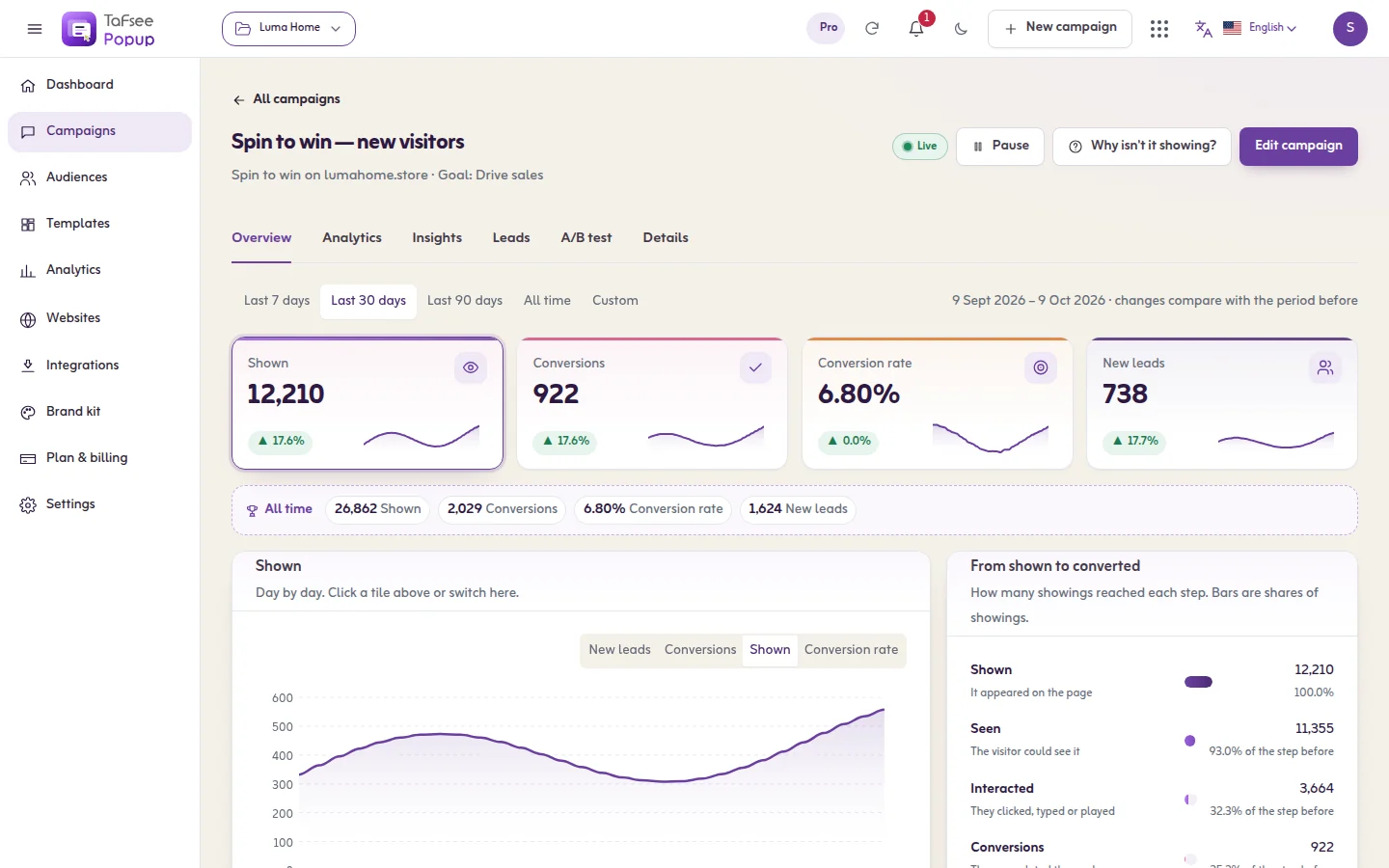
The useful benchmark is your own. Run the popup unchanged for two weeks, write down its rate, and try to beat that. Every test below is a way to increase conversion rate against your own baseline.
What to test first, in order
If you are asking how to increase conversion rate on a popup, work down this list and stop at the first item you have not tested yet.
1. The offer
Nothing else comes close. A percentage discount against free delivery, a gift against early access to the sale, 10% against a fixed amount off. The offer decides whether the visitor cares at all, and everything after it only decides how clearly they hear about it. See discount code popups and the free shipping bar for the two most common candidates.
2. Who sees it and when
The same offer shown on arrival and shown after half a page of reading gets very different answers. Before you test wording, make sure the popup opens at a moment that makes sense: new visitors only, after some scrolling, or on exit intent. Our guide to when a popup should appear explains the options.
3. The headline
Once the offer and the moment are right, test how you say it. Put the benefit first ('Free delivery on your first order') against a softer line ('Join our list'). Specific usually beats clever, but your visitors decide.
4. The form
Email only against email plus name. Email against a phone number. Every extra field costs sign-ups, so the question is whether the extra detail is worth what it costs. A test tells you the price.
5. The format
A plain lightbox against a two-step yes or no question, or against a game such as spin to win. Formats change how the offer feels more than what it is, which is why they come after the offer itself.
6. Button text and picture
'Send my code' against 'Subscribe'. A product photo against no photo. These are worth a test once the bigger questions are settled.
Last: colours and fonts
Match your brand and make sure the text is easy to read. Then leave them alone. Colour tests need a great deal of traffic to show a difference, and the difference is usually small.
Rules that keep a test honest
- Write the expectation down first. 'Free delivery will beat 10% because delivery fees are our main complaint.' If you cannot say why, you are guessing.
- Do not test during an unusual week. A sale, a holiday or an influencer post changes who visits. Test in normal weeks, or run both versions through the whole period.
- Watch orders, not only sign-ups. A bigger discount nearly always collects more emails. Check in your store how many of those codes were used and what the orders were worth.
- Keep the loser's lesson. A failed version still tells you something about your customers. Note it before you move on.
When A/B testing is not worth it
- Low traffic. A popup shown a few dozen times a day takes a very long time to say anything. Make one bold change, such as a different offer, rather than testing small wording.
- A popup that is broken in a basic way. If it opens the second someone arrives, or cannot be closed on a phone, fix that. You do not need a test to know.
- Short seasonal campaigns. A three-day sale ends before a test does. Use what you learned in quieter months.
How to run the test in Tafsee Popup
A/B testing is included from the Growth plan ($19 a month) upwards, and paid plans have a 14-day trial. See pricing.
- Open the campaign and go to the A/B test tab. Before a test it shows one row, Original, with all visitors.
- Click Add a version. The new version starts as a copy of the original.
- Name it, answer What are you changing? in one sentence, and set Traffic to variant (%).
- Click Create test. The version opens in the editor. Change one thing.
- Publish the campaign. The test runs only while the campaign is live.
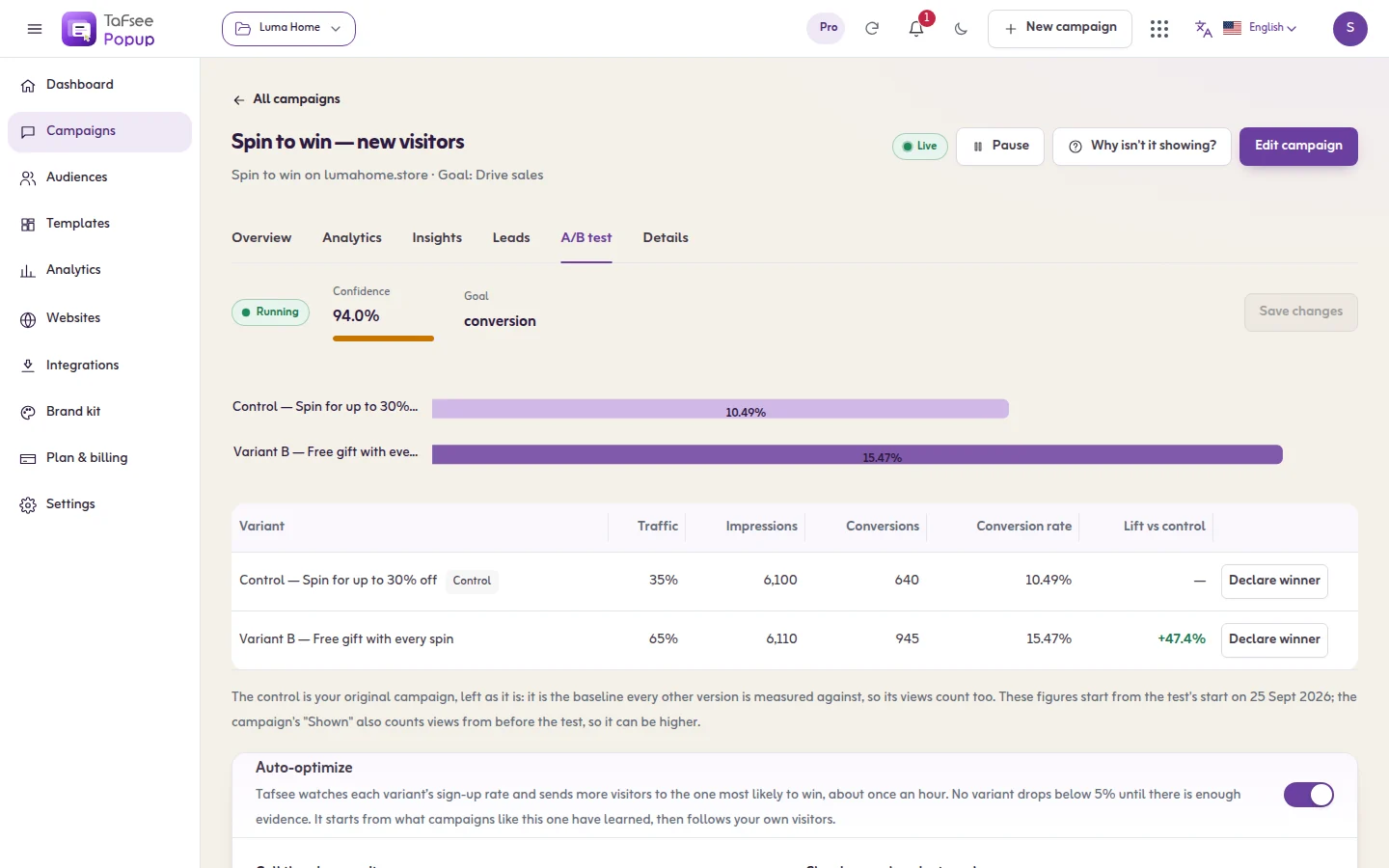
The table shows each version's showings, conversions and rate. You can end the test yourself with Declare winner, or switch on Auto-optimize and let Tafsee move visitors towards the stronger version. To compare triggers rather than designs, add a second trigger to the same campaign and read What opened it on the Insights tab: it shows how often each rule led to a sign-up. The full steps are in the A/B versions guide and the analytics guide.
Frequently asked questions
The offer. A discount against free delivery or a gift changes results far more than wording or colour. After that, check who sees the popup and when, then the headline, the form and the format.
There is no single good figure, because the rate depends on the offer, the page, the trigger and the traffic. Measure your own popup for two weeks and use that as the number to beat.
Fix the basics: a specific offer, a moment after the visitor has seen something, a short form and an easy close button. With low traffic these changes do more than a slow test.
A/B testing is included from the Growth plan, $19 a month, and in the Pro and Business plans above it. Paid plans come with a 14-day trial.
