

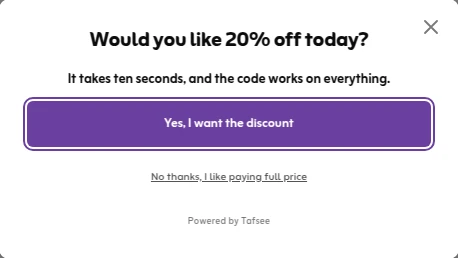
An exit-intent popup is a message that opens only when a visitor shows signs of leaving your site: the mouse pointer heads for the tabs or the close button, or on a phone the visitor flicks quickly back to the top of the page. It gives you one last chance to make an offer, without interrupting people who are still reading. This guide explains what an exit intent popup is, how exit intent technology works, and gives ten exit intent popup examples you can copy.
What is an exit-intent popup?
Most popups open on a timer or after some scrolling, so they land in the middle of a visit. An exit-intent popup waits. The page watches for a leaving signal and shows the popup only then. That is why it suits a last offer: the visitor was about to go anyway, so you lose very little by asking.
It is not a way to stop people leaving. They can still close the tab, and the popup must be easy to close. It will not fix a slow page, an unclear price or a missing payment method either. Fix those first; our cart abandonment checklist goes through them.
How exit intent technology works
There is no mind reading involved. Exit intent technology is a small script on your page that watches for a few simple signals.
- On a computer: the script follows the pointer. When it moves up and out of the page towards the tabs, the address bar or the close button, the popup opens.
- On a phone: there is no pointer, so another signal is used. The usual one is a visitor who has read down the page and then flicks quickly back up, which is what people do to reach the address bar or the back button.
- Sensitivity: you choose how easily the trigger fires. A low setting waits until the pointer has left the very top of the window. A high setting fires earlier and shows the popup to more people.
None of these signals is perfect. Someone reaching for a bookmark looks the same as someone leaving. That is why the frequency limit matters as much as the trigger. The differences between devices, and which offers suit each, are covered in exit intent on desktop and mobile.
10 exit-intent popup examples
Each of these exit intent popup examples answers one reason a visitor might be leaving. Pick the one that matches the page.
- A first-order discount on product pages. One question, 'Would you like 10% off today?', a yes button and a plain way to decline. The code appears on the next screen. See discount code popups.
- A cart reminder. On the cart page, remind shoppers what they are leaving behind, add one line about returns or delivery, and give a button back to checkout. No discount needed. More in cart abandonment popups.
- Free delivery instead of money off. For shoppers put off by the delivery fee. It often costs you less than a percentage discount.
- Come back later. Ask for an email address so you can follow up from your email tool once they have had time to think.
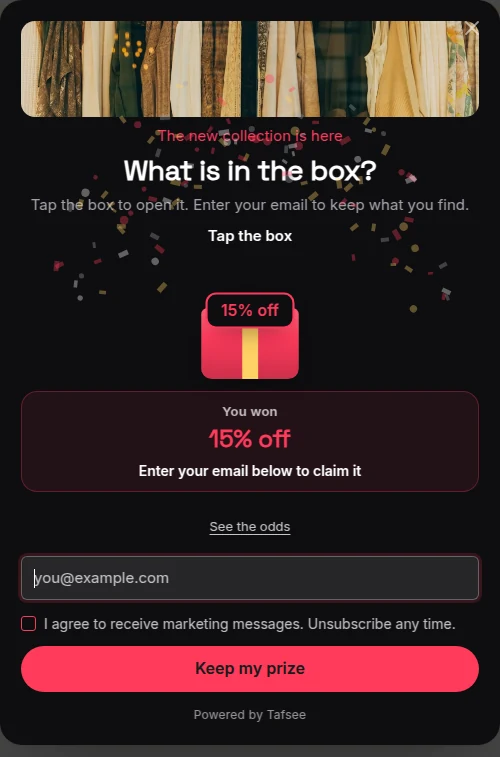
- A game. A wheel or a gift box makes the last offer feel less like a plea. See spin to win.
- A guide for readers. On blog posts, offer a checklist or a short guide on the same topic in exchange for an email.
- A one-question survey. 'What stopped you from ordering today?' You get no sale, but you learn what to fix. See survey popups.
- A WhatsApp contact. For expensive or considered purchases, offer to answer questions on WhatsApp. See WhatsApp popups.
- A demo or call booking. On pricing pages for services and B2B, where the visitor needs a person more than a coupon.
- A seasonal deadline. During Ramadan or White Friday, show the real end of the sale or the last order date with a countdown timer.
When an exit popup is the wrong tool
- On the payment step. Never interrupt someone who is paying.
- For people who already signed up or bought. Stop showing it once they convert.
- On every visit. Once a week for the same visitor is plenty. More than that and regular customers start to resent it.
- Together with another popup. One popup per page view. If a welcome offer already opened, skip the exit one.
- As a full-screen wall on phones. Keep it small and easy to close, so it does not hide the content people came for.
What to look for in exit intent popup software
Exit intent is a standard feature, so compare the details rather than the label.
- Does it work on phones as well as computers, and can you switch the phone part off?
- Can you set how easily it fires?
- Can you limit how often one visitor sees it, and stop after they sign up?
- Can you limit it to certain pages, such as the cart?
- Where do the leads go, and what happens if your email tool is down?
- Is exit intent in the plan you are paying for, or an extra?
How to set one up in Tafsee Popup
Exit intent is part of every plan, the free one included.
- Choose one of the 209 templates, or start from a blank design, and write your offer.
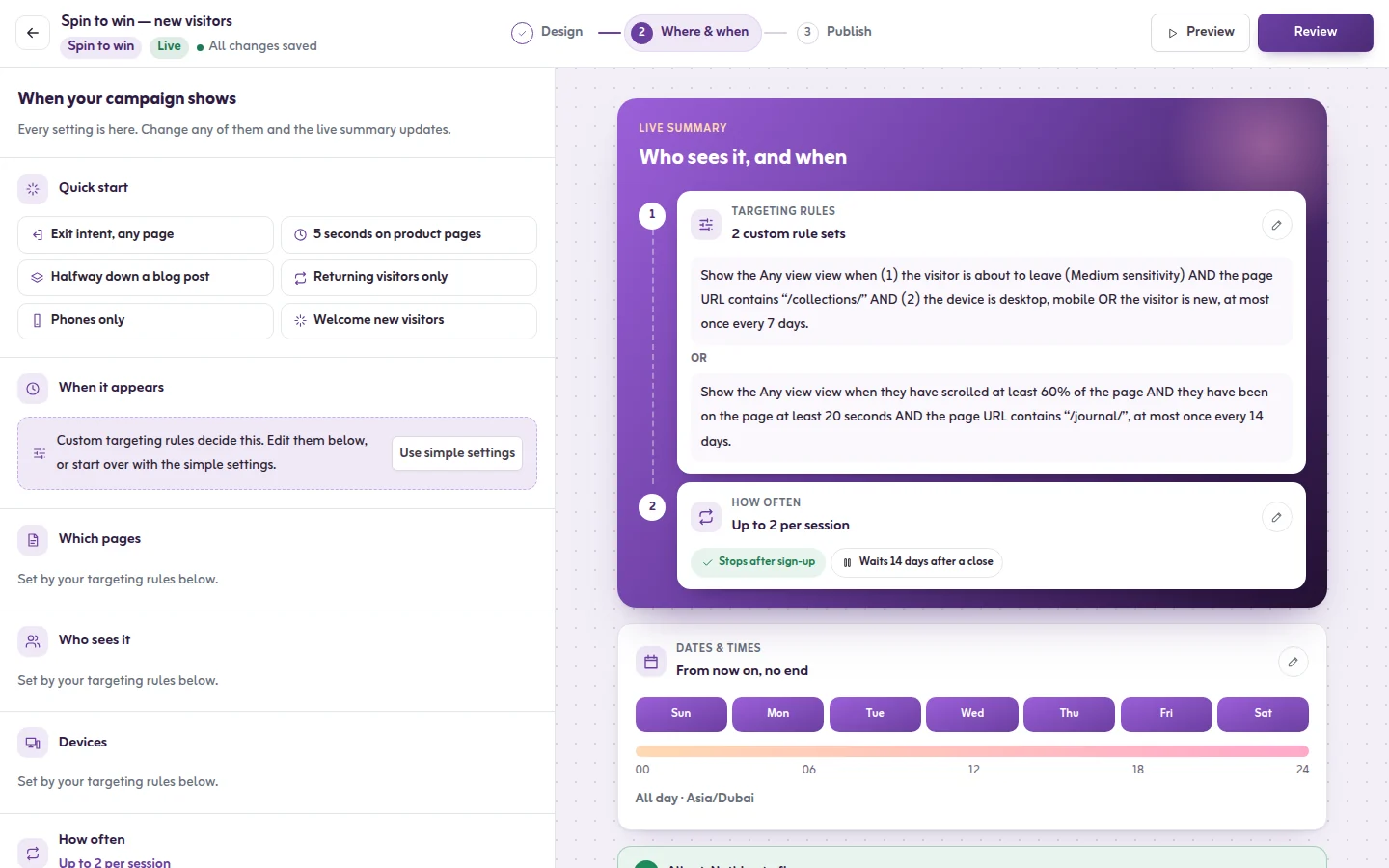
- Open the Where & when step. Under Quick start choose Exit intent, any page, or open When should it appear? and pick When they're about to leave.
- Set How easily it fires to low, medium or high, and switch on Also watch on phones if you want it on mobile.
- Set how often it shows to Once a week and switch on Stop once they sign up.
- Publish. Then open your site with ?tafsee-debug=1 at the end of the address: the test panel has a button that simulates exit intent, so you can see the popup without waving your mouse around.
The full steps are in the exit-intent guide, and the exit-intent popup page shows what it does for a store. Tafsee Popup installs with one snippet pasted into your site; there is no plugin or app to add.
Frequently asked questions
It is a popup that opens only when a visitor shows signs of leaving, such as moving the pointer towards the tabs or the close button. It is used for a last offer, a reminder or a question.
Yes, with a different signal. A phone has no pointer, so the popup opens when a visitor who has read down the page flicks quickly back up. In Tafsee Popup this is the 'Also watch on phones' switch.
There is no honest single figure. It depends on the offer, the page and where the visitors came from. Measure your own: the Insights tab in Tafsee Popup shows how often each trigger, exit intent included, led to a sign-up.
Tafsee Popup includes exit intent in its free plan, which covers one website, three live campaigns and 500 leads a month. Paid plans start at $9 a month.
