

Arabic popup design fails in a recognisable way: someone takes an English popup, pastes Arabic words into it and publishes. The text is aligned to the wrong side, the discount code breaks in the middle of the sentence and the font looks like a system default. Shoppers read that as a store that did not bother. This checklist covers what to get right, in the order you will meet it.
1. Direction: mirror the layout, not only the text
A right-to-left popup is a mirror image of the English one, not the same layout with right-aligned text.
- The headline, body and form labels start from the right.
- If the popup has a picture on one side and the form on the other, they swap.
- Arrows and chevrons that mean 'next' point left.
- Checkboxes sit to the right of their sentence.
- Things that do not flip: logos, photos of products, and a video's play button.
2. Fonts: choose one drawn for Arabic
The single biggest difference between a popup that looks native and one that looks translated is the font.
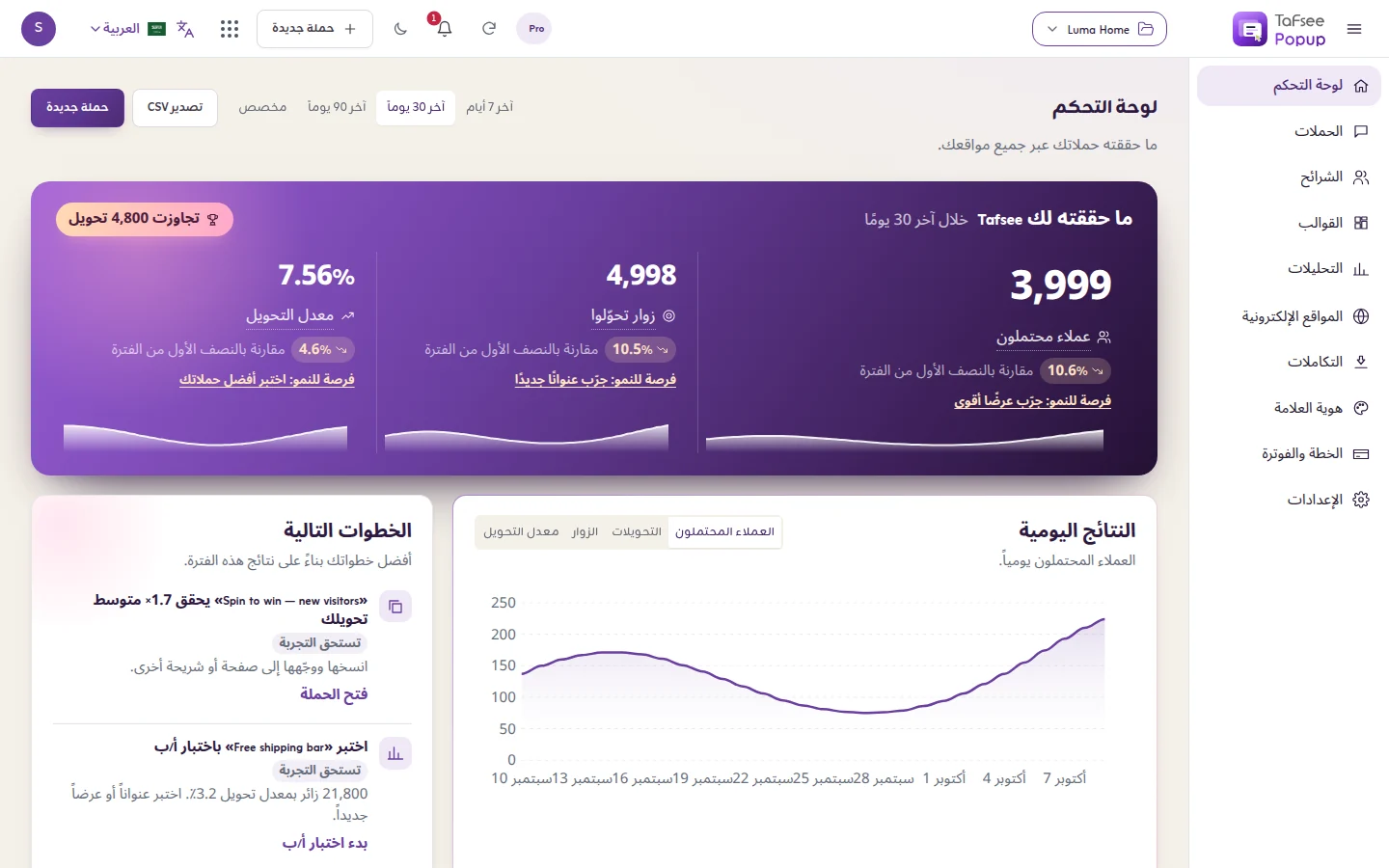
- Use a typeface designed for Arabic, with a Latin companion for brand names and codes. In Tafsee Popup the Arabic font pairs include Zain, Tajawal, Cairo and IBM Plex Sans Arabic.
- Give Arabic a little more line height than English. The letters have marks above and below that need room.
- Forget the Latin tricks. Arabic has no capital letters, and wide letter spacing breaks the joins between letters.
- Bold with care. A heavy weight at a small size fills in the letter shapes on a phone.
3. Numbers, prices and codes
- Pick one set of digits. Western digits (1, 2, 3) or Arabic-Indic digits (١، ٢، ٣). Either is fine in the Gulf; mixing them in one popup is not. Match what your store's product pages use.
- Write the currency the way your store does. 'ر.س' or 'SAR', 'د.إ' or 'AED', in the same position as on your product pages.
- Check the percent sign. A phrase such as 'خصم 20%' can display with the sign on the unexpected side, depending on the font and the surrounding text. Look at it in the preview, not in your head.
- Keep codes in Latin capitals. A discount code such as EID20 is typed at checkout, so it should look exactly as the checkout expects it.
4. Mixed Arabic and English
Real Gulf copy mixes languages: a brand name, a product name, a code, an email address. These stay left to right inside a right-to-left sentence, and that is where layouts break.
- Put a code or an email address on its own line or in its own block instead of mid-sentence.
- Email and phone fields should accept left-to-right typing while their labels stay on the right.
- Read every sentence that contains an English word on a real phone. Punctuation at the end of a mixed sentence is the usual casualty.
5. Copy: write it, do not translate it
- Write the Arabic first, or at least separately. 'Grab your deal' translated word for word is not something anyone says.
- Expect different lengths. An Arabic headline is often longer than the English one. Shorten the idea, not the font size.
- Choose a register. Modern Standard Arabic suits most stores. A light Gulf tone can work for a young brand; mixing the two in one popup reads as careless.
- Buttons say what happens. 'أرسل الكود' is clearer than 'إرسال'.
- Mind the consent line. If you will send marketing messages, say so in Arabic as plainly as you do in English.
For what to offer in the popup, see popup examples and ideas.
6. Email popup design in Arabic
The form is where most of the small faults collect.
- One field is enough for a first sign-up. Each extra field costs you sign-ups in any language.
- For a phone number, show the country code and an example in the format your customers use.
- Write error messages in Arabic too. In Tafsee Popup the short words the popup writes by itself (the close label, form errors, the default consent sentence) appear in the visitor's language, Arabic included.
More on forms on the email popup page.
7. Test before you publish
- Open the phone preview. Long Arabic words wrap differently from English ones.
- Check both versions if you run two languages.
- Sign up once yourself and read the thank-you page and the code.
How to build an Arabic RTL popup in Tafsee Popup
- On the page where you start a campaign, set the Language filter to Arabic or English & Arabic to find Arabic designs in the template gallery.
- In the editor, open the theme settings and set Text direction to Right to left.
- Under Font pair, pick an Arabic pair.
- Type your Arabic text. The popup is not translated for you, so for two languages make one campaign per language.
- Show each to the right visitor: in Where & when, add the Language condition (the visitor's browser language), or a Page URL condition if your Arabic pages live under a path such as /ar.
- Check the phone preview and publish.
The app itself also works in Arabic, right to left, which helps when the person running campaigns prefers it. Details are in languages and Arabic. All of this is on every plan, the Free plan included (pricing).
If your store runs on a Gulf platform, see the pages for Salla and Zid, and for seasonal Arabic campaigns read Ramadan and Eid popup campaigns.
Frequently asked questions
A popup laid out right to left for languages such as Arabic: text starts from the right, and the picture, form and arrows are mirrored. In Tafsee Popup you set Text direction to Right to left, and a popup with Arabic content, or on a page that is itself right to left, is drawn right to left on your site.
No. A popup says what you type. A few short words the popup writes by itself, such as the close label and form errors, appear in the visitor's language. For two languages, make one campaign per language and target each by browser language or page address.
A typeface drawn for Arabic with a matching Latin set. Tafsee Popup includes Arabic font pairs such as Zain, Tajawal, Cairo and IBM Plex Sans Arabic. If the visitor's browser cannot load the font, the popup falls back to the device's own font.
Add a condition to both campaigns. The Language rule looks at the first language of the visitor's browser; the Page URL rule works when your Arabic pages share a path such as /ar. Without a condition on both, one visitor can see both versions.
