

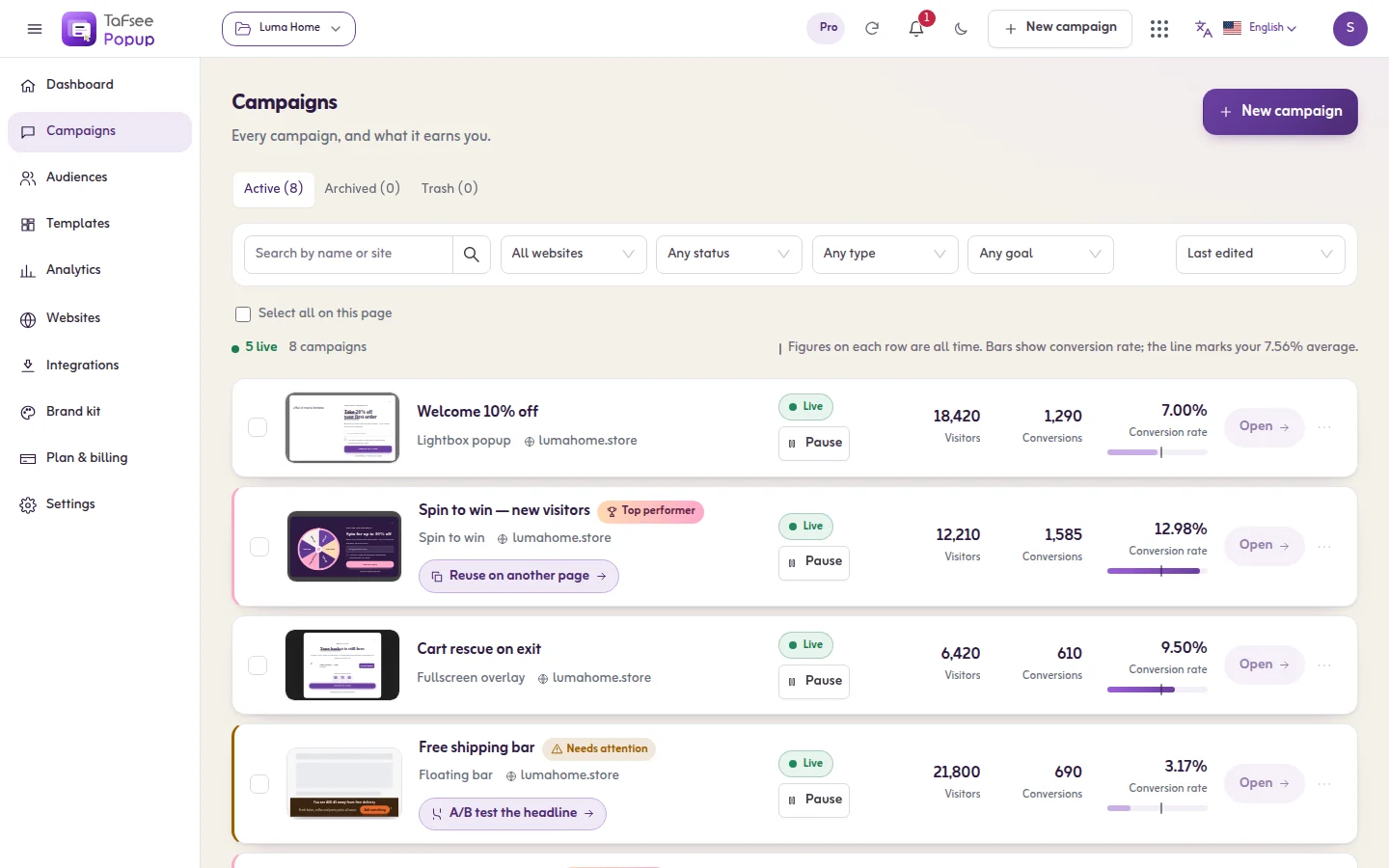
A discount code is one of the strongest sales tools in a Salla store, but it cuts both ways. Used well, it brings in new customers and lifts order value. Handed out without a plan, it eats margin and teaches customers to buy only with a coupon. This guide covers practical discount code ideas, how to name them, how to limit them and how to show them to the right visitor at the right time.
Before creating any code: set the goal
Every coupon should serve one clear goal:
- Win a new customer's first order.
- Raise average order value above a threshold.
- Clear stock or a specific collection.
- Win back a past customer who has not ordered in a while.
- Make the most of a season such as Ramadan or White Friday.
If you cannot name the goal, you probably do not need the code.
12 discount code ideas for Salla stores
Welcome and first-order codes
- First-order welcome code: such as WELCOME10, shown only to new visitors after they sign up.
- Free delivery on the first order: often cheaper than a percentage discount and more persuasive for shoppers put off by delivery fees.
- Gift with the first order: a sample or small product instead of a discount, great for perfume, coffee and beauty.
Cart-value codes
- Threshold discount: 'SAR 30 off orders over SAR 250'.
- Tiered discount: a larger reward as the cart grows, with clear limits.
- Bundle code: a discount when buying two complementary products together.
Interactive codes
- Spin to win: the visitor enters their email and spins to reveal a reward such as a small discount, free delivery or a gift. Create the matching codes in your store in advance. Try the free spin-the-wheel tool to test the idea.
- Hidden code in content: a code at the end of a guide or article that rewards engaged readers.
Seasonal codes
- Ramadan offers: a code for the last ten nights or Ramadan hampers, with a clear expiry date.
- Eid offers: a code for gift cards or orders that arrive before Eid.
- White Friday: an early-access code sent to people who signed up beforehand.
Win-back codes
- 'We miss you' code: for customers who have not ordered in a while, sent by email or WhatsApp to people who opted in.
How to name a discount code
- Short and easy to type on mobile: RAMADAN15 beats RAMADANSPECIALOFFER2026.
- Latin letters and numbers: avoids input problems with Arabic keyboards at checkout.
- Descriptive: EID20 or FREESHIP is instantly clear.
- Avoid look-alike characters such as O and 0, or I and 1.
- One code per channel: separate codes for influencers, popups and email so you can see where orders come from.
Set limits that protect your margin
- An expiry date on every code, especially seasonal ones.
- A minimum order value that keeps the order profitable.
- Usage limits per customer and overall.
- Exclude low-margin or already-discounted products.
- No stacking of several codes on one order unless intended.
Check the coupon settings in your Salla dashboard to apply these limits as the platform allows.
Where to show the code
Creating the code is half the job; the other half is making sure the right person sees it. That is where on-site messages help:
- A discount code popup for new visitors after scrolling or on exit intent.
- A floating announcement bar for store-wide offers such as FREESHIP.
- A countdown timer for the final days of a seasonal offer, with a real deadline.
- Hide welcome codes from past customers by targeting new versus returning visitors.
Common mistakes
- A public code with no limits that ends up on coupon sites.
- A permanent large discount that makes the full price unconvincing.
- A fake countdown that resets, which destroys trust.
- Showing the code the moment someone lands, before they have seen a product.
Measure results
For each code, track uses, average order value, share of new customers, and whether those customers later buy again without a discount. A successful code brings customers who come back, not one that everyone uses once.
Show your codes with Tafsee Popup
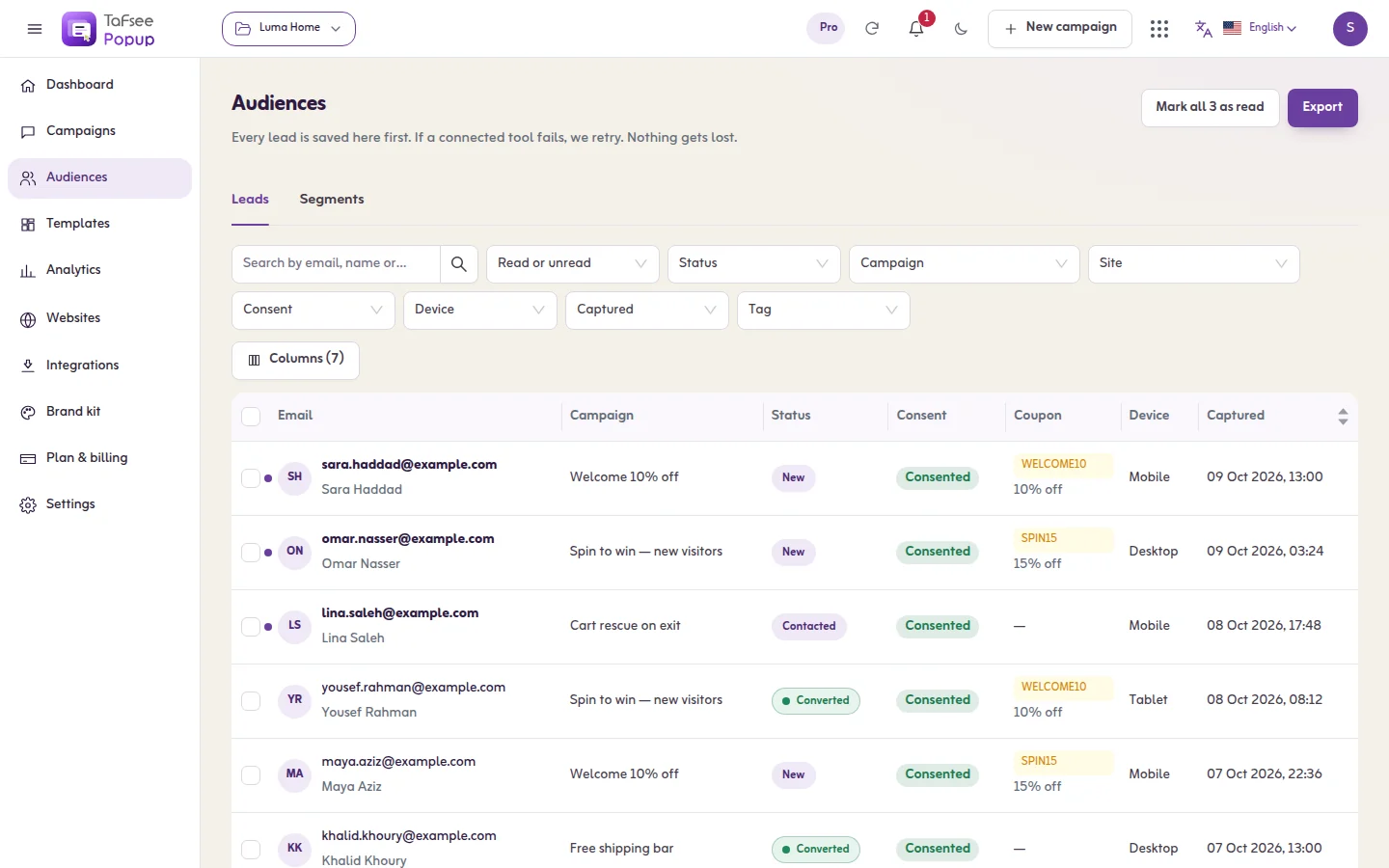
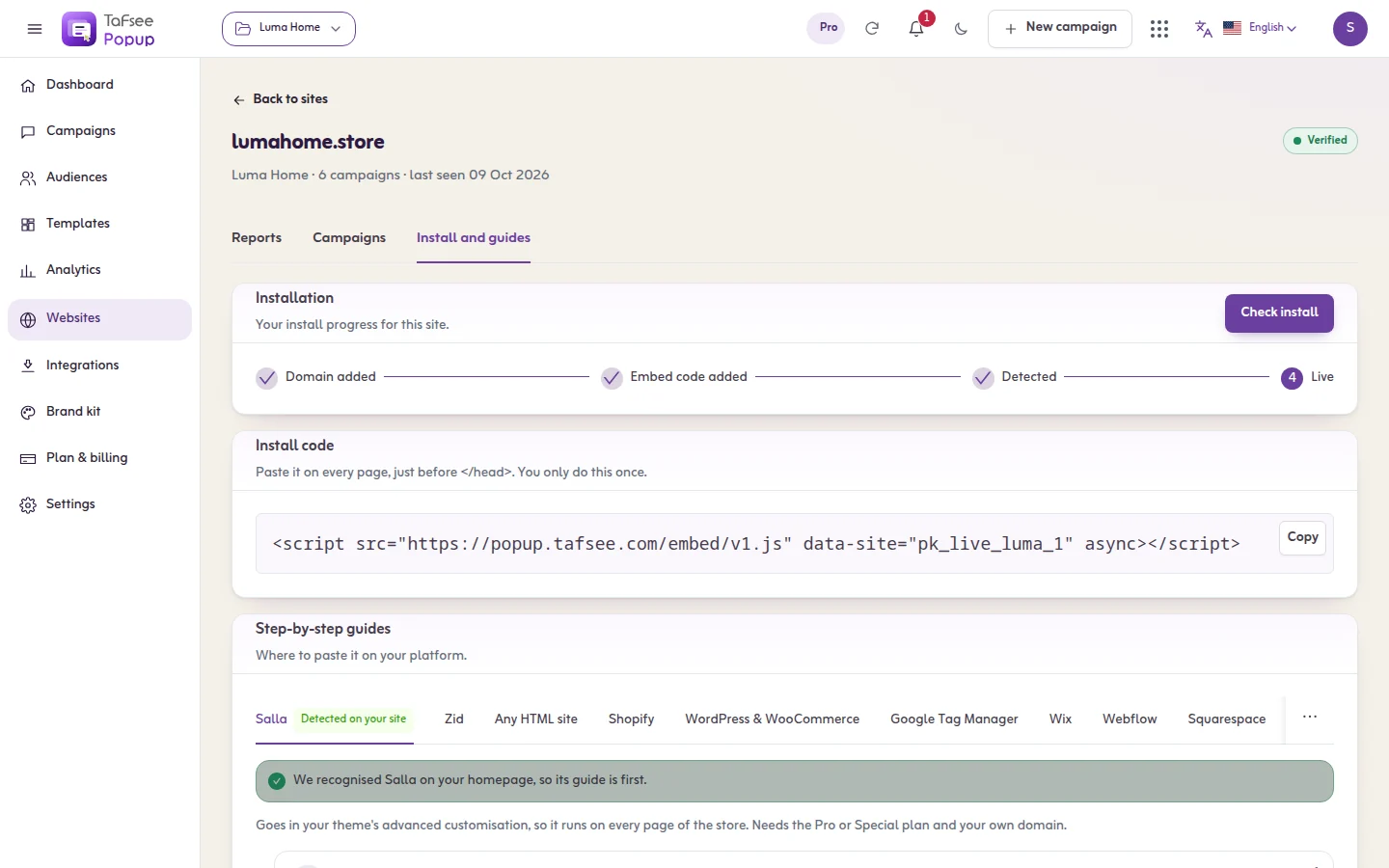
Create the code in your Salla dashboard, then show it to the right visitor with Tafsee Popup: ready-made Arabic templates for Ramadan, Eid and White Friday, spin-to-win and countdown layouts, new versus returning visitor targeting and frequency caps. It installs on any website with one script, and the app has a step-by-step Salla install guide. To give every visitor a different code, create your codes in Salla and upload them as a list: each visitor gets the next one, and no code is given out twice. See Salla stores.
Frequently asked questions
No. You create the coupon in your Salla dashboard, then use Tafsee Popup to show it to the right visitors, for example in a welcome popup, a spin-to-win wheel or an announcement bar.
It depends on your margins. Many stores start with a modest percentage or free delivery and test alternatives. Work backwards from the margin you need to keep, rather than copying competitors.
Set usage limits and expiry dates, require a minimum order, use a separate code per channel, and show welcome codes only to new visitors after signup instead of publishing them site-wide.
Keep the code itself in Latin letters and numbers so it is easy to type at checkout, but write the offer and instructions around it in Arabic.
