

Quote, deliver, invoice and get paid, project by project
Win the work with a quote, cost invoices, bills and expenses against a project, pass expenses on to the client, and bill retainers every month without retyping them.
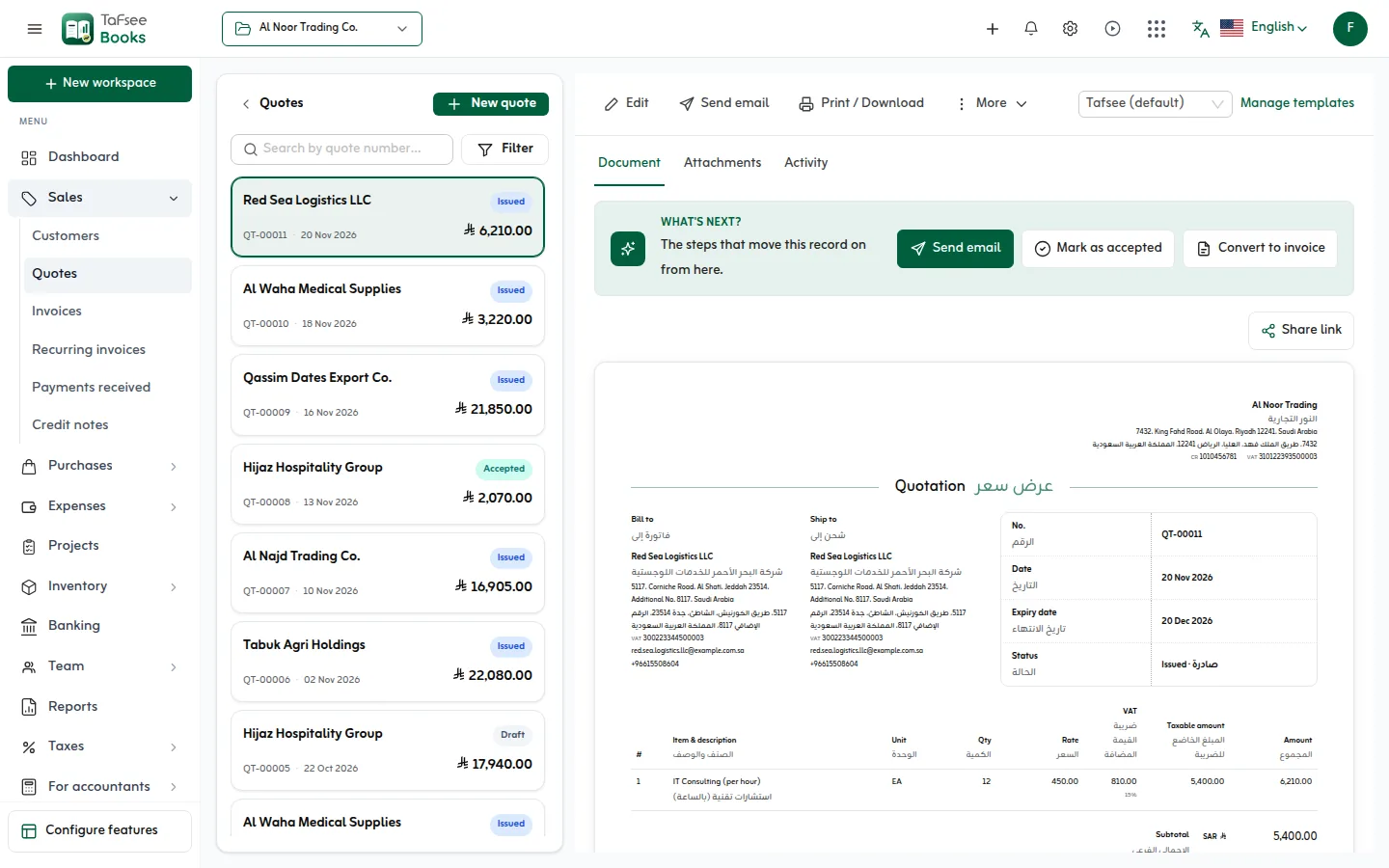
- Every line copied, both linked
- Quote → invoice
- Every line copied, both linked
- Budget, cost and revenue
- Per project
- Budget, cost and revenue
- Expenses onto the client's invoice
- Rebill
- Expenses onto the client's invoice
- Retainers made on schedule
- Monthly
- Retainers made on schedule
How it works
In Tafsee Books, step by step
- 1
Send the quote
With an expiry date, in Arabic, English or both.
- 2
Open a project
Set the customer and the budget before work starts.
- 3
Cost the work
Put bills and expenses on the project; mark expenses billable to pass them on.
- 4
Invoice and collect
Convert the quote, send a link by WhatsApp, record the payment.
01
From proposal to invoice without retyping
Accepted quotes convert to invoices with every line copied; the quote shows the invoice it became and the invoice shows the quote it came from.
- Accepted, declined and invoiced statuses
- Attach the proposal or a signed copy
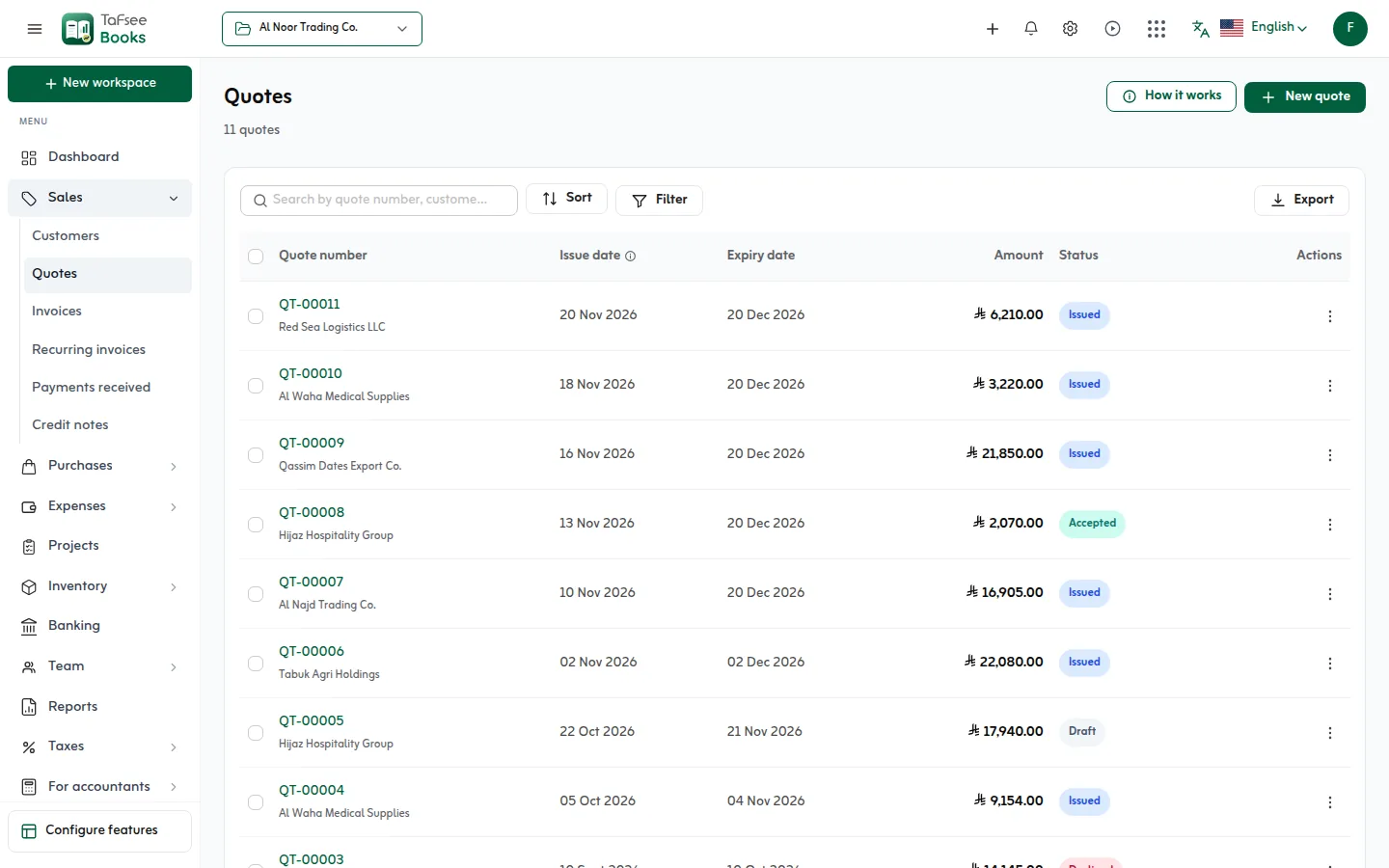
02
Know what each project earned
Cost invoices, bills and expenses against a project, with a budget for what you expect to spend and to invoice. Sales by project shows where the revenue came from.
- A project used on documents keeps its customer, so past figures add up
- Expenses passed on with a markup, added before VAT
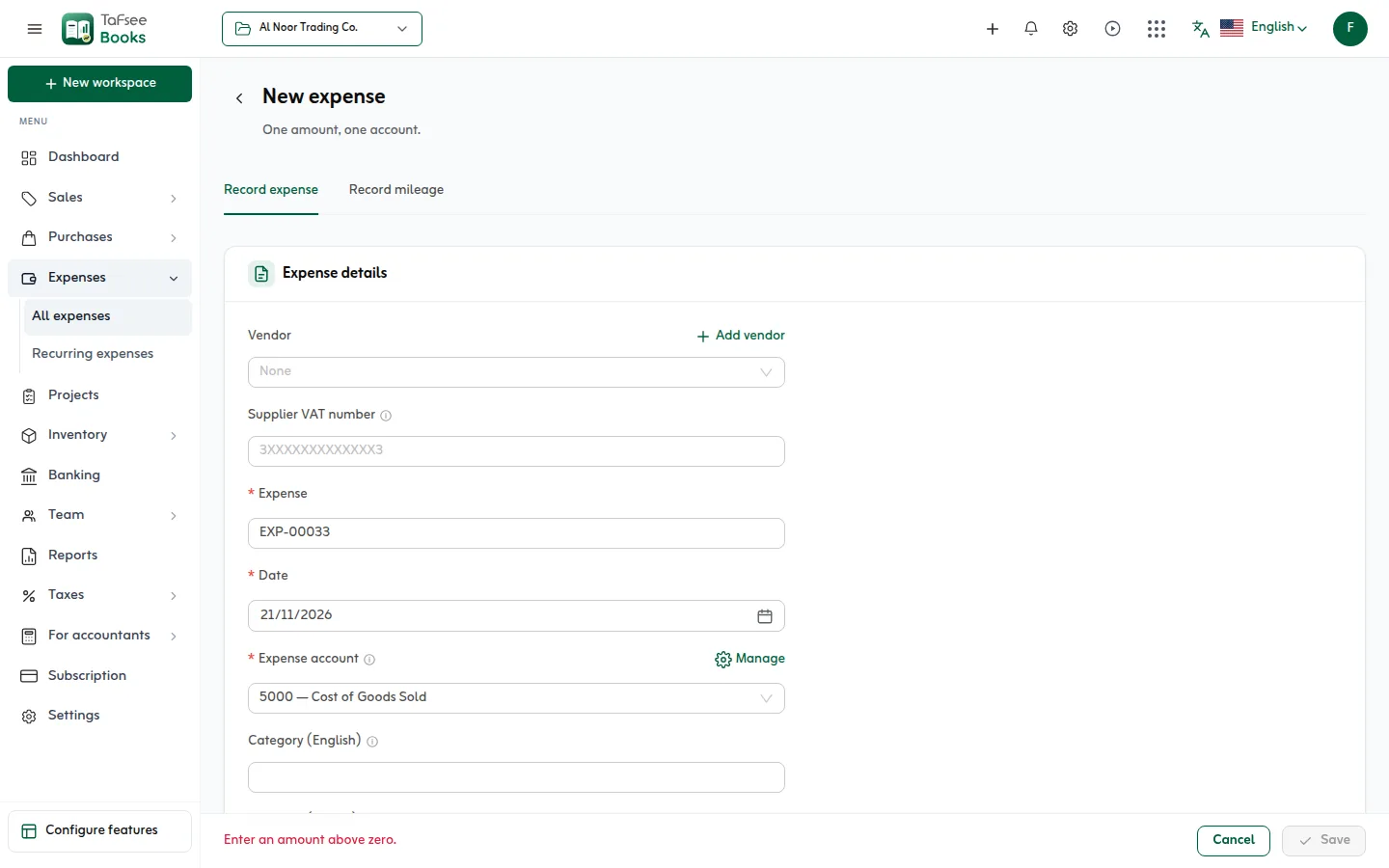
03
Retainers that bill themselves
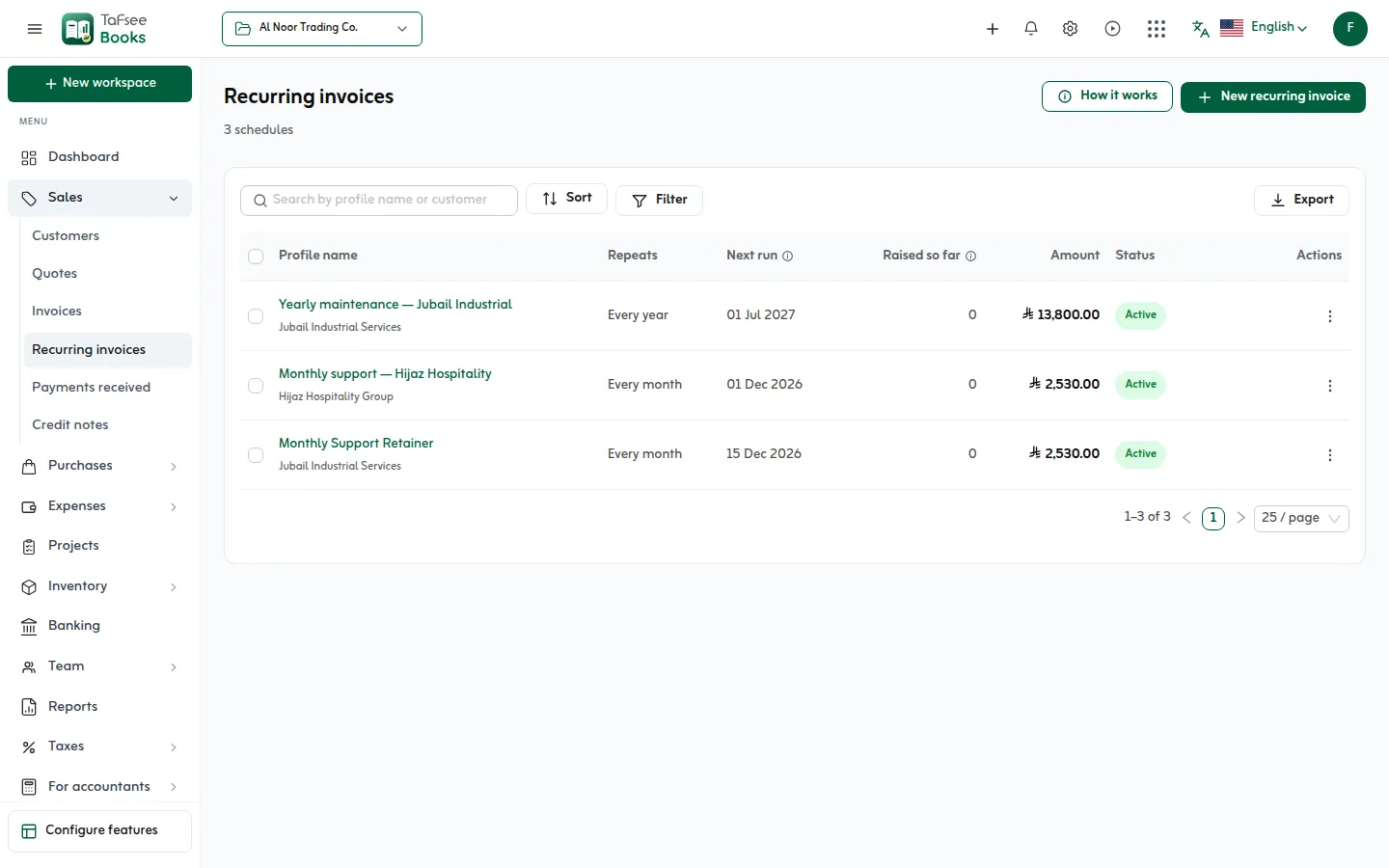
Monthly retainers and support contracts are recurring invoices: set them up once and each invoice is made on its date, numbered with the rest and carrying the QR code.
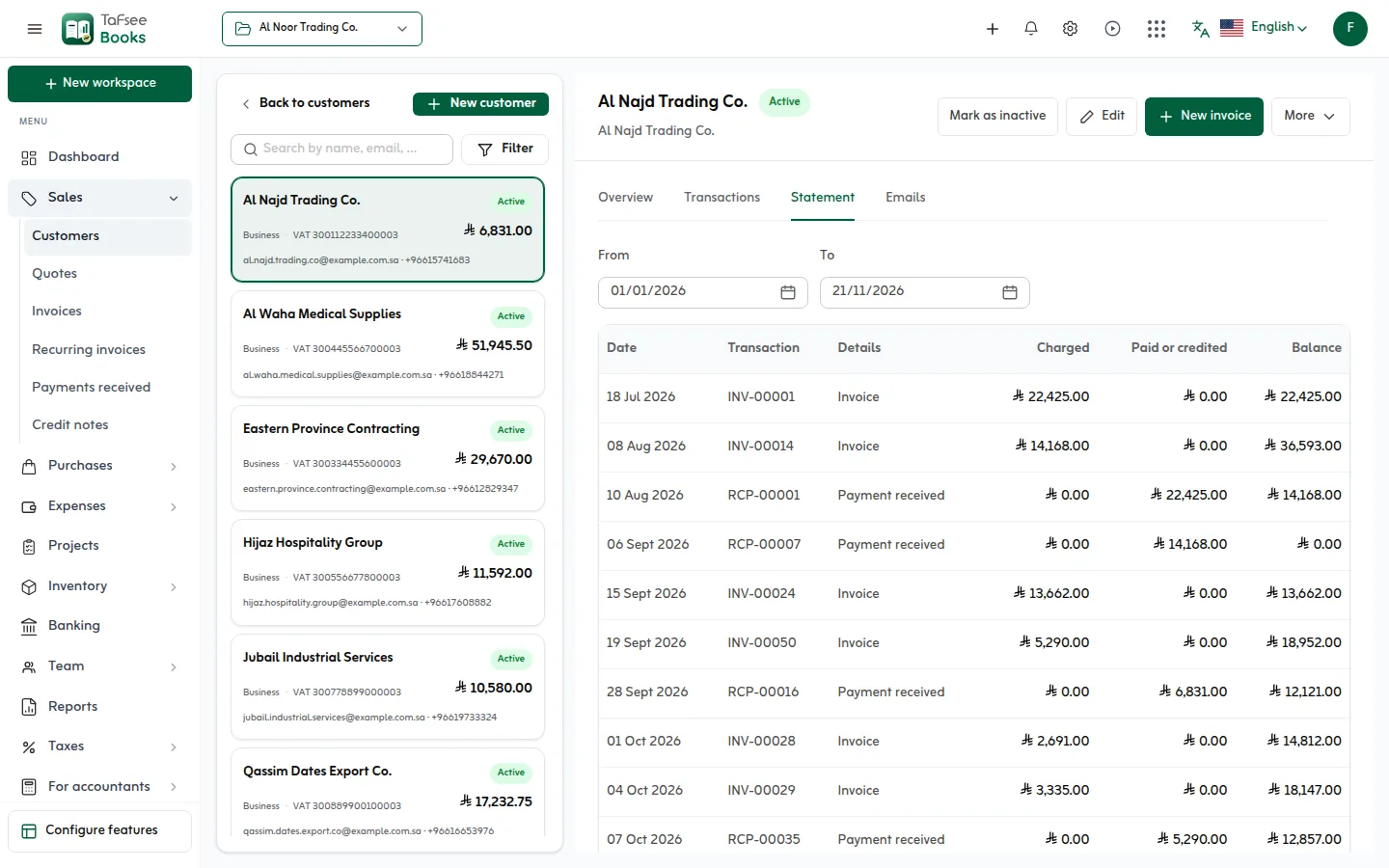
- Payment terms and due dates per client
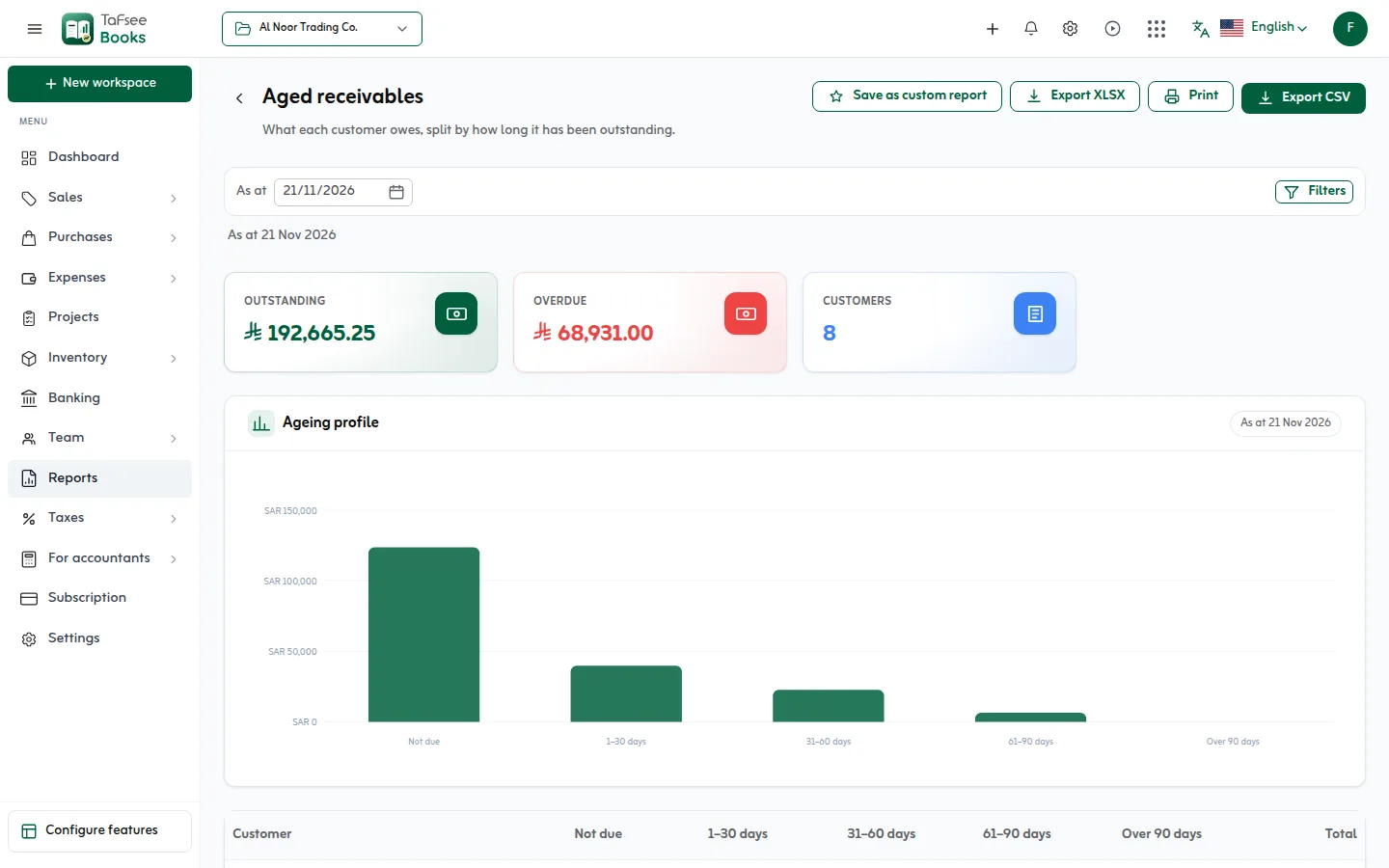
- Overdue invoices turn red with the number of days
More screens from the app
Captured from Tafsee Books with a demo company.
Questions
Questions from Professional services
Yes. Set up a recurring invoice; each month's invoice is made on its date as a normal invoice.
Mark the expense billable with the customer, and add a markup if you charge one. It goes on their invoice before VAT.
Invoices, bills and expenses carry their project, and reports filter by it; sales by project shows the revenue side.
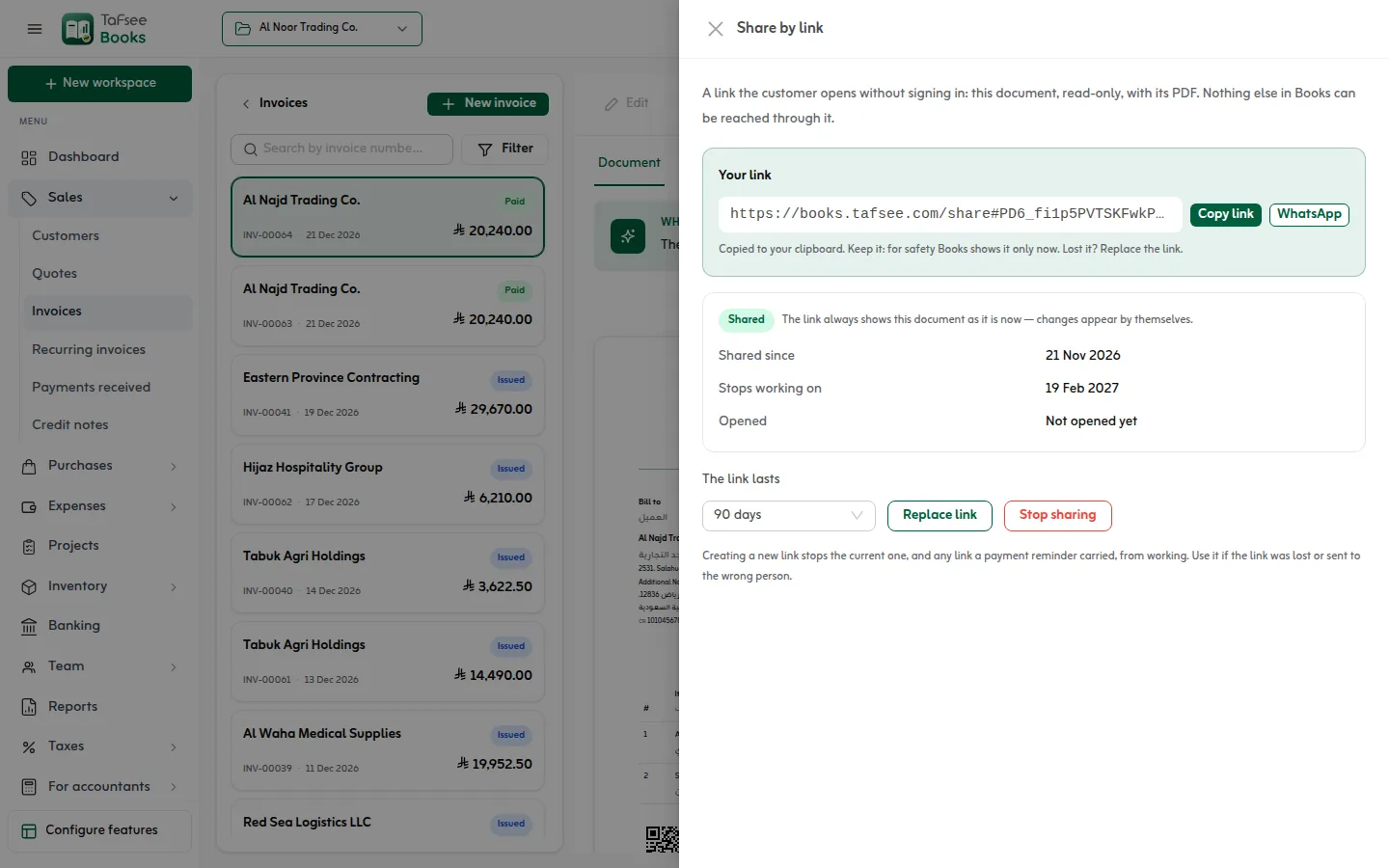
No. Share a read-only link; it opens the invoice and its PDF without signing in, and nothing else.
Most services in Saudi Arabia are standard-rated at 15%. Services to a client outside the Kingdom may be zero-rated; choose the rate on each line.
The features you will use most
Issue your first ZATCA invoice today
Try everything in Professional free for 14 days, then choose a plan. No card is needed.
- ZATCA Phase 1 and Phase 2
- Arabic and English
- Prices in SAR

Accounting
Tafsee Books
Invoice in Arabic and English with ZATCA e-invoicing, prepare the 16-line VAT return, and keep purchases, expenses, stock and reports in one place, in Saudi riyals.