

Expenses with the VAT you can claim
Record rent, salaries, fuel and every other cost against its account, paid from the right bank or cash account, with input VAT where it applies.
- Above it, a VAT claim names the supplier
- SAR 1,000
- Above it, a VAT claim names the supplier
- Dated rates, and a rate per vehicle
- Mileage
- Dated rates, and a rate per vehicle
- Put an expense on a customer's invoice
- Rebill
- Put an expense on a customer's invoice
How it works
In Tafsee Books, step by step
- 1
Choose the account
Where the cost shows in your reports: rent, utilities, fuel, cost of goods sold and so on.
- 2
Say what paid for it
The bank or cash account the money came from.
- 3
Add the VAT
The supplier and their VAT number from the tax invoice, to claim the input VAT.
- 4
Save
The expense posts, and its VAT goes to the return for its period.
01
VAT claimed the way ZATCA allows
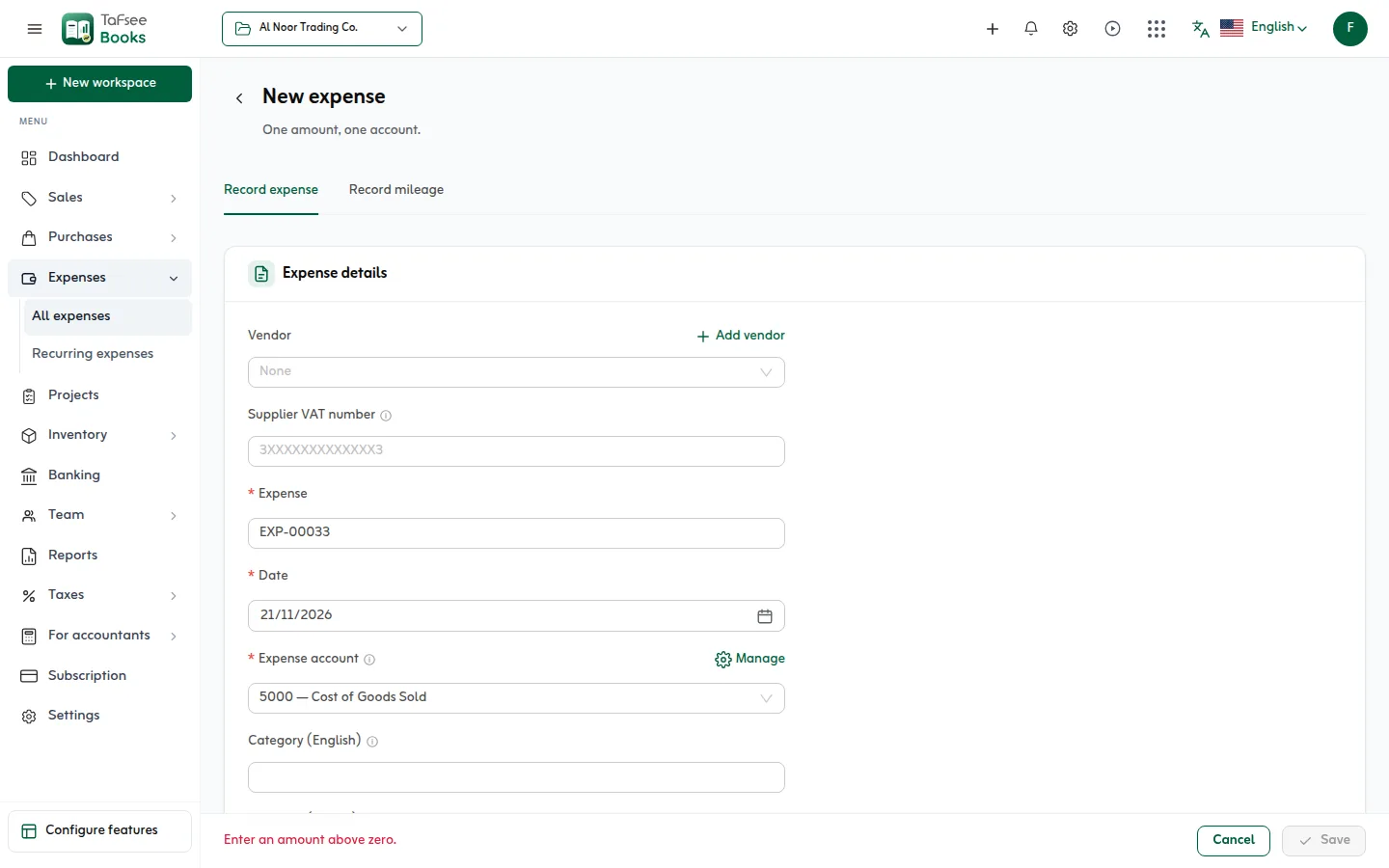
The supplier's VAT number comes from their tax invoice, or from the vendor's record when it is left empty. An expense over SAR 1,000 that claims input VAT asks for the supplier, so the claim stands up on the VAT return.
- A short category so the list is easy to read
- Attach the receipt to the expense
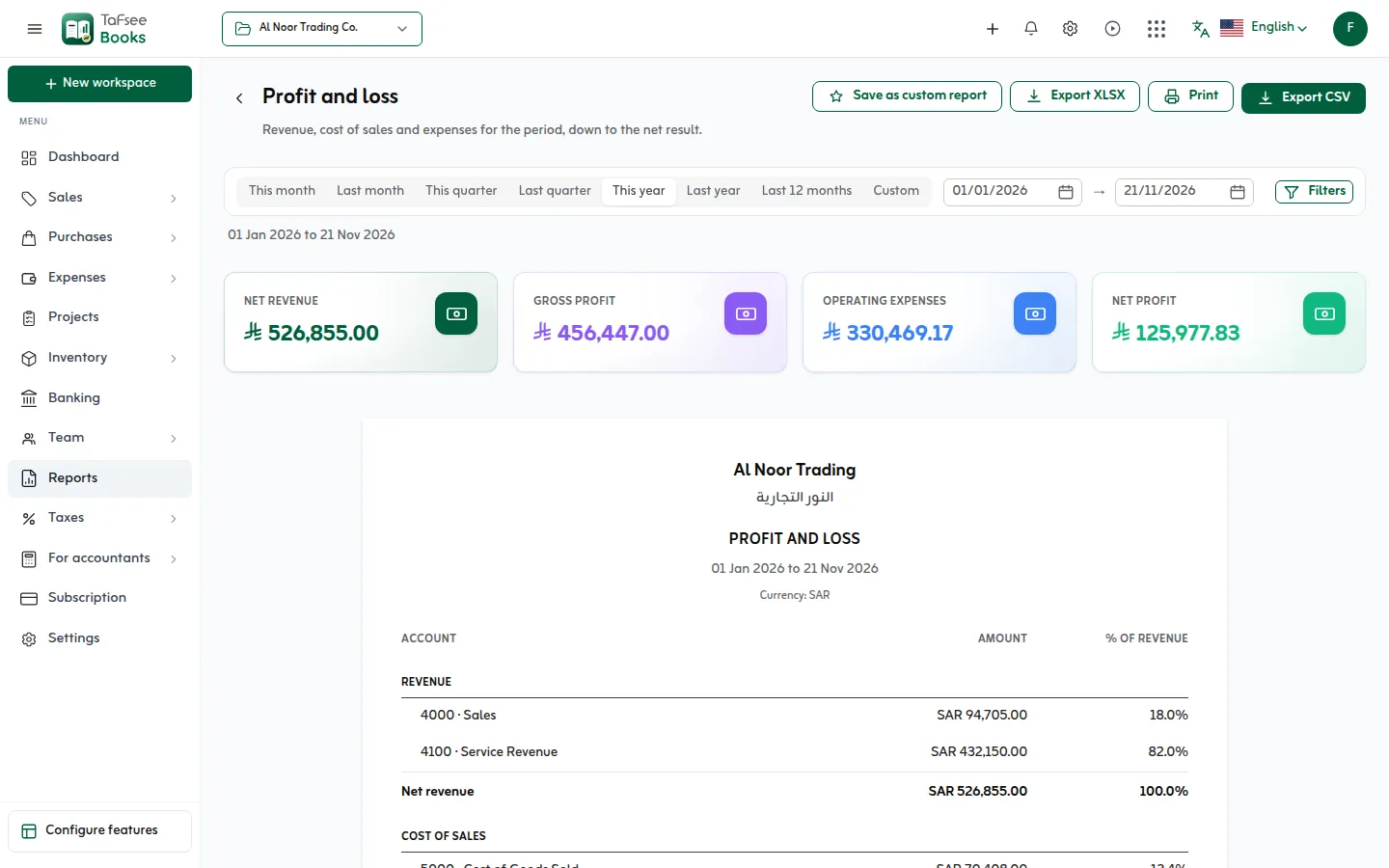
- Cost of goods sold counts against gross profit; other accounts after it
02
Every cost, by account
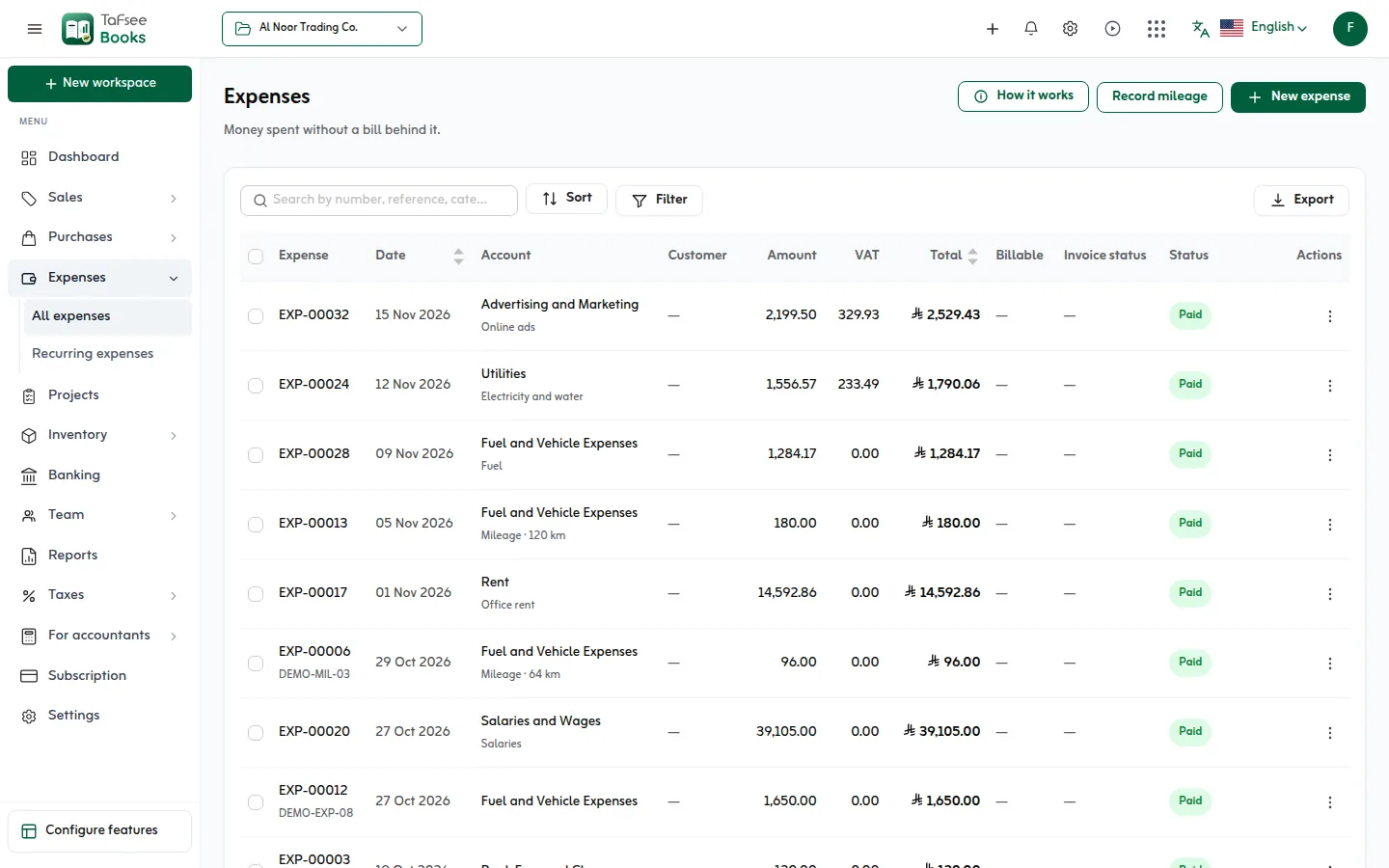
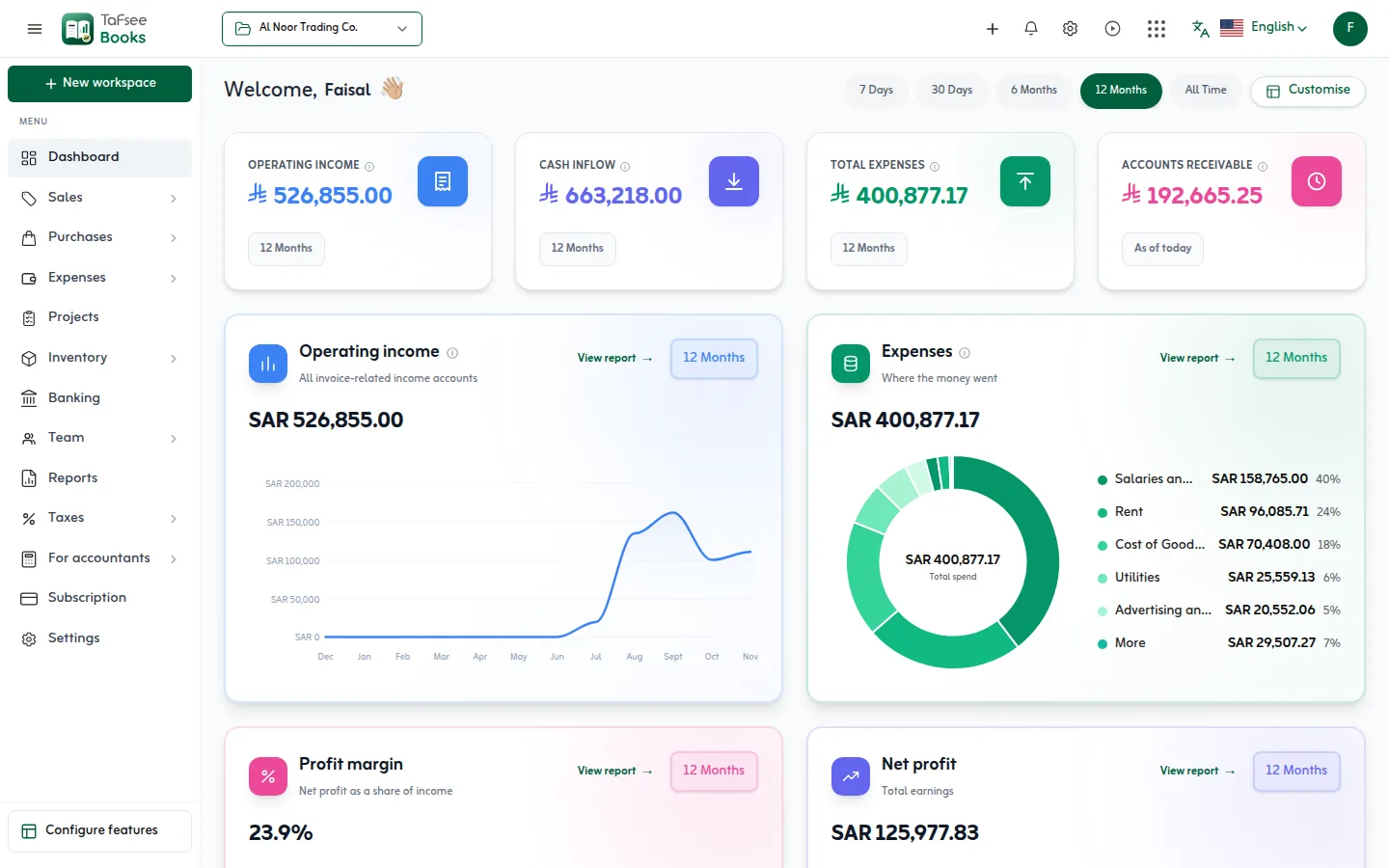
The expenses list shows each expense's date, account, vendor, VAT claimed and amount. The dashboard and the profit and loss report show where the money went.
- Recurring expenses for rent and subscriptions
- Void an expense and its posting is reversed; it keeps its number
03
Mileage and costs you pass on
Record a trip and Books prices it at the rate for its date; give a vehicle its own rate when it differs. Mark an expense billable and put it on the customer's invoice, with a markup if you add one.
- A new rate applies from its start date; older trips keep their old rate
- The markup is added before VAT
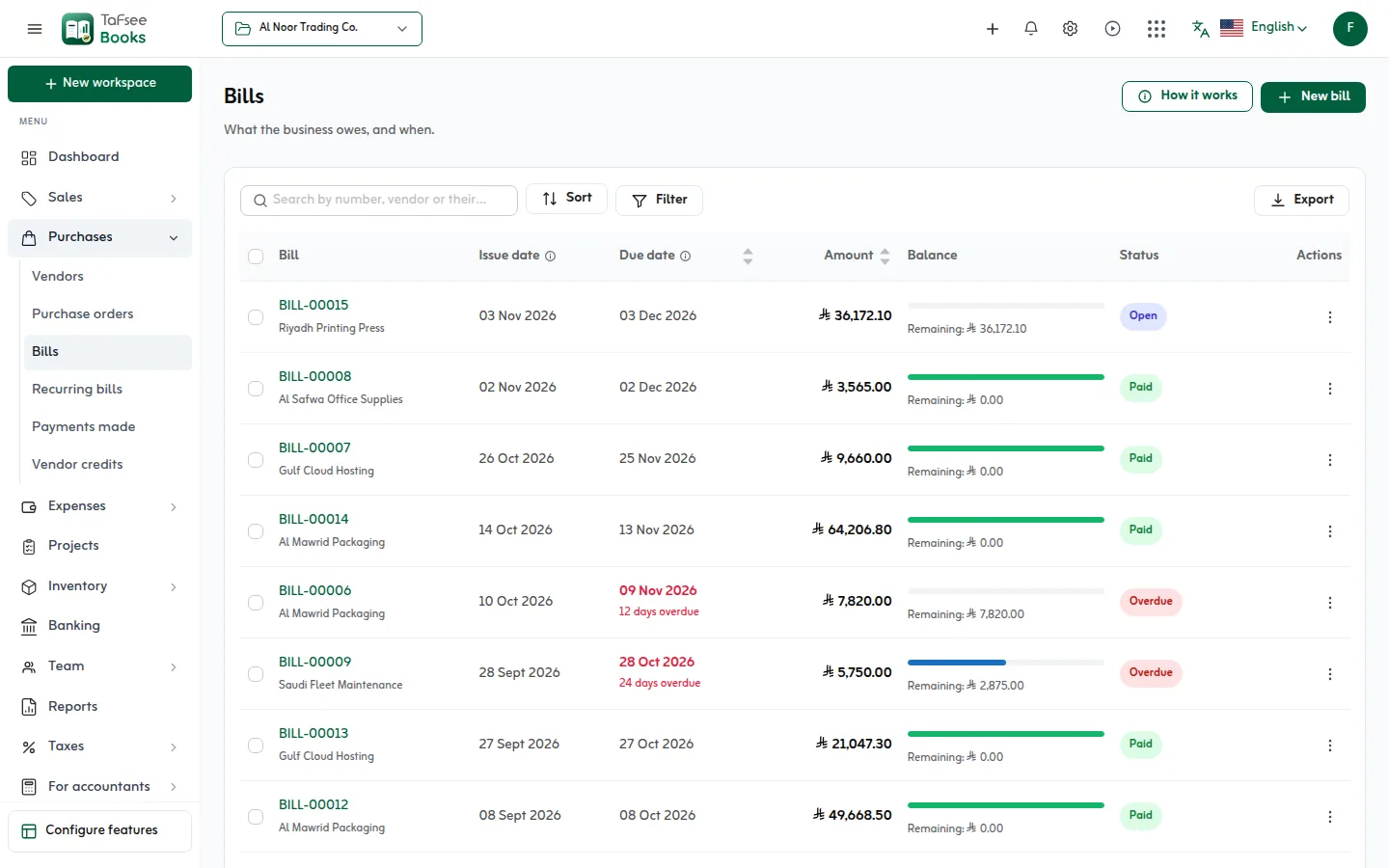
More screens from the app
Captured from Tafsee Books with a demo company.
Questions
Questions about Expenses
When it is over SAR 1,000 and claims input VAT. Below that, a simplified tax invoice is enough to claim it.
An expense is paid when you record it. A bill is owed first and paid later, and can carry stock.
Yes. Record them against Salaries and Wages, paid from the bank account; salaries carry no VAT.
Yes. Mark it billable with the customer; add a markup if you charge one. It is added before VAT.
At the rate in force on the trip's date. A vehicle can have its own rate, which replaces the dated rate for that vehicle.
Void the second one. Its posting is reversed and it stays in the list with its number, marked void.
Issue your first ZATCA invoice today
Try everything in Professional free for 14 days, then choose a plan. No card is needed.
- ZATCA Phase 1 and Phase 2
- Arabic and English
- Prices in SAR

Accounting
Tafsee Books
Invoice in Arabic and English with ZATCA e-invoicing, prepare the 16-line VAT return, and keep purchases, expenses, stock and reports in one place, in Saudi riyals.