

Tax invoices in Arabic and English, in a few clicks
Pick the customer, add items or free-text lines, and Tafsee Books works out the VAT, prints the ZATCA QR code and keeps the balance up to date until the invoice is paid.
- VAT chosen on each line
- 15%, 0%, exempt
- VAT chosen on each line
- Arabic, English or both on one page
- 2 languages
- Arabic, English or both on one page
- However many times Save is pressed
- 1 save
- However many times Save is pressed
- ZATCA QR code and e-invoice included
- Every plan
- ZATCA QR code and e-invoice included
How it works
In Tafsee Books, step by step
- 1
Choose the customer
Their payment terms and currency fill in. If ZATCA will need more about them for a B2B invoice, Books says what is missing.
- 2
Add the lines
Items from your list or free text, with quantity, price, discount and the VAT rate of each line.
- 3
Check the totals and save
Totals show as they will be saved while you type. Save a draft or issue the invoice.
- 4
Send it and get paid
Email the PDF, share a read-only link or send it by WhatsApp, then record the payment from the invoice.
01
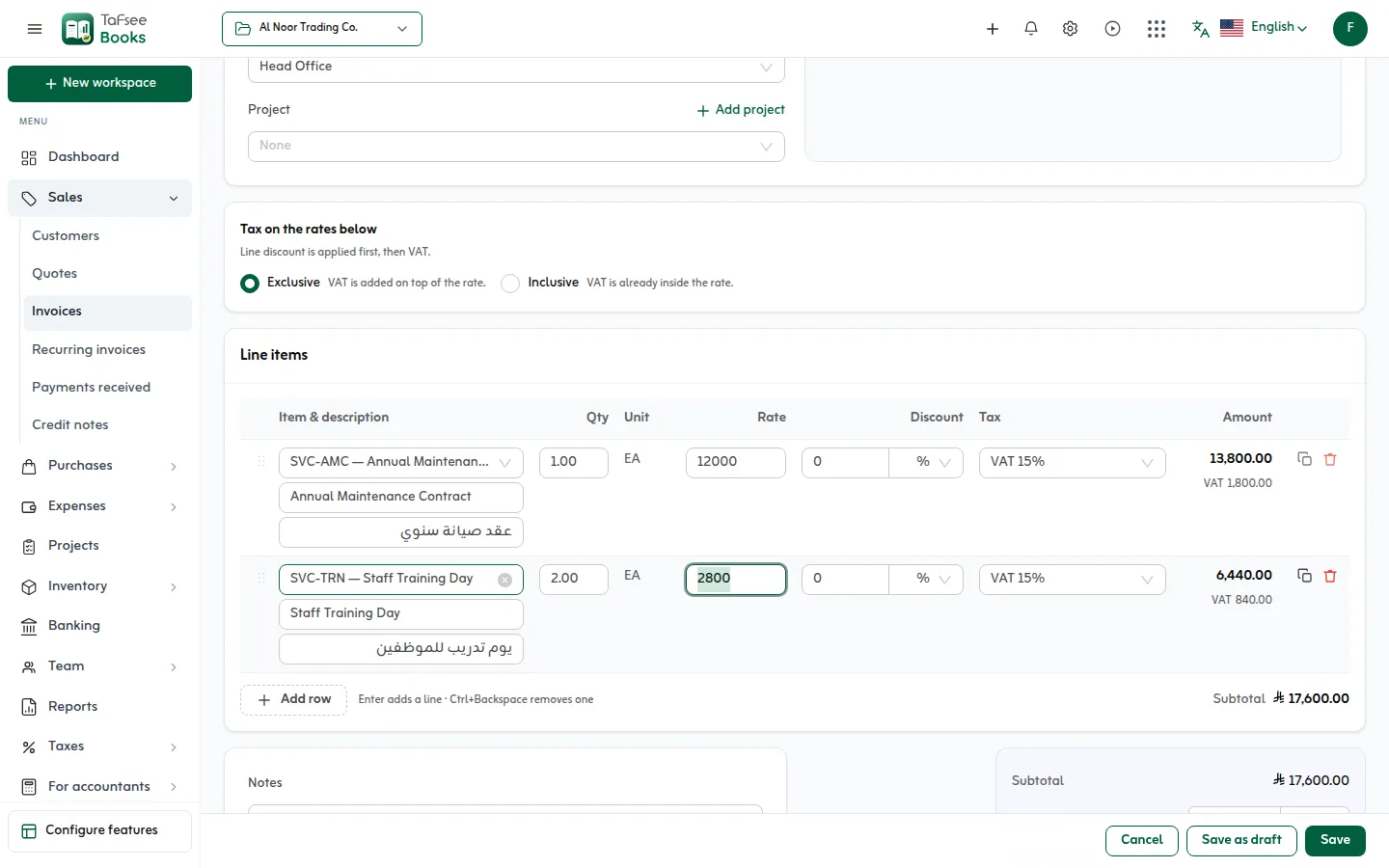
Lines that add up the way ZATCA expects
Each line takes a quantity, a price, a discount as a percentage or an amount, and its own VAT rate. The subtotal, VAT and total are worked out to the halala as you type, the same way they are saved and reported.
- VAT 15%, zero-rated, exempt (with the reason) or out of scope, per line
- Prices with or without VAT, and a discount on the whole invoice
- Line descriptions up to 2,000 characters, with an Arabic name for each item
- A supply date when the goods or services were supplied on another day
02
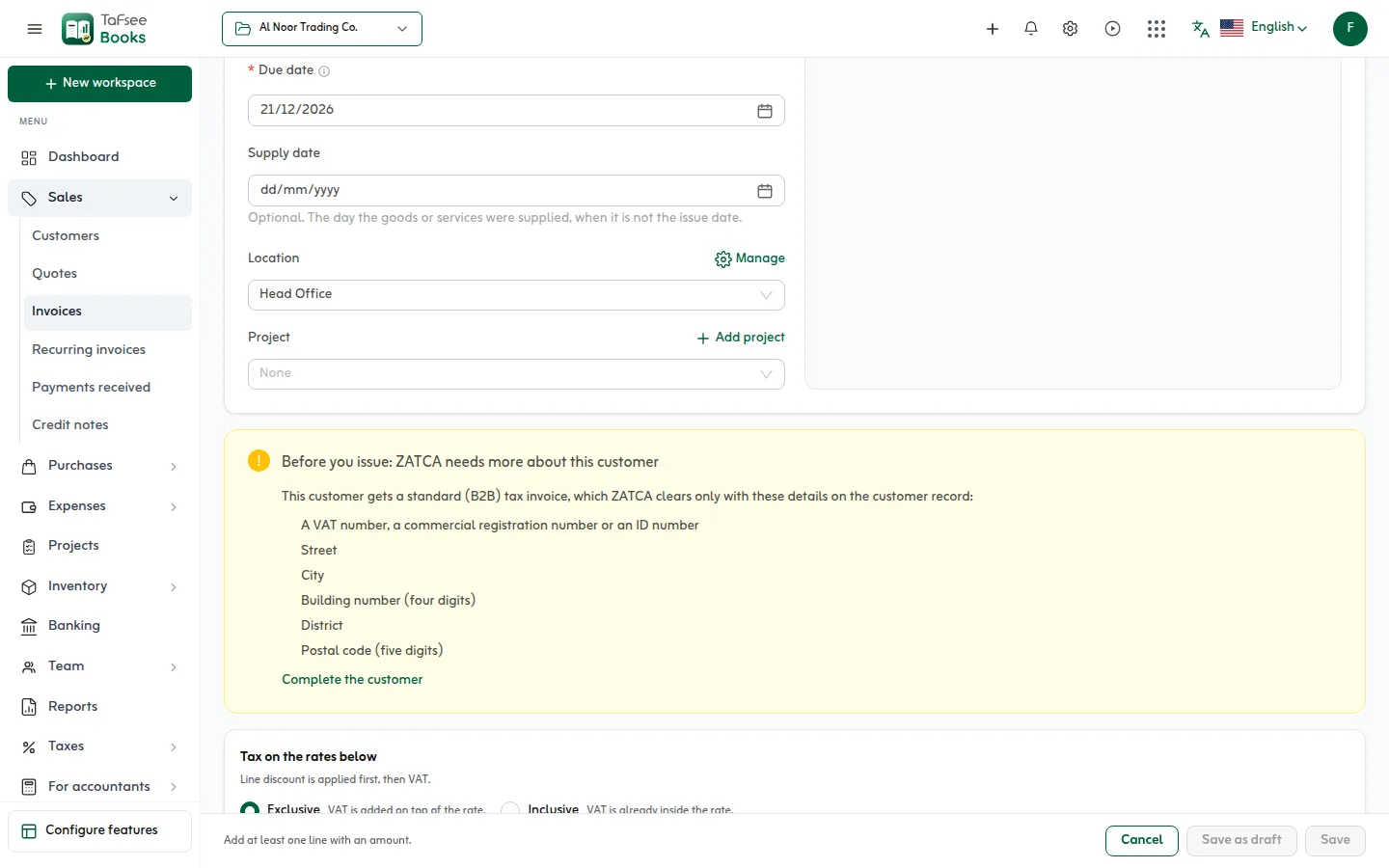
Nothing missing before a B2B invoice goes out
A standard (B2B) invoice is refused by ZATCA if the buyer's details are incomplete. Tafsee Books checks the customer before you issue: a VAT number, commercial registration or ID number, street, city, a four-digit building number, district and a five-digit postal code.
- “Complete the customer” opens their record at the right field
- A warning when the invoice takes the customer over their credit limit
- Location and project on each invoice, for reports by branch or job
03
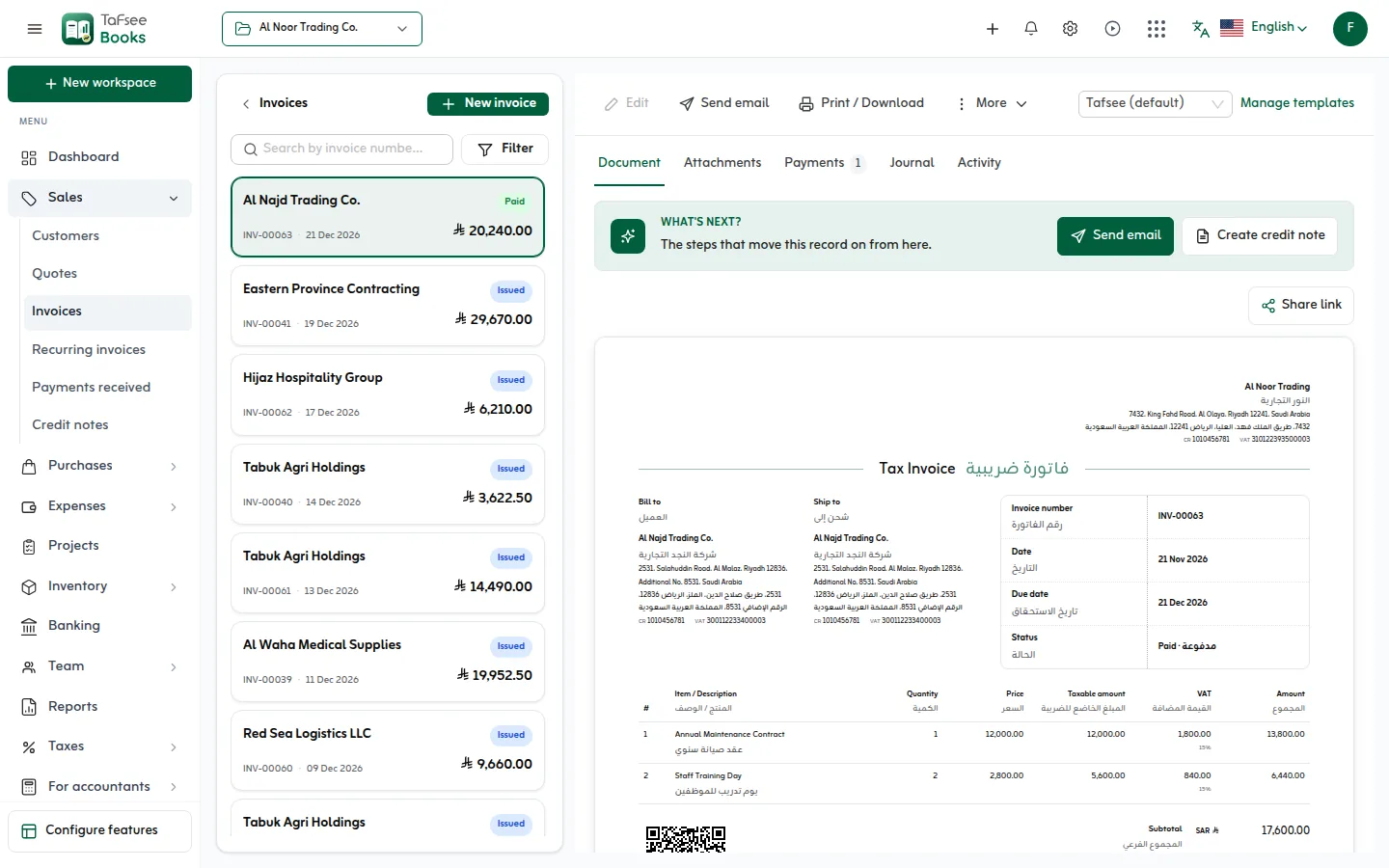
A tax invoice your customer can read
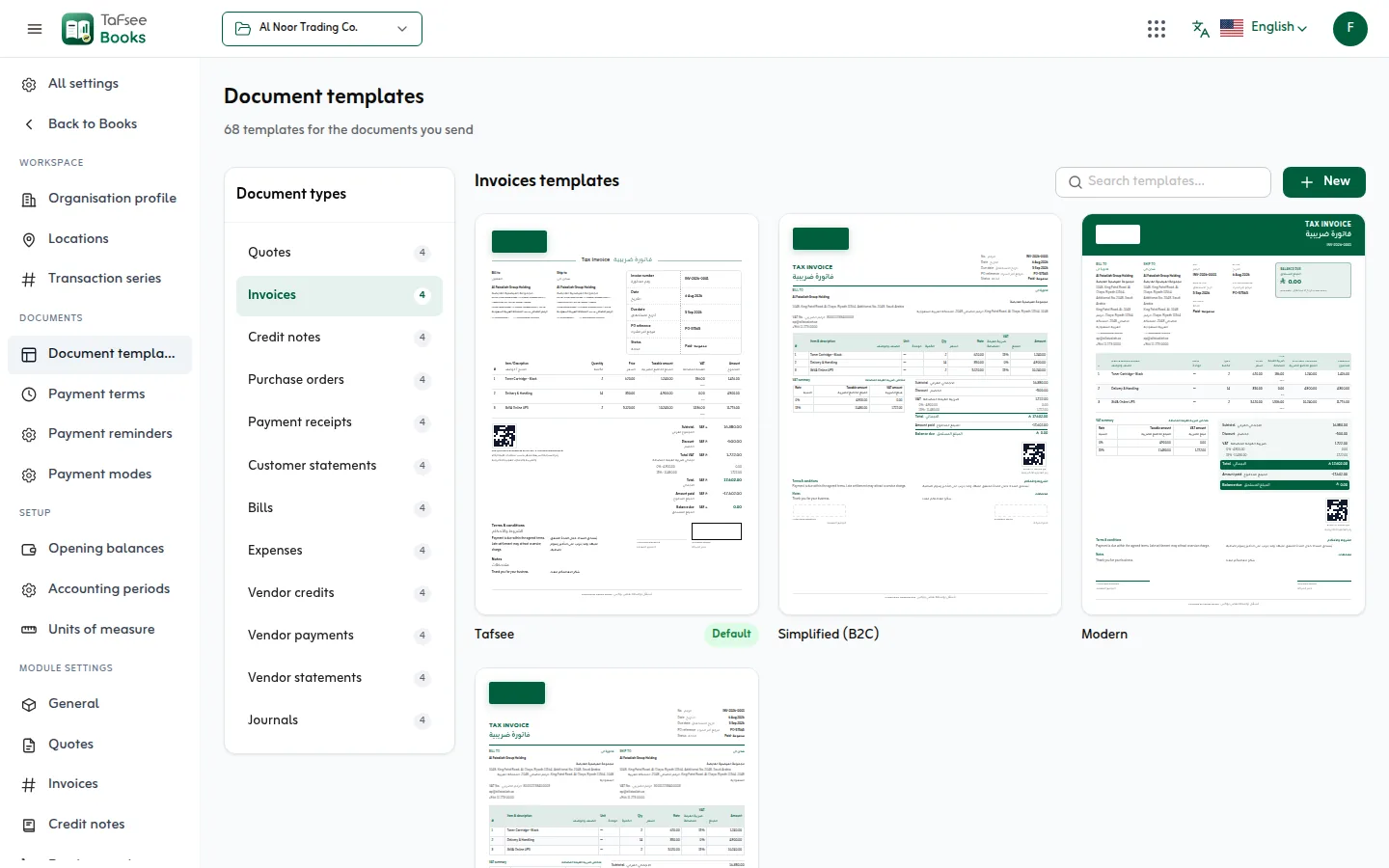
The printed invoice carries your logo, VAT number and address in both languages, the ZATCA QR code, the amount in words and your bank details. Choose the template once, or per document.
- Payments, credits, journal and activity on the invoice's own page
- Attach the purchase order or delivery note to the invoice
- Step to the next or previous invoice with the arrow keys
04
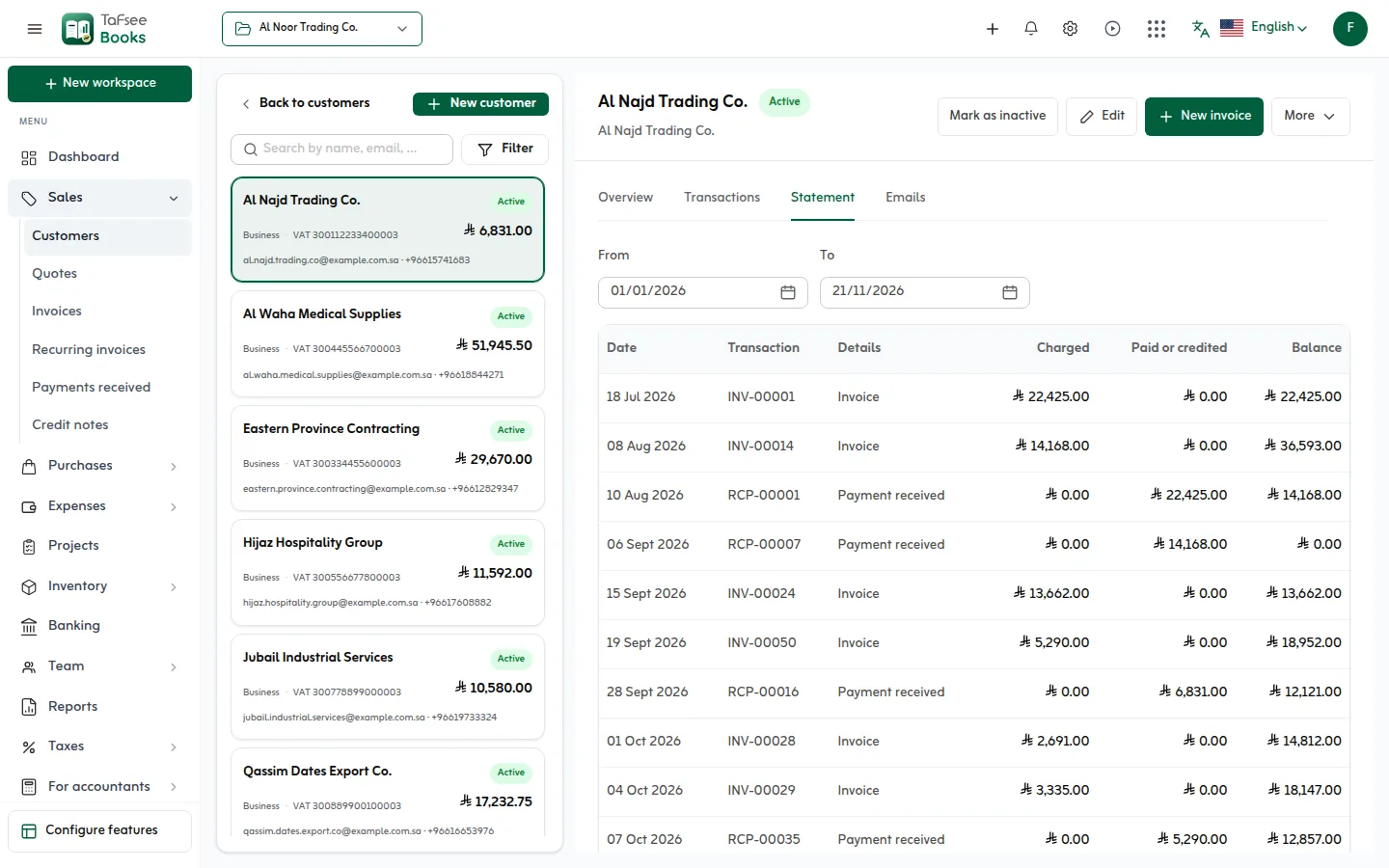
Know what each customer owes
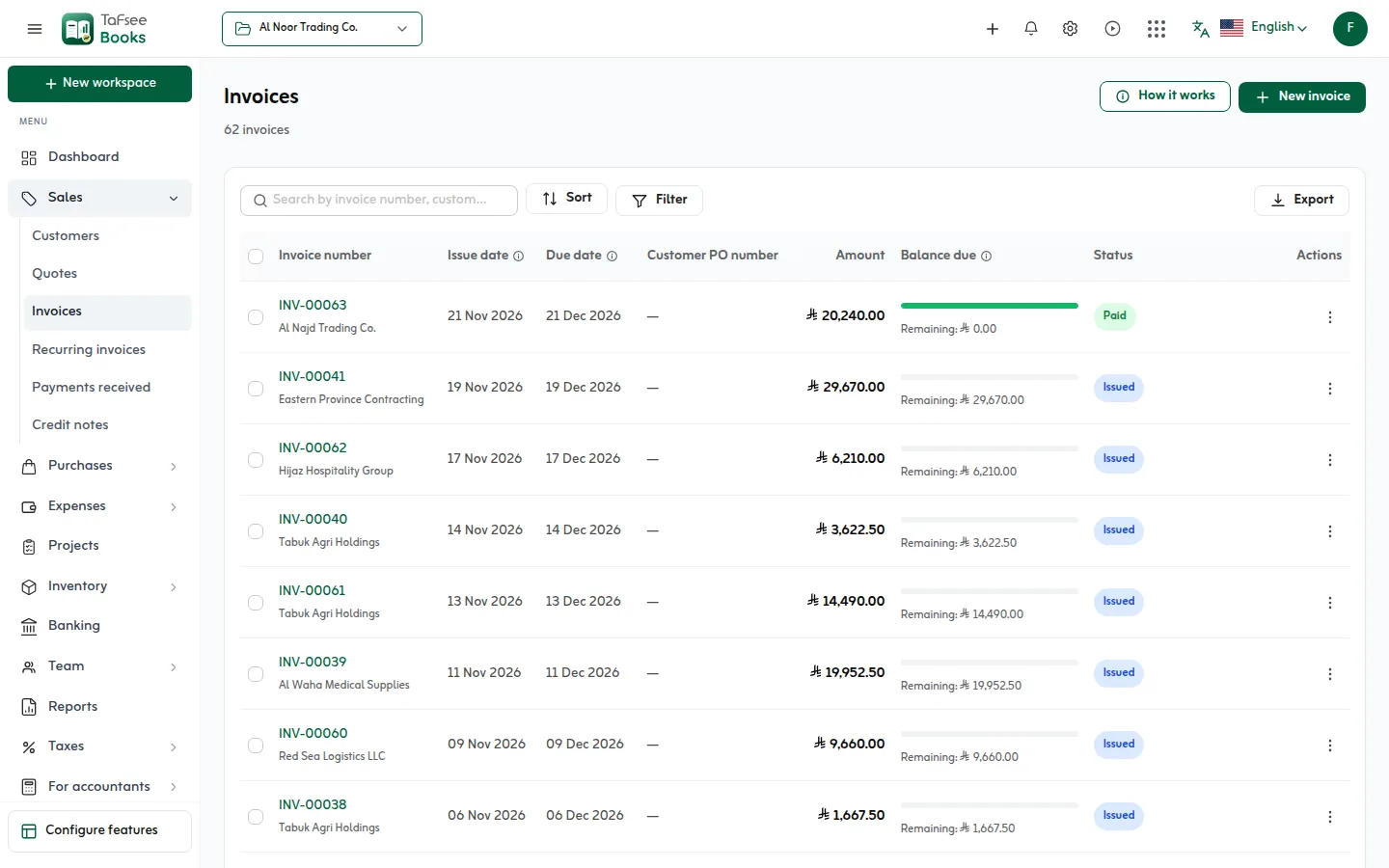
The list shows every invoice's balance, and an overdue due date turns red with the number of days. Filter by status, customer or date, and export what you see.
- Draft, issued, partly paid, paid, overdue and void at a glance
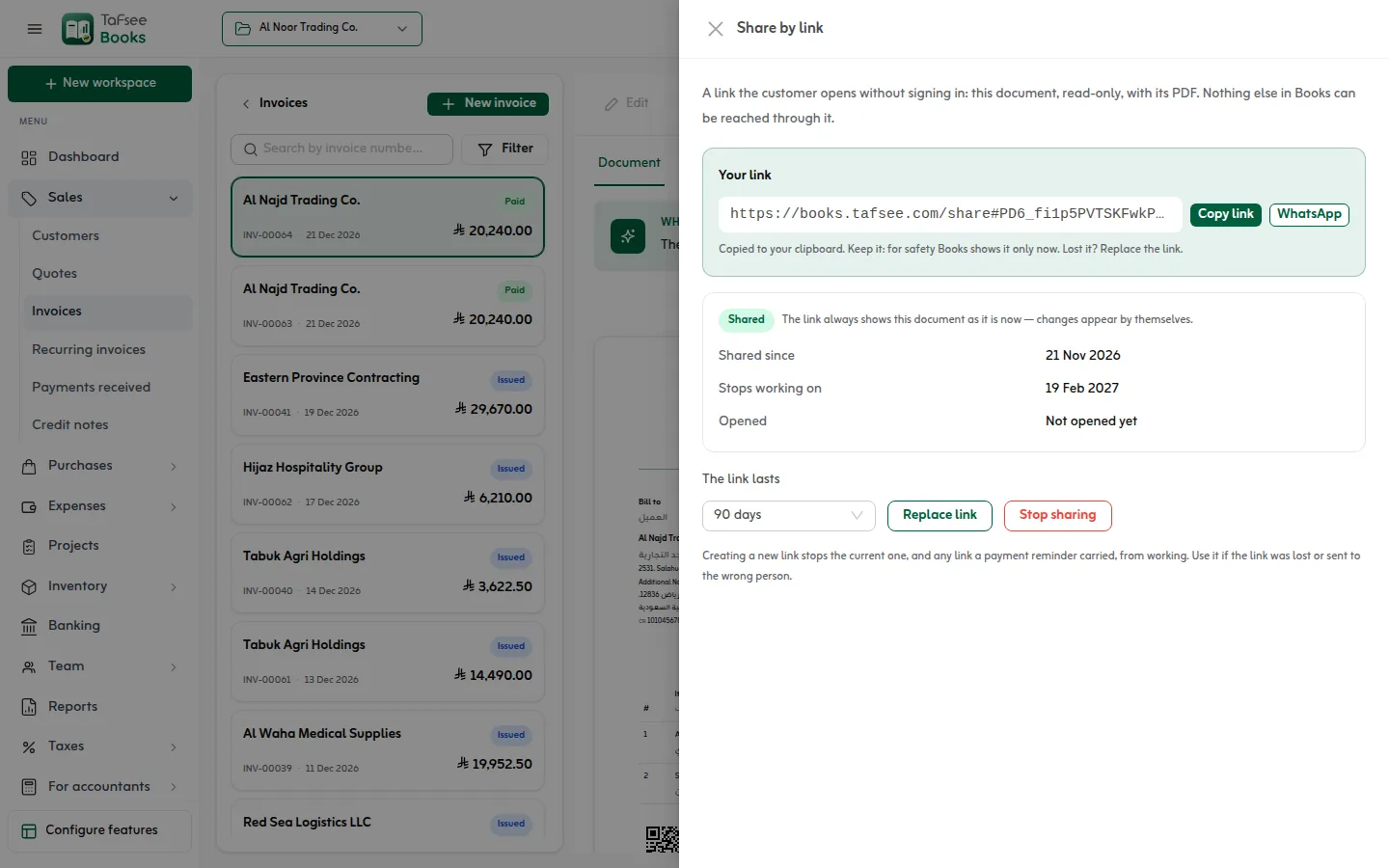
- A read-only link for the customer that stops working when you say
- Send the link by WhatsApp from the invoice
More screens from the app
Captured from Tafsee Books with a demo company.
Questions
Questions about Invoices
No. An issued invoice is in the books, so it is corrected with a credit note, as ZATCA requires. A draft can be edited freely.
No. Each save is made once, however many times Save is pressed.
A standard tax invoice is for a business customer and carries the buyer's VAT number and address; with a connected device it is cleared by ZATCA before it is shared. A simplified invoice is for a consumer and is reported to ZATCA within 24 hours. Tafsee Books picks the type from the customer.
Yes. Each line has its own rate: 15%, zero-rated, exempt with the reason, or out of scope. The VAT return puts each line in the right box.
Yes. Create a share link on the invoice and press WhatsApp: the message opens with the link to the read-only invoice and its PDF. Nothing else in your books can be reached through it.
Void it. If payments or credits are applied to it, undo those first: the Void button says so before you press it. A voided invoice stays in the list, marked void.
Yes. An invoice takes the currency set on the customer; customers without one are invoiced in Saudi riyals.
Issue your first ZATCA invoice today
Try everything in Professional free for 14 days, then choose a plan. No card is needed.
- ZATCA Phase 1 and Phase 2
- Arabic and English
- Prices in SAR

Accounting
Tafsee Books
Invoice in Arabic and English with ZATCA e-invoicing, prepare the 16-line VAT return, and keep purchases, expenses, stock and reports in one place, in Saudi riyals.