

Close a month and keep it closed
Lock sales, purchases, banking or everything up to a date, with the reason. Backdated invoices, payments and voids into a locked period are refused with a clear message; unlock it again, completely or for a window, with a reason too.
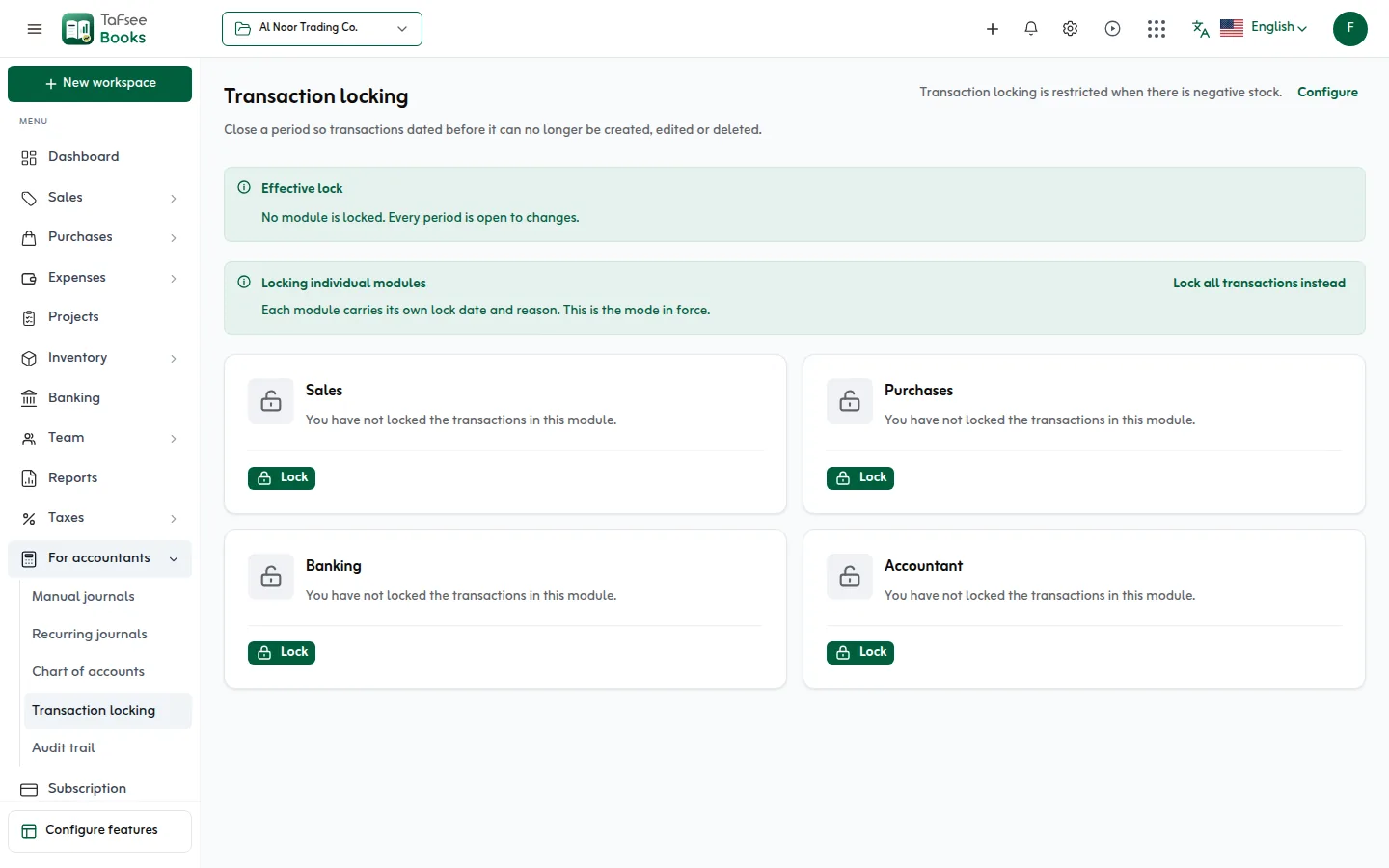
- Sales, purchases, banking, accountant
- 4 modules
- Sales, purchases, banking, accountant
- One lock date for every module
- Or all at once
- One lock date for every module
- Reopen part of a locked period
- A window
- Reopen part of a locked period
How it works
In Tafsee Books, step by step
- 1
Choose what to lock
One module at a time, each with its own date and reason, or one date for every module.
- 2
Set the date
The date is included: to lock everything up to and including 31 March, set 31 March.
- 3
Give the reason
The return that was filed, or the audit that signed it off.
- 4
Unlock when you must
Completely, or a window inside the locked period, with a reason on record.
01
Lock module by module, or everything
Transaction locking shows where each lock stands. Each module carries its own lock date and reason, or one lock date covers every module; the screen says which mode is in force.
- Sales, purchases, banking and accountant modules
- Only roles that may manage accounting periods can lock or unlock
- Everyone else sees where the locks stand
02
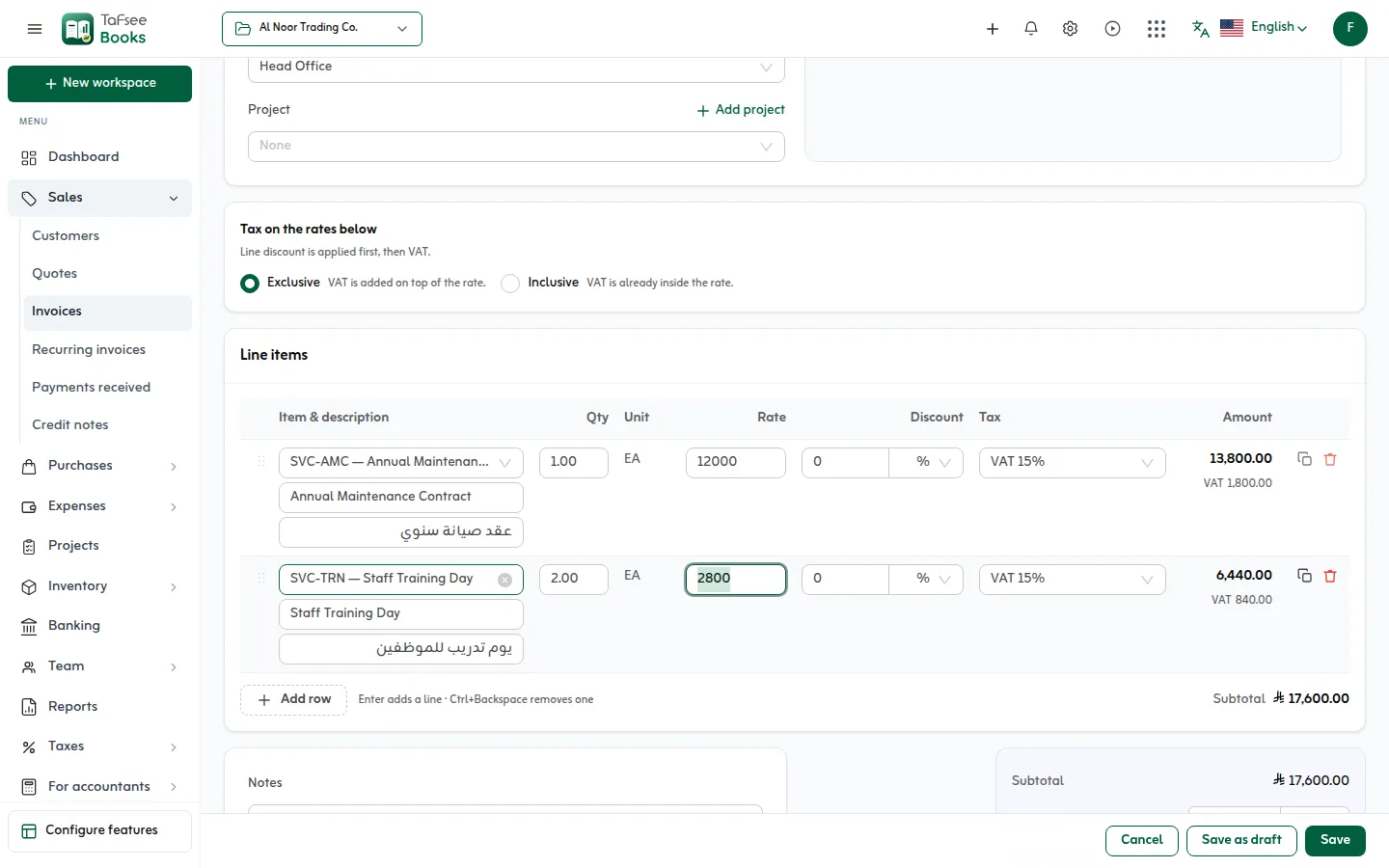
Nothing slips into a closed month
Transactions in a locked period cannot be created, edited or deleted, including backdating a new one into it. The message says why.
- Invoices, bills, payments, expenses and journals
- Voids into a locked period are refused too
03
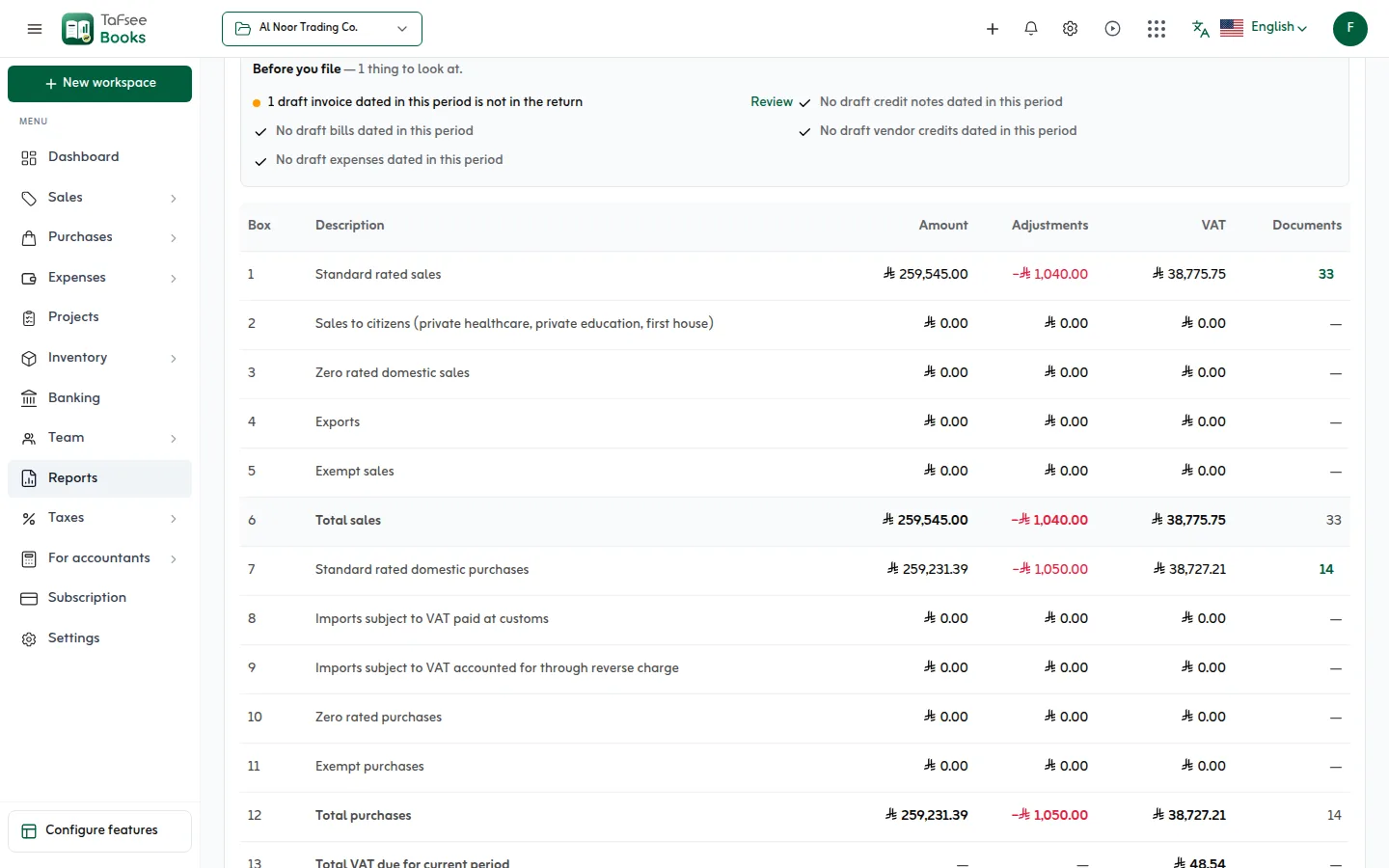
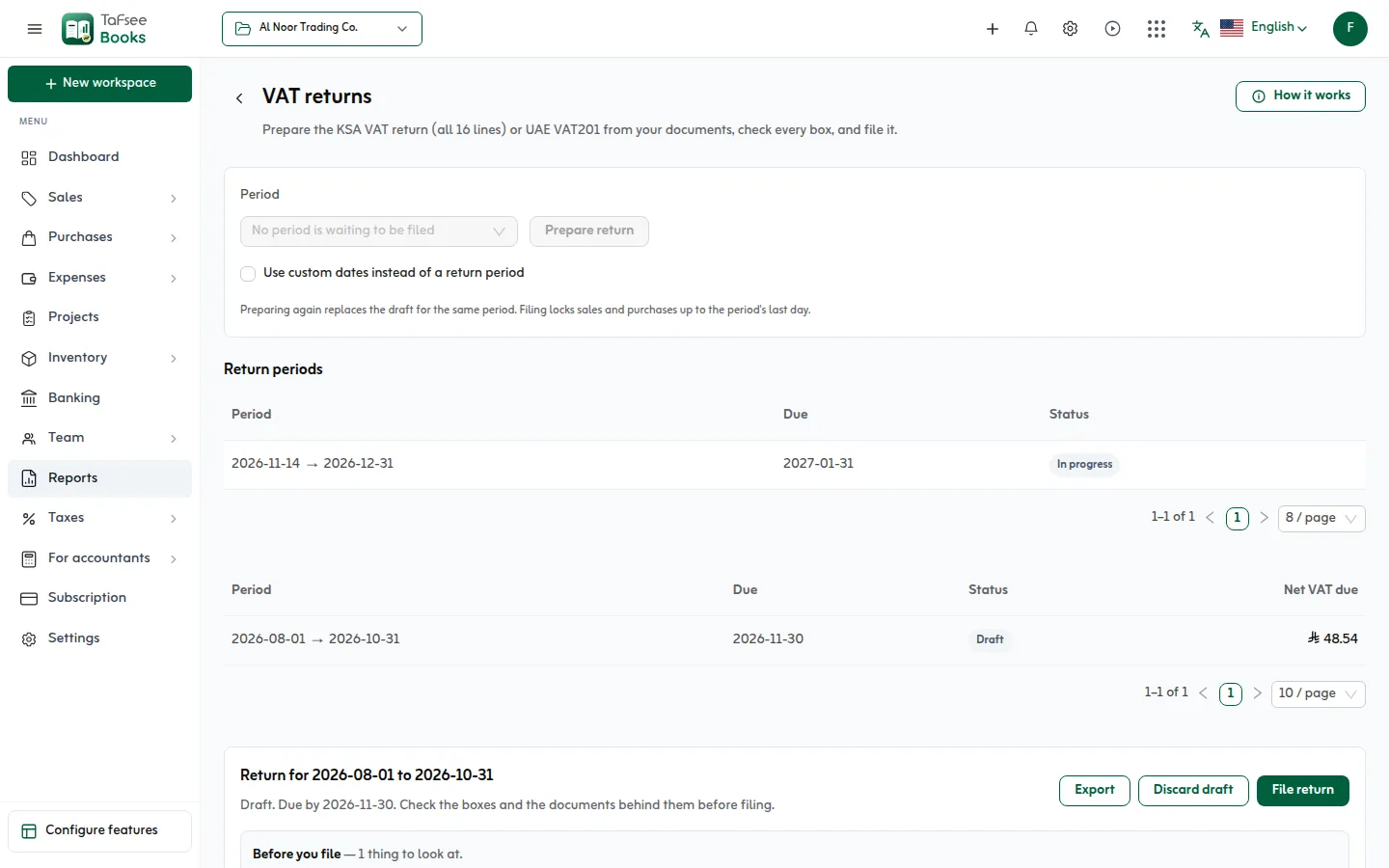
Filing a VAT return locks its period
When a VAT return is filed, sales and purchases lock up to the period's last day, so the figures you submitted to ZATCA cannot change underneath you.
- A partial unlock shows its dates on the lock
- Every lock and unlock in the audit trail
More screens from the app
Captured from Tafsee Books with a demo company.
Questions
Questions about Period locks
No. Each module is locked on its own, or choose one lock date for all transactions.
Yes. The date is included: to lock everything up to and including 31 March, set the lock date to 31 March.
Open a window inside the locked period for that module, make the change, and close it again. The reason is on record.
Only people whose role may manage accounting periods. Everyone else can see where the locks stand.
So anyone can see later why a period was closed or reopened: the return that was filed, or the audit that signed it off.
Yes. Filing locks sales and purchases up to the period's last day.
Issue your first ZATCA invoice today
Try everything in Professional free for 14 days, then choose a plan. No card is needed.
- ZATCA Phase 1 and Phase 2
- Arabic and English
- Prices in SAR

Accounting
Tafsee Books
Invoice in Arabic and English with ZATCA e-invoicing, prepare the 16-line VAT return, and keep purchases, expenses, stock and reports in one place, in Saudi riyals.